









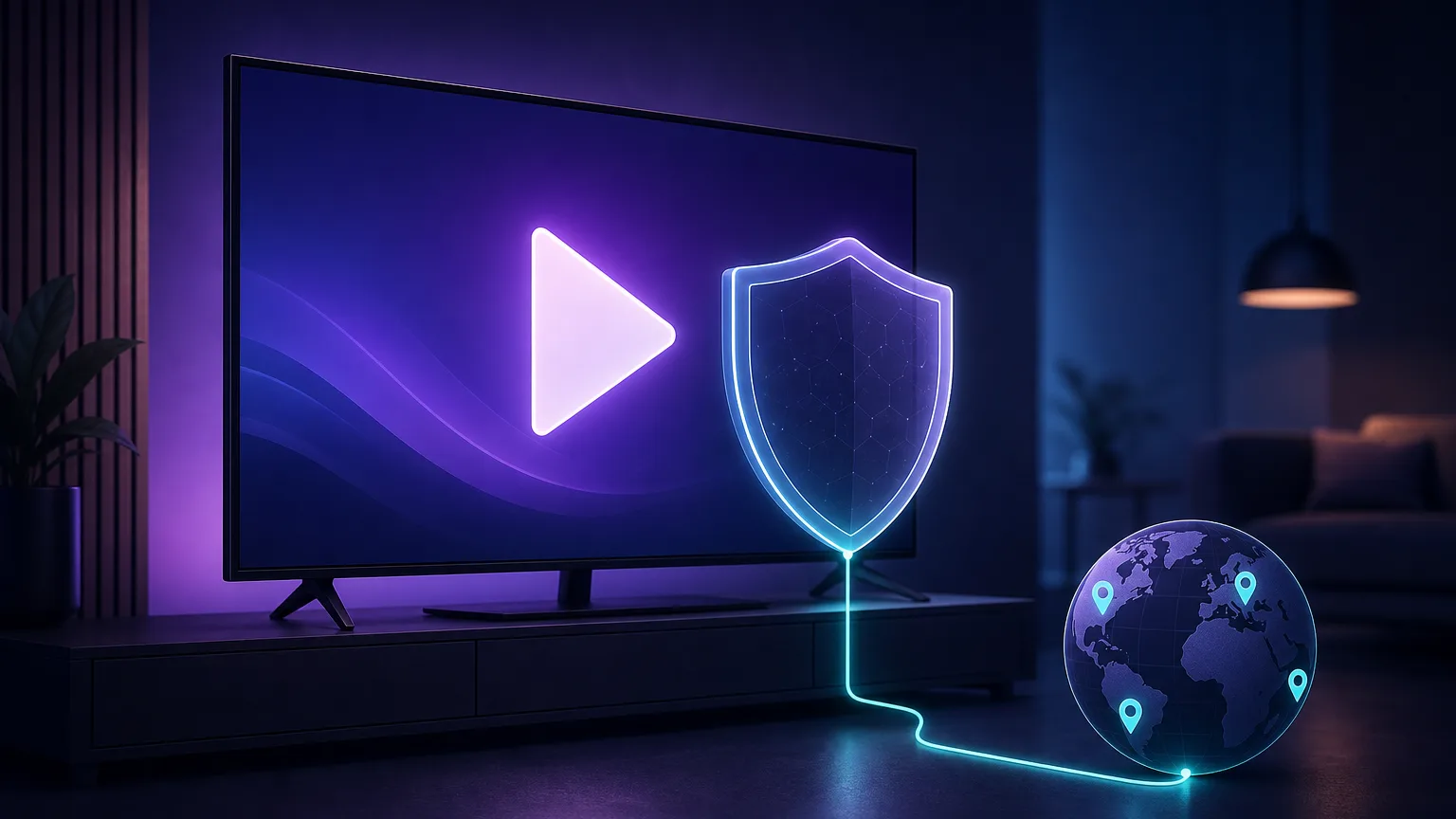
Netflix doesn't show everyone the same thing. The catalog you see depends on where the service thinks you are, and libraries can differ by hundreds of titles from one country to the next. A good VPN lets you change that apparent location, unlocking regional libraries and keeping your streaming private on any network. The catch: Netflix actively fights VPNs, so only a handful still work reliably. This guide covers what actually matters for streaming, our top four picks for 2026, and how to fix the dreaded proxy error when it appears.
Why you need a VPN to watch Netflix
When you open Netflix, the service checks your IP address to decide which country's catalog to serve. Rights deals are negotiated region by region, so a show streaming in Canada may be missing in the US, UK, or Australia entirely. A VPN routes your connection through a server in another country, so Netflix sees that server's IP and serves the matching library.
Beyond unlocking catalogs, a VPN encrypts your traffic, which stops your internet provider from seeing what you stream and can prevent the bandwidth throttling some ISPs apply to video. If you're on shared or public Wi-Fi, that encryption also keeps your session private. The result is more to watch, and a more secure connection while you watch it.
Is using a VPN with Netflix legal?
In the vast majority of countries, yes — using a VPN is perfectly legal, and streaming your own paid Netflix account through one is not a crime. It does, however, go against Netflix's terms of service, so the worst realistic outcome is that a title fails to load or you see a proxy error. Netflix blocks the connection; it does not ban accounts for it.
Which country's Netflix is worth switching to?
Once you can change regions, the obvious question is where to point your VPN. A few libraries stand out. The United States has the largest overall catalog and usually the earliest releases. Japan is the go-to for anime and a deep film selection. The United Kingdom carries British originals and a strong documentary lineup, while Canada and Australia often hold titles licensed away from the US. Because rights shift constantly, it pays to have a VPN that unblocks several of these so you can hop between them — which is exactly what our top picks do well.
VPN, proxy or Smart DNS — which unblocks Netflix?
A VPN isn't the only tool people try for streaming, but it's the best all-rounder. Here's how the three common approaches compare:
- VPN. Encrypts all your traffic and routes it through another country. Best balance of unblocking power, privacy, and security — and the only option that also protects you on public Wi-Fi. Adds a little speed overhead in exchange.
- Smart DNS. Only redirects the parts of your connection that reveal location, with no encryption. It's faster and works on some devices VPNs can't reach, but offers zero privacy and is blocked by Netflix just as often.
- Proxy. Reroutes a single app's traffic without encryption. Cheap and occasionally effective, but streaming proxies are the easiest for Netflix to detect and rarely sustain 4K.
For streaming that keeps working and keeps you private, a quality VPN wins. The rest of this guide focuses there.
What makes a VPN good for Netflix
Plenty of VPNs claim to work with Netflix; few actually do, month after month. When we test for streaming, five things separate the winners from the rest:
- Unblocking reliability. The single most important factor. Netflix constantly bans VPN server IPs, so the provider must refresh addresses faster than they get blocked. The best services unblock a dozen or more regional libraries consistently.
- Speed for 4K. Streaming in Ultra HD needs a steady 15–25 Mbps. A VPN always adds some overhead, so you want servers fast enough that buffering never appears, even on a distant connection.
- Server network and libraries. More countries means more catalogs. Coverage of the big Netflix regions — US, UK, Japan, Canada, Germany, Australia — matters more than the raw server count.
- Apps on your devices. Netflix lives on phones, laptops, smart TVs, and streaming sticks. Look for native apps (especially for Amazon Fire TV and Android TV) and router support for devices that can't run a VPN directly.
- Simultaneous connections. One subscription should cover the whole household. Some providers cap devices; others allow unlimited.

The best VPNs for Netflix in 2026
These four providers consistently unblock Netflix, deliver the speed for 4K, and cover the libraries most people want. They're drawn from our independent, hands-on VPN reviews; confirm current pricing with each provider, since streaming deals change often.
1. ExpressVPN — best overall for Netflix
ExpressVPN is the most consistent Netflix unblocker we test. Its servers reliably open a wide spread of regional libraries — US, UK, Japan, Canada, and more — and its in-house Lightway protocol keeps speeds high enough for effortless 4K. The apps are the most polished in the category, with native support for practically every device including Fire TV and smart TVs, plus router firmware for whole-home coverage. It's the priciest pick here, but for people who just want Netflix to work every time without fiddling, it's the safe choice.

2. NordVPN — fastest, with the widest library coverage
NordVPN pairs blistering speeds (thanks to its NordLynx protocol) with one of the largest server networks anywhere, which translates into access to more Netflix regions than almost any rival. It unblocks reliably, handles 4K without a stutter, and bundles genuinely useful extras like Threat Protection and a strong no-logs record. The apps are feature-rich across every platform. If you want maximum speed and the broadest catalog access, Nord is the pick.

3. Surfshark — best value, unlimited devices
Surfshark delivers premium streaming performance at a fraction of the price, and its standout feature is unlimited simultaneous connections — one subscription covers every screen in the house. It unblocks the major Netflix libraries dependably and streams 4K smoothly, with clean apps on all the platforms that matter. For families, shared households, or anyone counting the cost, it's the best value in streaming VPNs.

4. Proton VPN — best privacy-first pick that still streams
If you care about privacy as much as streaming, Proton VPN is the standout. Built by the team behind Proton Mail and independently audited, it backs its Swiss no-logs promise with genuine transparency — and its paid Plus plan reliably unblocks Netflix libraries at good speeds. It's the rare provider that satisfies privacy purists without giving up streaming, and it even offers a (non-streaming) free tier so you can try the apps first.

Privacy-first, from the makers of Proton Mail.
| VPN | Best for | Devices | Standout strength |
|---|---|---|---|
| ExpressVPN | Overall reliability | 8 | Unblocks the most libraries, effortlessly |
| NordVPN | Speed & coverage | 10 | Fastest, huge server network |
| Surfshark | Value | Unlimited | Premium streaming, budget price |
| Proton VPN | Privacy | 10 | Audited no-logs, still streams |
How to choose the right one for you
All four work; the best fit depends on what you value most:

- Want it to just work, always? ExpressVPN — the most reliable unblocker with the least fuss.
- Chasing speed and the most libraries? NordVPN — fastest network, broadest catalog access.
- On a budget or covering many devices? Surfshark — premium streaming with unlimited connections.
- Privacy is the priority? Proton VPN — audited, Swiss-based, and it still streams.
How to watch Netflix with a VPN
Getting set up takes only a few minutes:
- Subscribe to a streaming-capable VPN from the list above and create an account.
- Install the app on the device you'll watch on — phone, laptop, or smart TV — or set it up on your router for devices that can't run a VPN.
- Connect to a server in the country whose Netflix library you want. For the US catalog, pick a US server.
- Open Netflix (in a browser or the app) and it will load that region's library. If a title still won't play, reload the page or app so it re-checks your new location.
- Verify your location if something looks off — a quick IP lookup confirms the VPN is presenting the country you selected rather than your real one.
Watching on smart TVs, Fire Stick and consoles
Most Netflix viewing happens on the living-room TV, and that's where VPN setup gets slightly trickier. Amazon Fire TV and Android TV can run native VPN apps directly from their app stores — install, sign in, connect, done. Apple TV added system-level VPN support in tvOS 17, so modern Apple TVs work with a native app too.
Devices that can't run a VPN — older smart TVs, PlayStation, Xbox, Chromecast — need one of two workarounds. The cleanest is to install the VPN on your router, which protects every device on the network at once and counts as a single connection. Alternatively, use Smart DNS (included with most of these providers) on the device itself. Either way, pick a provider with dedicated TV apps and router support if the big screen is your main way to watch — all four of our picks qualify.
Fixing the Netflix proxy error
Sometimes you'll hit the infamous streaming error (code M7111-5059) telling you to turn off any "unblocker or proxy." It simply means Netflix has recognized and blocked that particular server's IP. It's annoying but easy to work around:
Beat the proxy error in four steps
1) Switch to a different server in the same country — the provider has many, and only some get flagged. 2) Clear your browser cache and cookies, which can store your old location. 3) Disable IPv6 in your VPN app or system, since a leak can reveal your real region. 4) If it persists, contact the VPN's support for a server they know is currently working for Netflix.
The top providers rotate fresh IPs quickly, so a working server is usually one click away. This resilience is exactly why reliability tops our ranking criteria — a cheaper VPN that unblocks today may be dead next week.
Why free VPNs don't work for Netflix
It's tempting to reach for a free VPN, but for Netflix they almost never deliver. Free services run tiny server networks whose IPs Netflix has long since blocked, and their bandwidth is throttled far below what 4K — or even smooth HD — requires. Many also fund themselves by logging and selling user data, which defeats the privacy point entirely.
Proton VPN's free tier is the honorable exception on privacy grounds, but even it deliberately excludes streaming from the free plan. For reliable Netflix access you need a paid, streaming-focused provider; the good news is that the value picks here cost only a few dollars a month on longer plans.
A note on speed and buffering
If your stream buffers with a VPN connected, the fix is usually simple. Connect to a server geographically closer to you — a US viewer using a US server will always beat one routing through Europe. Choose a modern protocol (Lightway, NordLynx, or WireGuard) over older OpenVPN for lower overhead. And remember that your base internet speed sets the ceiling: a VPN can't make a slow line fast, but a fast provider will shave the overhead to a few percent, which is imperceptible for streaming.
The bottom line
Netflix's catalog is a moving target, and only VPNs that invest in constantly refreshing their IPs keep pace. For 2026, ExpressVPN is our top all-round pick for sheer reliability, NordVPN wins on speed and library breadth, Surfshark is the value champion with unlimited devices, and Proton VPN is the privacy-first choice that still streams. Any of the four will open a world of regional libraries; match the pick to your priority, connect to the right country, and keep a backup server handy for when the proxy error strikes. Compare them in depth in our independent VPN reviews before you subscribe.
Frequently asked questions
No. Netflix blocks the VPN connection, not your account — the worst you will see is a proxy error or a title that fails to load. Streaming your own paid account through a VPN goes against Netflix's terms of service but is not illegal in most countries and has never resulted in account bans.
That error (code M7111-5059) means Netflix has detected and blocked the IP address of the VPN server you're on. Switch to a different server in the same country, clear your browser cache and cookies, and disable IPv6 to stop location leaks. Top providers rotate fresh IPs quickly, so a working server is usually one click away.
Almost never. Free VPNs run small server networks whose IPs Netflix has already blocked, and their throttled bandwidth can't sustain HD, let alone 4K. Many also monetize by logging and selling your data. For reliable streaming you need a paid, streaming-focused VPN.
ExpressVPN is our top overall pick for its consistent unblocking across many libraries. NordVPN is the fastest with the widest coverage, Surfshark is the best value with unlimited device connections, and Proton VPN is the best privacy-first option that still streams. Any of the four reliably unblocks Netflix.
Yes. Amazon Fire TV, Android TV, and Apple TV (tvOS 17+) run native VPN apps directly. For TVs and consoles that can't — older smart TVs, PlayStation, Xbox, Chromecast — install the VPN on your router to cover every device at once, or use the provider's Smart DNS feature.
A VPN adds some overhead, but a fast provider on a nearby server keeps the loss to a few percent — imperceptible for streaming. If you buffer, connect to a closer server and use a modern protocol like Lightway, NordLynx, or WireGuard. Your base internet speed still sets the ceiling.