












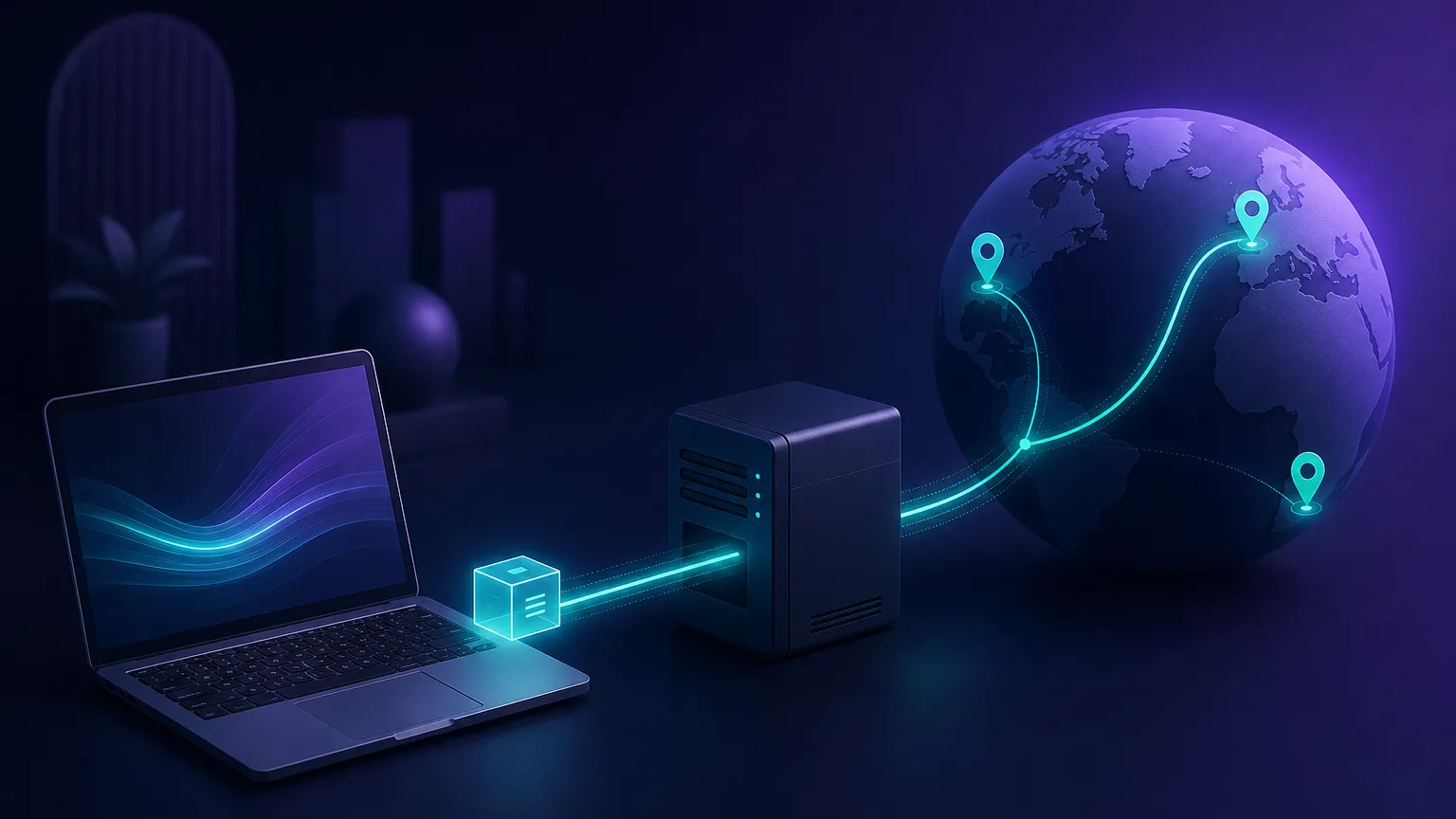
Every time you load a web page, your device announces who and where it is. A proxy server sits in the middle of that conversation, forwarding your requests on your behalf so the destination site talks to the proxy instead of to you directly. That single layer of indirection is the foundation of web scraping, ad verification, price monitoring, geo-testing, and a large slice of how the modern internet is actually accessed at scale.
This guide explains what a proxy server is, how the request-and-response cycle works step by step, the common types you'll encounter, the protocols and use cases behind them, and how to choose one without getting burned.
In one sentence
A proxy server is an intermediary that relays your internet traffic, replacing your real IP address with one of its own so the websites you reach see the proxy, not you.
What is a proxy server?
A proxy server is a computer (or a fleet of them) that acts as a gateway between a client — your browser, app, or scraper — and the wider internet. Instead of connecting straight to a target website, your request goes to the proxy first. The proxy forwards it on, receives the response, and passes it back to you.
The most important consequence is identity. The target server only ever sees the proxy's IP address, geographic location, and network reputation — never your own. Depending on the proxy type, that swapped identity can look like a home broadband user in Berlin, a mobile subscriber in São Paulo, or an anonymous data-center host. This is why proxies are the backbone of any task that needs to control where a request appears to come from, or to spread requests across many identities.
Every IP address also carries a reputation. Addresses owned by consumer ISPs are trusted because that is where ordinary people connect from; addresses owned by hosting companies are treated with suspicion because that is where most bots live. Much of what separates one proxy type from another comes down to which kind of reputation its IPs inherit.
How proxies work, step by step
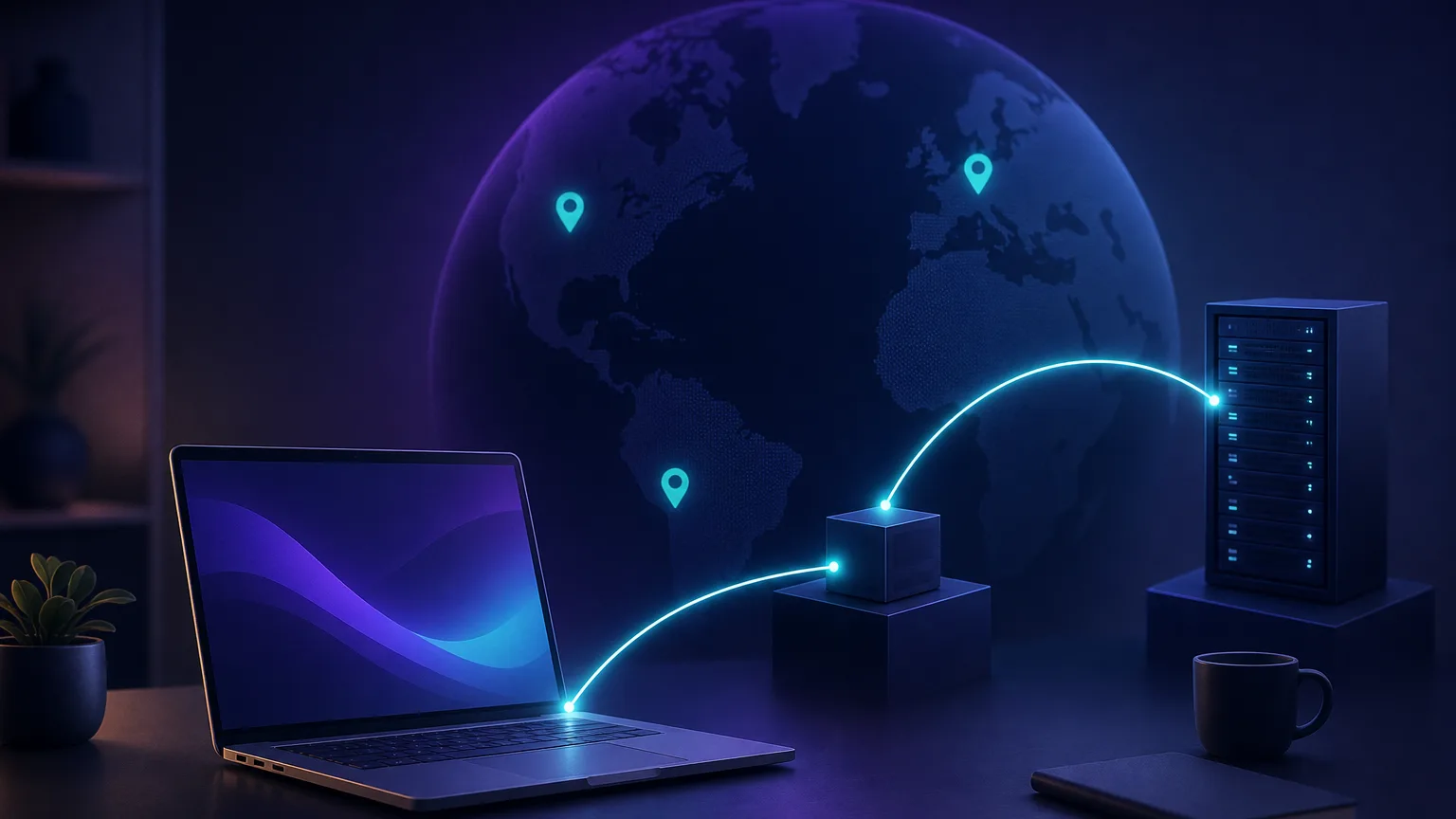
Under the hood, a proxied request follows a predictable round trip. Here is the full cycle for a typical HTTP request:
- You make a request. Your client is configured to send traffic to the proxy's address and port instead of directly to the destination.
- The proxy receives it. It inspects the request, applies any rules (authentication, filtering, header rewriting), and selects an outbound IP from its pool.
- The proxy forwards the request. The target website receives the request from the proxy's IP and has no visibility of your real address.
- The target responds. The website sends the page or data back to the proxy.
- The proxy returns the response. It relays the content back to your client, completing the loop.
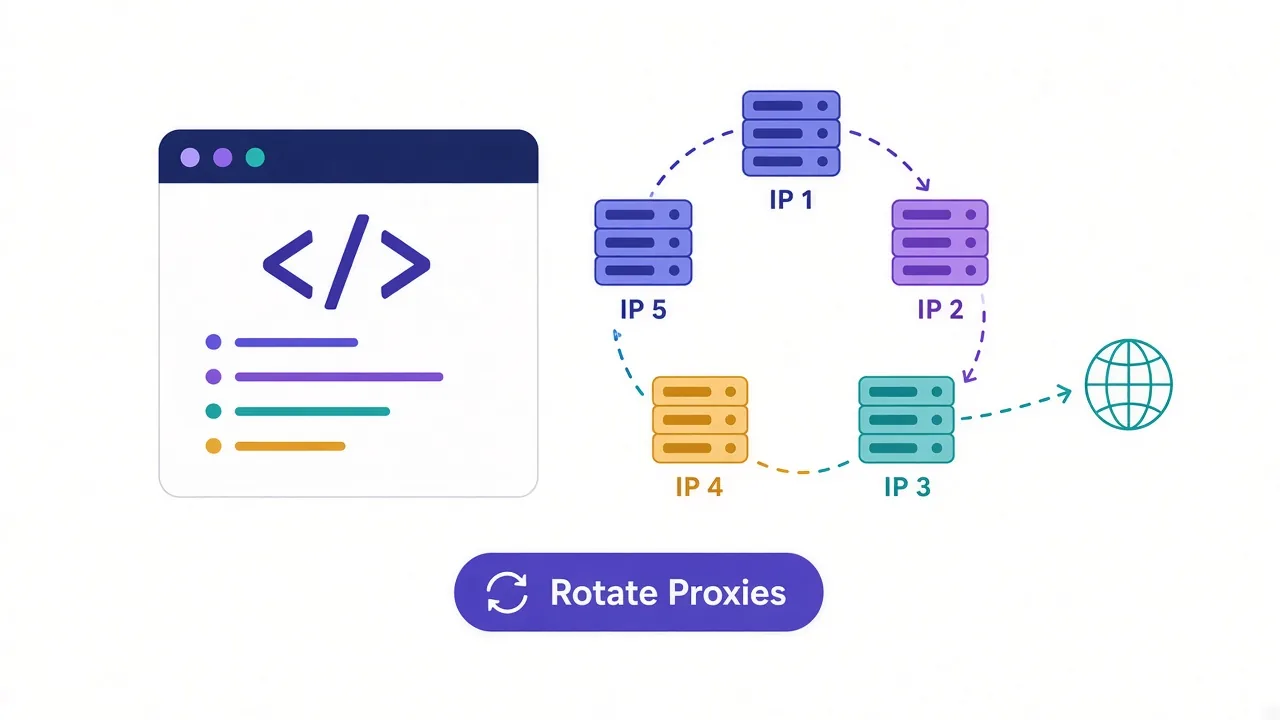
Two concepts shape how this behaves in practice. Rotation decides whether each request uses a fresh IP or keeps the same one — rotating IPs spread activity across many identities, while sticky sessions hold a single IP for multi-step flows like logging in and checking out. Protocols determine compatibility: HTTP/HTTPS proxies handle web traffic, while SOCKS5 proxies are lower-level and can carry almost any kind of connection, including streaming and torrents.
Rotating vs. sticky — which to use
Use rotating IPs for high-volume scraping where each request is independent. Use sticky sessions when a task spans several requests that must come from the same identity, such as account logins, carts, or paginated dashboards.
Proxy protocols: HTTP, HTTPS and SOCKS5
Beyond where an IP comes from, proxies differ in the protocol they speak — the rules that govern how your client and the proxy talk. Picking the right one avoids a lot of frustrating connection errors.
- HTTP proxies understand web requests and can read, cache, and modify HTTP headers. They are perfect for plain web browsing and scraping of unencrypted endpoints, but they only handle HTTP traffic.
- HTTPS (HTTP CONNECT) proxies tunnel encrypted TLS traffic, so your data stays private between your client and the destination. This is the standard for any modern site, since almost everything runs over HTTPS today.
- SOCKS5 proxies operate at a lower level and simply pass packets without caring what protocol they carry. That makes them versatile — they handle web traffic, email, streaming, gaming, and peer-to-peer connections alike — though they don't interpret HTTP headers the way an HTTP proxy can.
As a rule of thumb, reach for HTTP/HTTPS proxies for web scraping and browsing, and SOCKS5 when you need protocol flexibility or non-web traffic. Most commercial providers offer both on the same plan.
Forward vs. reverse proxies
The word "proxy" covers two architectures pointed in opposite directions:
- Forward proxy — sits in front of clients. This is what people usually mean: it hides and represents the user when reaching out to the internet. Web scraping, geo-testing, and privacy all rely on forward proxies.
- Reverse proxy — sits in front of servers. It receives incoming traffic on behalf of a website and distributes it to back-end machines. Load balancers, CDNs, and tools like Nginx and Cloudflare are reverse proxies; they protect and accelerate the server, not the visitor.
The rest of this guide focuses on forward proxies, since those are what you buy and configure for data and access use cases.
Common types of proxies
Proxies are most often categorized by where their IP addresses come from. That origin determines cost, speed, and how trustworthy the IP looks to a target site.

| Type | Where the IP comes from | Best for | Trade-off |
|---|---|---|---|
| Residential | Real home devices via consumer ISPs | Sensitive targets, geo-accuracy, anti-bot evasion | More expensive, usually billed per GB |
| Datacenter | Hosted servers in data centers | High-speed, high-volume, less-defended targets | Easier for sites to detect and block |
| Mobile | Cellular carriers (3G/4G/5G) | The hardest targets — social apps, mobile-first sites | The priciest option per GB |
| ISP / static residential | Residential IPs hosted in data centers | Speed of datacenter with residential trust | Smaller pools, higher cost than plain datacenter |
Residential proxies
These route through genuine consumer devices, so to a website they look like ordinary people browsing from home. That legitimacy makes them the default choice for anything with serious anti-bot defenses, and for tasks that need precise city- or ISP-level geo-targeting. The trade-off is price: residential traffic is typically metered per gigabyte. We cover them in depth in our guide to residential proxies.
Datacenter proxies
Hosted in data centers, these are fast, cheap, and available in huge quantities — ideal for high-throughput work against sites that don't scrutinize IP reputation heavily. Because their addresses clearly belong to hosting providers, sophisticated targets can detect and block them more readily.
Mobile proxies
Mobile proxies use real cellular IPs. Carriers share these addresses among many subscribers, so blocking one risks blocking legitimate users — which makes mobile IPs the most trusted and the most resilient against bans. They are also the most expensive, reserved for the toughest targets.
ISP (static residential) proxies
A hybrid: IPs registered to consumer ISPs but hosted on fast datacenter hardware. You get residential trust with datacenter speed and a stable, unchanging address — great for long-lived account sessions — at the cost of smaller pools and fewer locations than peer-to-peer residential networks.
Anonymity levels
Independent of origin, proxies also differ in how much they reveal:
- Transparent — pass your real IP in headers; used for caching and filtering, not anonymity.
- Anonymous — hide your IP but identify themselves as a proxy.
- Elite / high-anonymity — hide your IP and don't advertise that a proxy is in use at all.
What proxies are used for
Proxies are infrastructure, and like any infrastructure they power a wide range of legitimate jobs:
- Web scraping & data collection — gather public data at scale without a single IP getting rate-limited or banned.
- Price & market intelligence — monitor competitor pricing and availability across regions.
- Ad verification — confirm ads render correctly and aren't fraudulent, viewed from the consumer's location.
- SEO & SERP monitoring — check localized search rankings from different countries.
- Brand protection — detect counterfeit listings and unauthorized resellers.
- Multi-account management — operate many accounts on one platform, often paired with an antidetect browser.
- Geo-testing & QA — verify how a site or app behaves for users in specific locations.
Use proxies responsibly
Proxies are legal in most jurisdictions, but how you use them matters. Respect each site's terms of service, scrape only public data, follow applicable data-protection laws, and choose a provider that sources its IPs ethically and transparently.
Free vs. paid proxies
It is tempting to grab a free proxy list, but free almost always comes at a hidden price. Public proxies are slow and overcrowded, drop connections constantly, and are frequently already blocked because thousands of strangers share them. Worse, a malicious free proxy can log everything you send through it — credentials and all — or inject content into pages you load.
Paid providers exist precisely because reliable, clean, well-sourced IPs cost money to maintain. For anything involving logins, payments, or business data, a reputable paid proxy is not a luxury; it is the only safe option. Reserve free proxies, if you use them at all, for throwaway experiments with no sensitive data.
How to choose a proxy provider
Once you know which type you need, judge providers on a handful of practical criteria:
- Pool size & coverage — more IPs across more countries means better success rates and finer geo-targeting.
- Success rate — the percentage of requests that actually get through on your targets; the metric that matters most.
- Ethical sourcing — reputable providers obtain residential IPs with genuine user consent.
- Pricing model — per-GB for residential, per-IP or subscription for datacenter; match it to your volume.
- Targeting precision — country, city, and ASN/carrier control for localized work.
- Support & documentation — responsive help and clear docs save real time when integrating.
If you'd rather compare specific services than evaluate from scratch, our independent proxy reviews break down the leading providers on exactly these dimensions, and our VPN and antidetect browser directories cover the tools that pair with them.
Common mistakes to avoid
Most proxy headaches trace back to a few avoidable errors:
- Rotating during a session. Changing IP mid-login or mid-checkout looks fraudulent. Use sticky sessions for any stateful flow.
- Choosing the wrong type for the target. Cheap datacenter IPs get nowhere on heavily defended sites; residential or mobile is worth the cost there.
- Ignoring your fingerprint. A clean IP won't save you if your browser headers and fingerprint scream automation — pair proxies with realistic settings or an antidetect browser.
- Sending too many requests too fast. Even great IPs get flagged under aggressive request rates; throttle and randomize timing.
- Buying on pool size alone. A huge advertised pool means little if success rates on your targets are low. Always test first.
How to set up and test a proxy
Configuring a proxy is straightforward. A provider gives you an endpoint, a port, and credentials, which combine into a proxy string like username:password@gateway.provider.com:8000. You drop that into your browser's network settings, your scraper's configuration, or an HTTP client, and your traffic starts routing through the proxy.
Always verify before relying on it. Make a request through the proxy and check the result with a free IP lookup tool: the reported IP, ISP, and location should match the proxy and the region you selected — never your own connection. If your real IP shows through, traffic is leaking and you should fix the configuration before running anything important.
Proxy vs. VPN: a quick distinction
People often conflate the two. A VPN encrypts all of your device's traffic and routes it through a secure tunnel — it's built for privacy and security across everything you do. A proxy typically works at the application level (one browser or tool), is faster and cheaper at scale, and is built for controlling identity and location rather than encrypting everything. For large-scale data work you want proxies; for personal privacy on public Wi-Fi you want a VPN. Many professionals use both.
The bottom line
A proxy server is a deceptively simple idea — an intermediary that forwards your traffic — with enormous practical reach. Understanding the request cycle, the difference between residential, datacenter, and mobile IPs, and the rotation and protocol options lets you match the right proxy to the right job. Choose a provider that's transparent about sourcing, strong on success rate, and clear on pricing, and a proxy becomes one of the most versatile tools in your stack.
Frequently asked questions
A proxy server is a middleman between you and the websites you visit. Your request goes to the proxy first, which forwards it on using its own IP address, then passes the response back to you. The website sees the proxy's identity and location instead of yours.
A VPN encrypts all of your device's traffic and routes it through a secure tunnel, which is built for privacy and security. A proxy usually works at the application level, is faster and cheaper at scale, and is built for controlling your apparent identity and location. For large-scale data work you want proxies; for personal privacy on public Wi-Fi you want a VPN.
Yes, using a proxy is legal in most jurisdictions because it is just a routing tool. What matters is how you use it: respect each site's terms of service, only collect public data, follow data-protection laws, and pick a provider that sources its IPs ethically.
Use datacenter proxies for fast, cheap, high-volume work against lenient targets; residential proxies for sensitive sites that need real consumer trust and precise geo-targeting; and mobile proxies for the hardest targets like social apps. ISP (static residential) proxies are a good middle ground when you need a stable, trusted IP.
HTTP and HTTPS proxies understand web traffic and can work with HTTP headers, making them ideal for browsing and scraping. SOCKS5 proxies operate at a lower level and pass any kind of traffic — web, email, streaming, gaming, or peer-to-peer — but do not interpret HTTP headers. Choose HTTP/HTTPS for web work and SOCKS5 for protocol flexibility.
Generally no. Free public proxies are slow, overcrowded, and often already blocked, and a malicious one can log everything you send through it, including passwords. For anything involving logins, payments, or business data, use a reputable paid provider instead.