












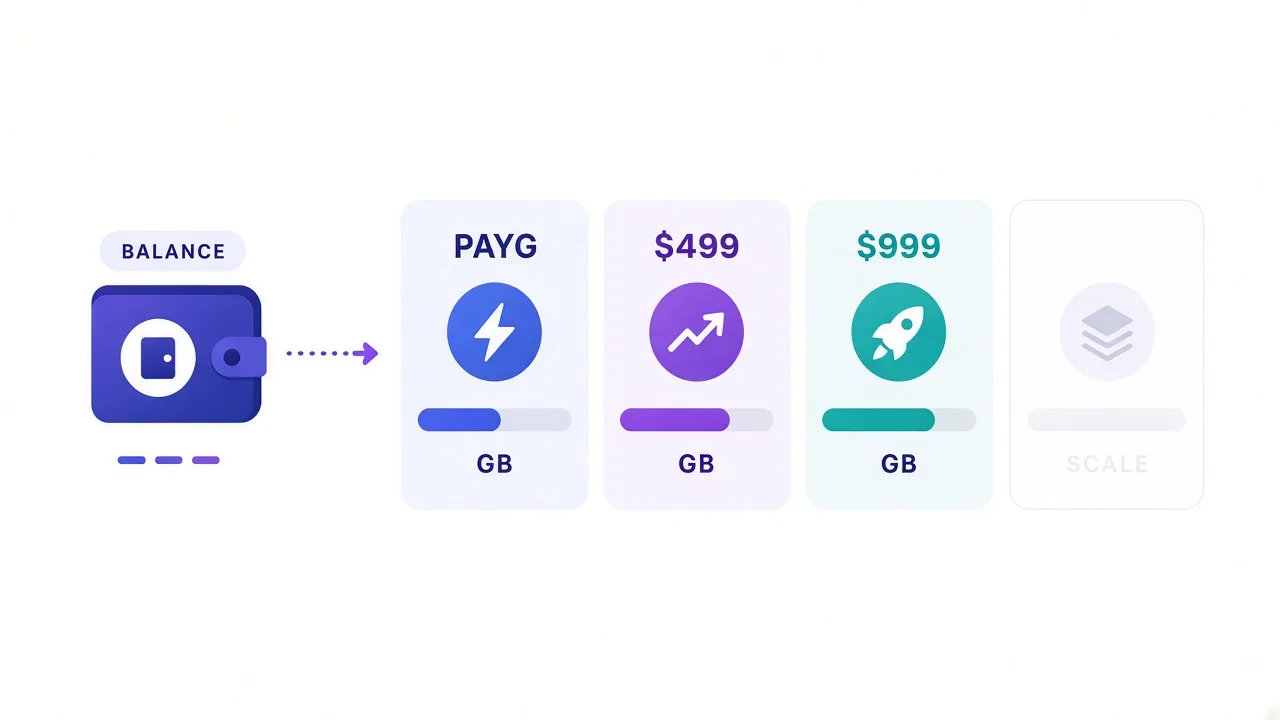
You open Bright Data's pricing page and see four tiers, promo strikethroughs, and a wall of product tabs.
Residential, datacenter, ISP, mobile. Plus APIs that bill per success, not per GB.
Sound familiar? Most buyers want one number. Bright Data doesn't sell one number.
Here's the plain picture: Bright Data uses usage-based pricing.
You get pay-as-you-go plus monthly commitment tiers. Residential list rates start at $8/GB with no commit.
They fall as you lock in $499, $999, or $1,999 a month. Datacenter and ISP sit on different meters.
Overages aren't a surprise fee line. They're "add more balance or the account pauses."
We'll walk the plans, the overage mechanics, and who each tier is actually for. Prices change. Treat these figures as a late-September 2026 snapshot from Bright Data's public pages, and recheck their site before you buy.
How Bright Data pricing actually works
Bright Data isn't a flat SaaS seat. You pick a network type, then you pick how you pay for that network.
For rotating residential traffic, you pay per gigabyte. For many datacenter and ISP "unlimited" products, you pay per IP per month, with a fair-use bandwidth allowance on the ISP side. Shared pools can also bill per GB.
Committed plans set a minimum monthly commitment. That deposit tops up your balance.
Usage burns the balance. When it runs out, you add funds or the account suspends.
The billing cycle resets on the 1st of each month (UTC+0 on the dashboard). Stay active all month and unused commitment does not roll over. That detail bites teams who over-commit "just in case."
Snapshot, not a quote
All dollar figures below come from Bright Data's public pricing and billing docs. Promos (like temporary 50% residential coupons) come and go. Confirm live rates on their pricing page before you card anything.
Residential plans: pay-as-you-go vs commit tiers
If you searched "Bright Data pricing," you probably meant residential. That's the product most teams compare first.
Public residential tiers look like this (list rates, before any checkout coupon):
| Plan | Monthly commit | Included GB | List rate | Best for |
|---|---|---|---|---|
| Pay as you go | $0 | Metered | $8/GB | Tests, spikes, proof of concept |
| Starter-style tier | $499 | 141 GB | $7/GB | Steady small pipelines |
| Growth-style tier | $999 | 332 GB | $6/GB | Multi-target production crawls |
| Scale-style tier | $1,999 | 798 GB | $5/GB | High volume, still self-serve |
| Custom / enterprise | Contact sales | 1 TB+ | Custom $/GB | Always-on data platforms |
Why do the included-GB numbers matter?
The commit's a prepaid balance priced at that rate. Burn 141 GB on the $499 tier and you've used the commit.
Burn more and you top up at the same plan rate. It's not a separate "overage tax" product.
Checkout often shows a temporary residential coupon that cuts the list rate in half for a few months. Nice if you catch it. Plan your year on the list rate, or you'll feel the cliff when the promo ends.
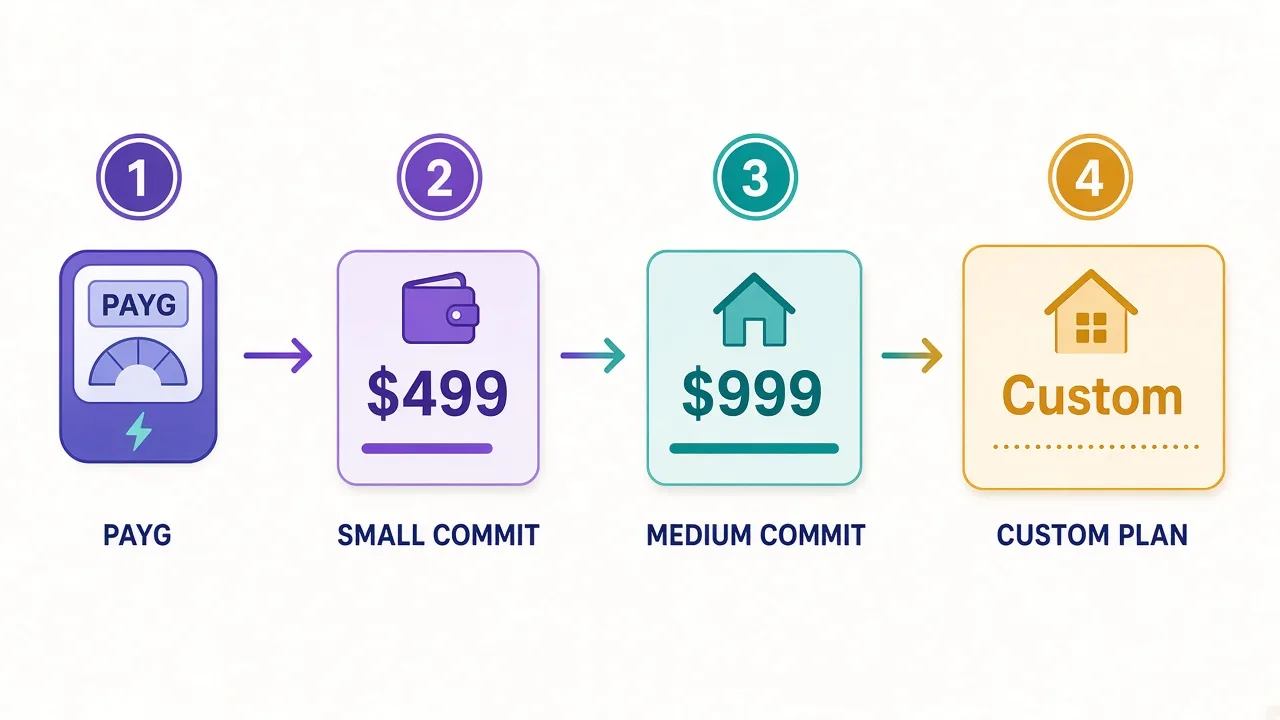
So which residential tier should you open with?
- Still validating targets? Stay on pay as you go until you've two clean weeks of real GB.
- Hitting ~100+ GB a month with predictable jobs? The $499 commit usually beats PAYG on unit cost.
- Already past a few hundred GB? Price the $999 and $1,999 tiers against your measured usage, not a guess.
What "overages" really mean on Bright Data
People ask about overages because SaaS trains them to fear a surprise line item.
Bright Data's model is closer to a prepaid wallet. Your monthly commitment funds the wallet.
Traffic spends it. Hit about 85% of the balance and you get a warning email.
Hit 100% and the account suspends until you add money.
That's the overage story in practice: either auto-recharge kicks in, or your scrapers go quiet.
Auto-recharge can top up a fixed amount when the balance gets low.
Their docs describe charging again when the remaining balance hits 25% of the configured top-up.
You can also rely on the 1st-of-month commit charge alone. Pay-as-you-go doesn't auto-recharge by default.
Want a hard stop instead of a surprise bill?
Set a daily usage spend limit on each zone (bytes or dollars). Limits refresh about every 15 minutes, so a hot job can slightly overshoot.
Still better than waking up to a drained card.
Unused commit doesn't roll over
If the account stays active all month and you only burn half the commitment, the unused half doesn't carry forward. Fresh cycle on the 1st. Over-buying "headroom" is how teams waste budget.
Remember the open question from the intro: is there a hidden overage fee? Not in the classic telecom sense. The real risk is suspension mid-job, or auto-recharge firing while nobody is watching the dashboard.
Datacenter pricing: pay per IP or pay per GB
Datacenter is where Bright Data gets cheap relative to residential. Public pages show two shapes.
Per-IP unlimited-style packs (shared pool examples from the proxy network page):
- 10 IPs at about $1.40/IP → ~$14/month
- 100 IPs at about $1.00/IP → ~$100/month
- 500 IPs at about $0.95/IP → ~$475/month
- 1,000 IPs at about $0.90/IP → ~$900/month
Pay-per-GB shared pool (from the datacenter pricing page):
- Pay as you go: about $0.60/GB
- $499/month: about 1 TB at ~$0.51/GB
- $999/month: about 2 TB at ~$0.45/GB
- $1,999/month: about 5 TB at ~$0.42/GB
Why split the model?
Sticky identity and concurrency needs push you toward IP packs. Bulk crawling of soft targets pushes you toward GB pricing.
If a site barely fights back, datacenter GB is often the rational first meter.
If it fingerprint-checks hard, you'll burn GB on retries and wish you'd started residential.
Honest catch: datacenter is easy for sites to classify. Cheap bandwidth doesn't fix a bad success rate. Price the successful page, not the attempted GB.
ISP (static residential) plans and fair use
ISP proxies sit between datacenter and rotating residential. They're real ISP-issued addresses that stay put. Bright Data markets large static pools and sells them shared, dedicated, or pay-per-GB.
Shared unlimited-style list pricing from their ISP page:
| IPs | Approx. $/IP | Monthly total |
|---|---|---|
| 10 | $1.80 | $18 |
| 100 | $1.45 | $145 |
| 500 | $1.40 | $700 |
| 1,000 | $1.30 | $1,300 |
Dedicated ISP IPs cost more per address. Public examples start around $3.50/IP for small packs and fall toward about $2.50/IP at 1,000.
Pay-per-GB ISP tiers mirror the residential commit shape. You still see about $8, $7, $6, and $5 per GB across PAYG and the three commits. Included-GB bundles are smaller than rotating residential.
Here's the overage detail that matters for "unlimited" ISP.
Each IP includes about 100 GB fair use per month. Ten IPs → roughly 1 TB pooled.
Blow past that and Bright Data says extra charges may apply. "Unlimited" means normal use, not infinite free bandwidth.
Who wants ISP? Account workflows and long sticky sessions that hate rotating mid-login.
Who should skip it? Pure high-volume harvest jobs that only need fresh residential exits.
Mobile and the products that bill differently
Mobile (3G/4G/5G) sits on the premium end. Public list rates are less consistently published than residential, and many buyers end up on a sales quote. Treat mobile as a specialist meter for mobile-only surfaces and stubborn anti-bot stacks, not your default crawl lane.
Bright Data also sells managed products that don't bill like raw proxies:
- Web Unlocker — success-based unblocking (CAPTCHA, retries handled for you). Often priced per successful response, not per GB.
- SERP API — per-query pricing for search results.
- Scraping Browser / datasets — session or record based, often custom at scale.
Why mention them in a proxy pricing post?
Teams compare "$/GB" to an Unlocker invoice and think they got overcharged. Different unit. Different job.
If your engineers fight CAPTCHAs more than they ship features, price a success-based API against failed residential GB.
Bandwidth math: what actually counts as a GB
Bright Data counts request headers, request body, response headers, and response body.
Retries count. Fat JSON counts. Images you didn't need count too.
Trial traffic shows in the dashboard but doesn't bill. Production traffic does. That means your first week of "free" experimentation can understate the real GB/month once you turn the job loose.
Want a quick gut check before you commit $999?
- Log successful responses and average response size for each target.
- Multiply by daily volume, then by 30.
- Add a retry buffer (20–50% if the site fights).
- Compare that GB estimate to the included bundle on each tier.
If the estimate lands near the top of a tier, buy the next one up or stay PAYG with alerts. Hovering at 95% of a commit every month is how you learn about the 85% email the hard way.
Billing cycle, mid-month joins, and KYC friction
Join on the 25th on a $500-style commit and Bright Data prorates the first partial month by active days.
Then it tops the balance back to the full commit on the 1st. Their FAQ walks a $500 example that leaves you topped up for the next month.
Read it once so finance isn't surprised.
Invoices land in the first few days of the month. Payment methods include cards, PayPal, wire, and AWS Marketplace.
Residential and mobile usually need a short KYC check before the network opens. Datacenter and some unlocker paths are lighter.
Budget calendar time for that, not just dollars.
First-deposit match promotions can sweeten onboarding. Bright Data has advertised dollar-for-dollar matching up to $500.
Matched credits often expire on a timer and may need a small monthly usage floor. Nice bonus. Not a pricing plan.
Keep production alive
Turn on auto-recharge for any pipeline that can't pause at 2 a.m.
Pair it with a daily zone spend cap so a runaway loop can't empty the card.
Who Bright Data pricing is for (and who should look elsewhere)
Bright Data fits teams that need coverage and geo precision. It also fits buyers who'll grow from a weekend test into a multi-product stack. The pricing rewards volume and punishes idle commits.
Good fit
- Data teams scraping many markets with city or ZIP targeting.
- Companies that will actually burn hundreds of GB a month.
- Buyers who want proxies plus unlocker / SERP under one roof.
- Compliance-comfortable orgs that can pass KYC without drama.
Weak fit
- Hobby volume under a few GB a month who hate prepaid math.
- Solo builders who need a dead-simple flat plan and chat support in five minutes.
- Jobs that only need soft targets — datacenter from a cheaper specialist may win on pure $/success.
Still torn after the tables? Compare Bright Data against other residential listings in our proxy directory.
Then sanity-check the use case on residential proxies and the learn hub. Directory cards show live ratings and starting prices when we wire a listing up.

A simple decision rule before you pick a tier
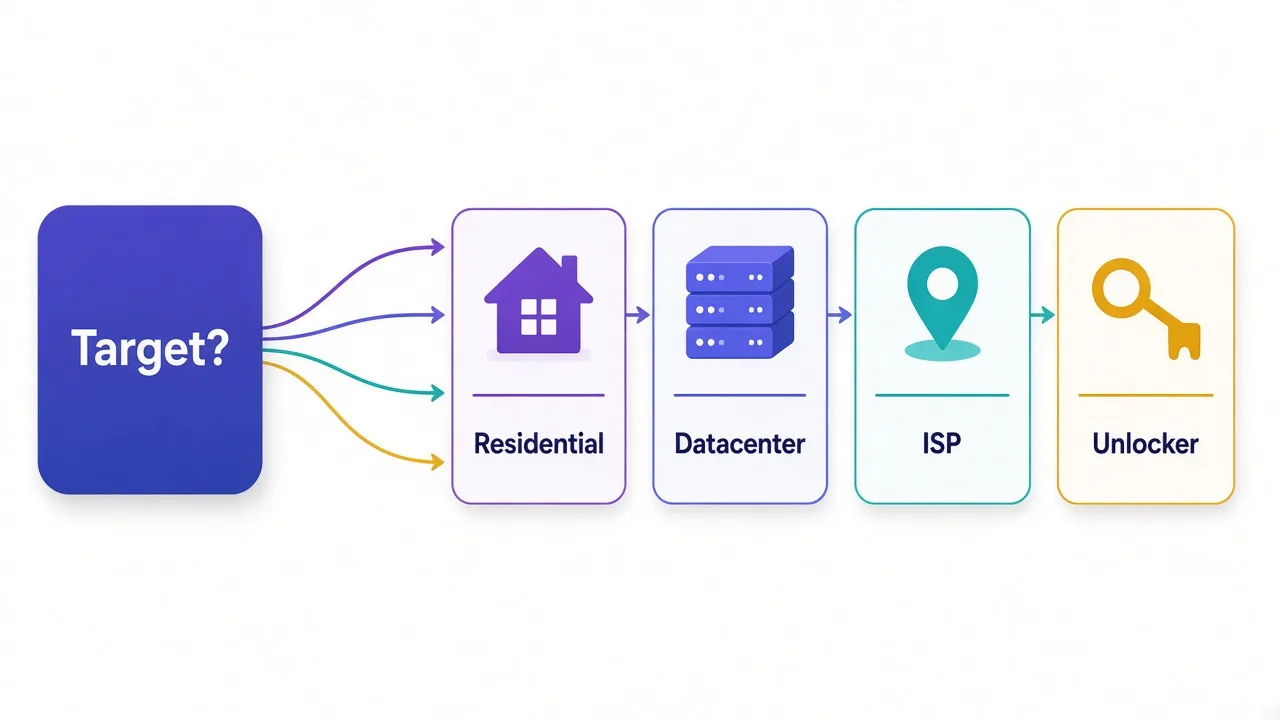
Start with the target, not the coupon.
Soft public pages and APIs → try datacenter GB or a small IP pack. Measure success rate for a week.
Hard anti-bot or account-sensitive work → residential. Stay PAYG until GB is boring and predictable, then step into the commit that your 30-day average actually fills.
Long sticky logins → ISP with fair-use math in the spreadsheet, not in your head.
Engineers drowning in CAPTCHAs → price Web Unlocker per success against residential GB × retry waste. Sometimes the "expensive" API is the cheaper invoice.
And the commitment trap?
Only sign a $999 or $1,999 tier when your measured month already needs most of the included GB.
Empty prepaid balance feels like savings. It's not.
So, which Bright Data plan should you actually buy?
Buy the smallest meter that matches how you really work.
Testing this month: pay as you go on the network your targets require. Production with a stable GB number: the commit tier whose included traffic you'll actually burn. Always-on platform scale: talk to sales once you are past a terabyte, not before you've a dashboard.
Re-check Bright Data's pricing page the day you purchase. Then compare alternatives side by side in the DriftProxy directory so you are choosing a fit, not a brand.
One clear next step: write down last month's successful GB (or estimate it).
Pick the tier that covers it with about 20% room. Turn on auto-recharge plus a daily cap before the first production cron fires.
Frequently asked questions
Residential list rates start at $8/GB pay as you go, then fall to about $7, $6, and $5/GB on $499, $999, and $1,999 monthly commits. Datacenter pay-as-you-go is about $0.60/GB. Promo coupons and custom quotes change the number you see at checkout, so confirm on Bright Data's site.
Bright Data uses a prepaid balance model more than classic overage fees. When usage hits 100% of your balance, the account suspends until you add funds. Auto-recharge can prevent that. Unlimited ISP IPs also carry about 100 GB fair use per IP per month.
There is no permanent free tier. Bright Data offers trials and occasional first-deposit match credits. Residential and mobile usually need KYC before full network access.
Start on pay as you go for the proxy type your targets need. Move to a monthly commit only after you have a few weeks of real bandwidth data so unused prepaid balance does not go to waste.
If the account stays active all month, unused monthly commitment does not roll over. Billing resets on the 1st. Remaining balance from inactive periods is handled differently, so read their billing docs for edge cases.
It depends on proxy type, volume, and success rate. Bright Data often wins on coverage and tooling at scale, while smaller volumes or soft targets may cost less elsewhere. Compare effective cost per successful request, not sticker $/GB alone.