










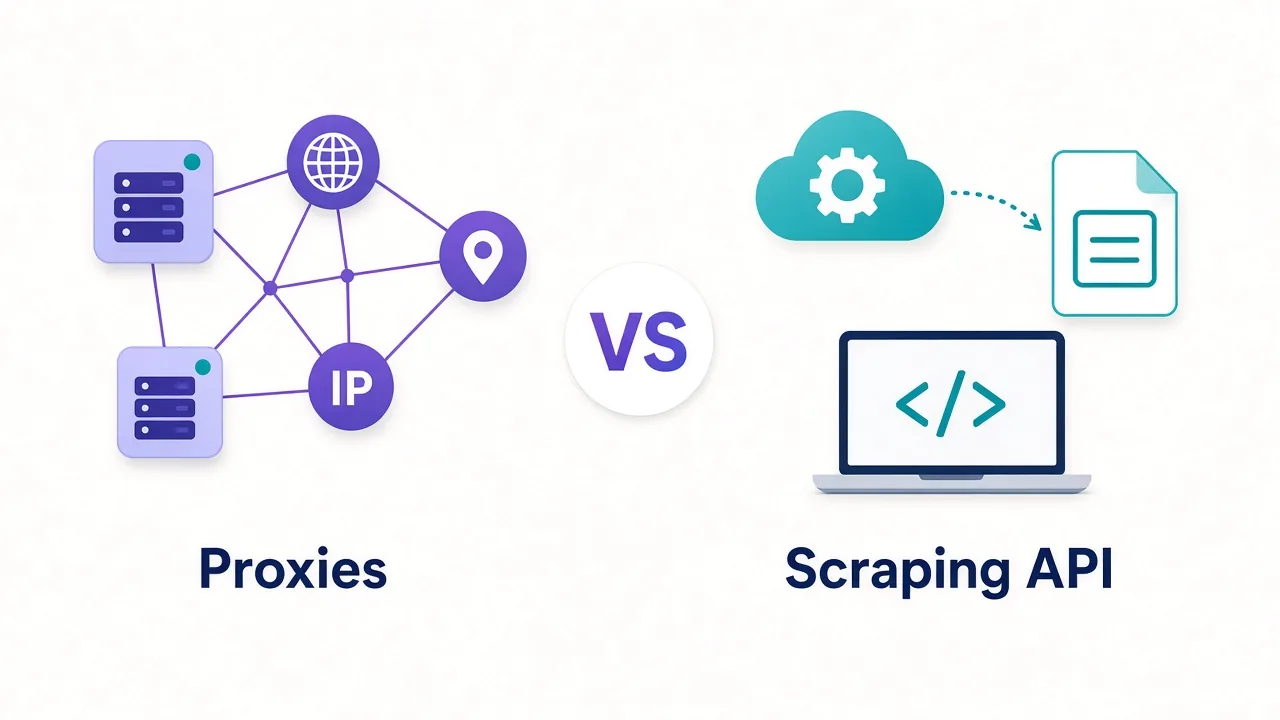

Best Social Media Proxies 2026
Manage multiple social accounts safely.
Our top Social Media picks

From $3.50 /GB
Powerful proxies without the enterprise price tag.

From $3.50 /GB
Sticky residential and mobile IPs with strong filtering and clean pools.
Social Media proxies: a complete overview
Managing or automating social accounts at scale demands the cleanest residential and mobile IPs you can source. Instagram and TikTok run some of the toughest IP verification anywhere, and a single flagged address can take a whole batch of accounts down with it. The proxy is never the whole solution here — it is one layer of a wider identity stack — but it is the layer that most often gets careless operators banned.
Why proxies matter for social media
Platforms link accounts by the signals they share, and IP is one of the loudest. When several profiles log in from the same address, or an address with a poor reputation, the platform infers they belong to one operator and actions them together. Datacenter ranges are recognised instantly, which is why residential and mobile IPs — addresses that look like ordinary home and phone connections — are the baseline for any serious account work.
Consistency matters as much as cleanliness. An account that logs in from one country today and another tomorrow, or that hops IPs mid-session, trips behavioural checks even if every individual address is clean.
Which proxy type to use
The rule is one account, one sticky identity. Choose the IP type by how defended the platform is and how valuable the accounts are.
- Mobile proxies: strongest trust for Instagram and TikTok, since carrier-grade NAT means many real users share the address, making bans costly for the platform.
- Residential proxies: the workhorse for most account management — real ISP addresses with sticky sessions per profile.
- ISP proxies: useful where you need a stable, dedicated address with better speed and are targeting less aggressive networks.
- Datacenter proxies: avoid for account logins; at most use for reading public content.
What to look for
- Sticky sessions long enough to keep one profile on one IP for its whole lifetime.
- Genuine per-profile IP isolation so accounts never share an address.
- Accurate geo-targeting matching each account's claimed location and phone number.
- Low ban history on the specific platforms you operate.
- Compatibility with antidetect browsers and your automation tooling.
Common pitfalls
Sharing IPs across profiles or rotating mid-session is the fastest route to a linked-and-banned cluster. So is mismatching the proxy country with the rest of the account's fingerprint.
Pair every proxy with a consistent browser fingerprint and disciplined session hygiene — the IP alone will not save a sloppy identity.
All 8 providers for Social Media
- 4.5(3)4.5 out of 5 from 3 reviews
$3.50
/GB
- 4.4(0)4.4 out of 5 from 0 reviews
$3.50
/GB
- 4.2(0)4.2 out of 5 from 0 reviews
$8.00
/GB
- 4.1(0)4.1 out of 5 from 0 reviews
$3.50
/GB
- 4.1(0)4.1 out of 5 from 0 reviews
$3.50
/GB
- 4.1(0)4.1 out of 5 from 0 reviews
$0.04
/GB
- 4.0(1)4.0 out of 5 from 1 reviews
$1.75
/GB
- 3.7(0)3.7 out of 5 from 0 reviews
$50.00
/GB



What to look for
Key requirements
- High-trust residential or mobile IPs
- Sticky sessions per account
- City and carrier-level targeting
- Low IP reuse
Benefits
- Keep accounts unlinked and unbanned
- Manage many profiles safely
- Localise content and ads
- Reduce verification challenges
How we rank proxies for Social Media
Rankings here prioritise residential and mobile IP cleanliness, sticky-session stability and per-account isolation across a 30-day window.
Frequently asked questions
Mobile IPs are the most trusted for the strictest platforms; high-quality residential works for most cases at lower cost.
It is necessary but not sufficient — pair sticky per-account IPs with an antidetect browser and consistent fingerprints.
Ideally one per sticky IP. The more accounts behind a single address, the higher the risk they are linked and banned.