









You're picking between GoLogin and Multilogin because one wrong browser can link every account you run.
Same laptop. Same workflow. Totally different outcomes once a platform starts matching fingerprints, cookies, and IPs.
So which antidetect browser wins?
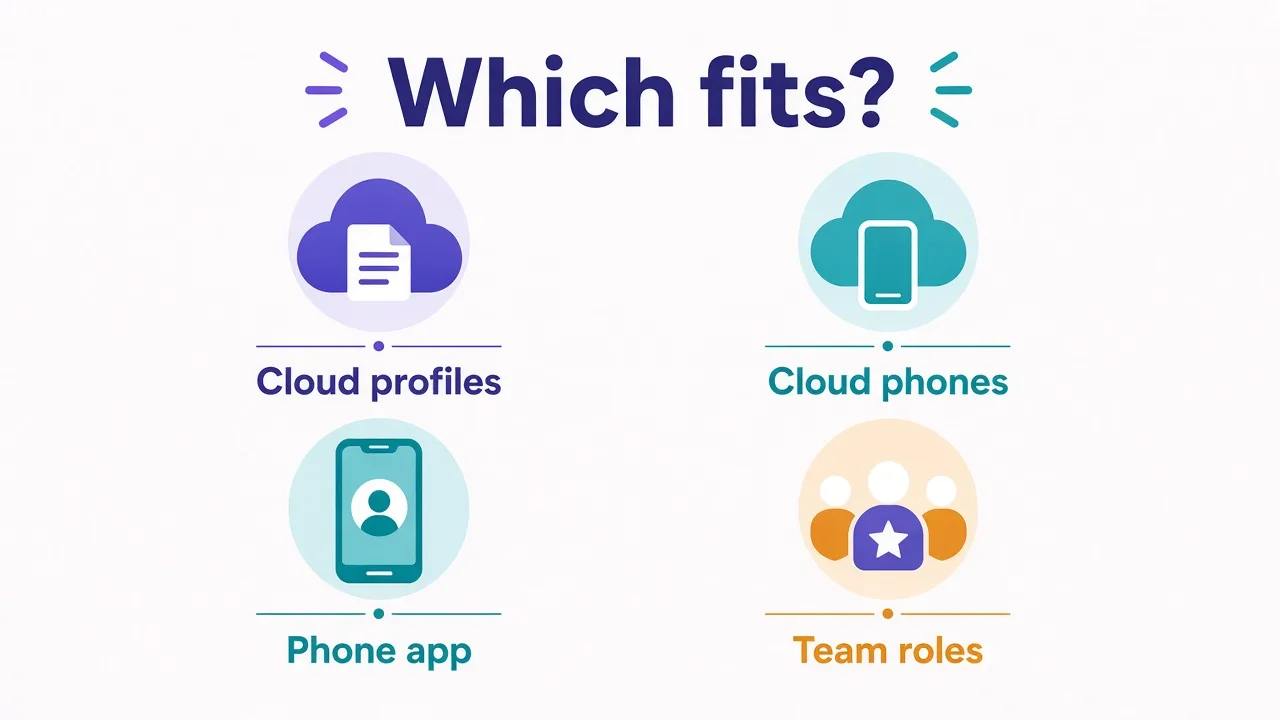
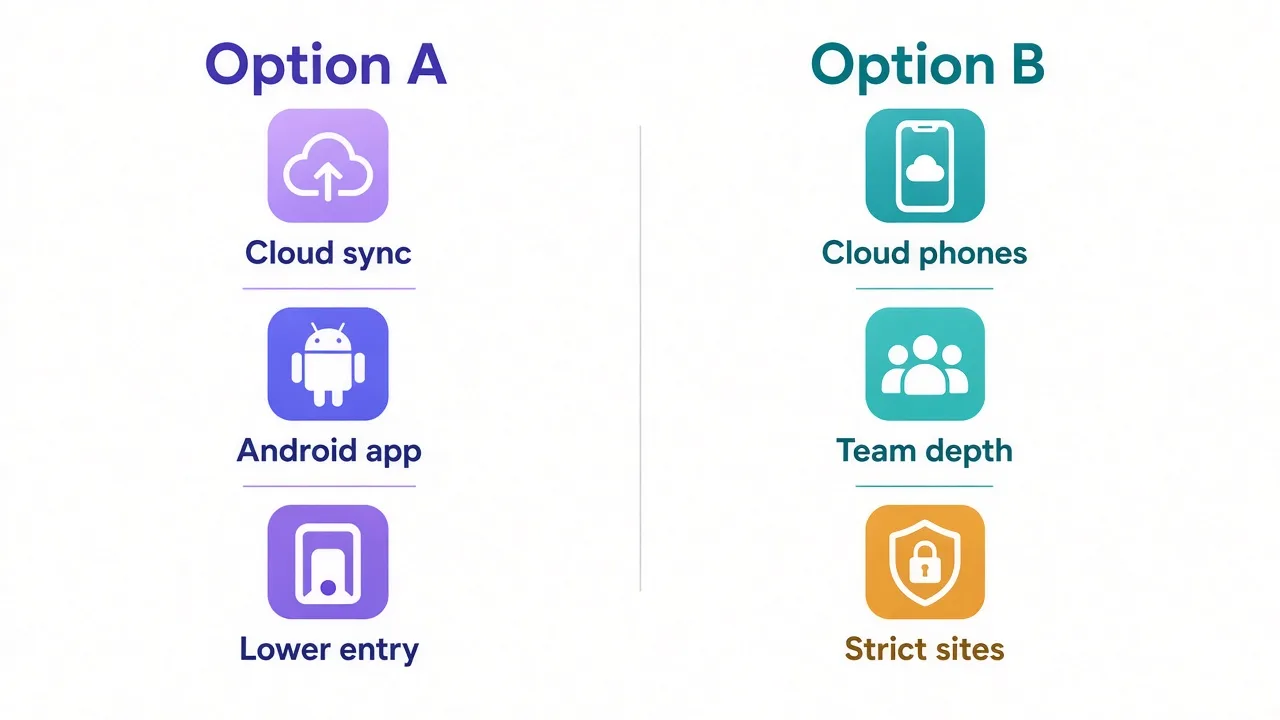
GoLogin usually wins if you want cloud profiles, an Android app, and a cheaper path in. Multilogin usually wins if you need deeper team controls, mature fingerprinting, and real Android cloud phones for mobile-first apps.
The interesting part is not the brand logos. It's the third difference most comparison charts bury. There is also a pricing trap that hits teams after month two.
We'll get to both. First, let's put the choice in plain language.
Why GoLogin vs Multilogin feels so high-stakes
Antidetect browsers exist so each account looks like a separate device.
Not "a new Chrome window." A separate browser fingerprint, separate storage, separate proxy, separate history.
If two profiles leak the same canvas hash, WebRTC IP, or cookie jar, platforms can treat them as one operator. Flag one shop, and the rest can follow.
That's why people end up comparing GoLogin and Multilogin instead of just installing another Chromium fork.
Both tools solve the same core job. They just bet on different strengths.
What this comparison covers
Pricing models, profiles and teams, fingerprinting, proxy support, platforms, automation, and who each tool fits. Prices below are from each vendor's public pricing pages as of September 2026, always recheck before you buy.
Quick take: who wins for what?
Need the answer before the full breakdown?
| You need | Lean toward |
|---|---|
| Lowest paid entry + a real free tier to test | GoLogin |
| Native Android app for managing profiles on a phone | GoLogin |
| Cloud browser sessions without installing everything locally | GoLogin |
| Real Android cloud phones for native apps | Multilogin |
| Enterprise-style seats, folders, and handoff | Multilogin |
| Long-running fingerprint reputation on strict sites | Multilogin |
| Automation with Selenium / Puppeteer / Playwright | Both |
Still unsure? Good. The next sections show where each lead comes from, and where it falls apart.
Pricing models: what you really pay
Both vendors publish plan grids. Neither is "just the sticker price."
GoLogin's docs (for accounts registered from January 2026) list four paid tiers plus a forever-free plan:
- Free: 3 browser profiles, no card, limited features
- Professional: from about $4.50/mo on annual billing (higher monthly), with 10 / 50 / 100 profile options
- Business: from about $59.50/mo annual for 300 or 500 profiles
- Enterprise: from about $149.50/mo annual for 1,000 profiles
- Custom: from about $224.50/mo annual, scaling toward very large profile counts
Paid GoLogin plans include a small residential proxy allowance (2 GB on the published tiers) and 24/7 support. Annual billing is the discount lever, GoLogin markets about 50% off versus monthly.
Multilogin's public pricing in 2026 looks different. It mixes browser profiles with cloud-phone minutes and proxy traffic:
- Free forever, a small cloud profile set, one-time proxy and mobile-minute bonuses, no card
- Pro: paid tiers from the low teens per month on annual billing; some packs near $7/mo
- Business: higher profile packs, unlimited team seats on the published Business row, more proxy traffic and mobile minutes
Multilogin also sells mobile-minute packs and proxy traffic as usage. That matters if your work is mobile-app heavy. Browser-only shops may ignore half the bill; TikTok-style workflows will not.
The pricing trap
Cheap entry plans often choke on team seats or profile caps. You "win" month one, then upgrade because sharing and scale were never on the cheap tier. Compare the tier where your real seat count and profile count fit, not the marketing starting price.
Remember that open loop from the intro? This is it. Brand prestige does not decide your invoice. Profile count, seats, cloud minutes, and proxy top-ups do.
For live plan cards and directory ratings, start here:

Affordable antidetect with cloud profiles.

The original enterprise antidetect browser.
Profiles, teams, and sharing: who scales cleaner?
Profiles are the unit of work. Teams are how you keep them from becoming a password-sharing mess.
GoLogin is strong when profiles live in the cloud and people need to open the same account from different machines. Profile shares exist on paid tiers. Team members, though, are a Business-and-above feature on the 2026 plan sheet, Professional is basically a solo lane.
That's fine if you're one operator. It's annoying if you hired a VA on day three and expected seats on the cheap plan.
Multilogin leans harder into workspace structure: folders, group sharing, profile transfer between workspaces, and advanced roles on higher tiers. The Free plan is for trying the product. Serious collaboration sits on Pro and Business, where seats and folder access show up in the feature matrix.
So which scales cleaner?
If "scale" means one person running many cloud profiles from a laptop and a phone, GoLogin feels lighter. If "scale" means an agency handing accounts between media buyers without sharing passwords, Multilogin's team model is the more natural fit.
Ask yourself one question before you pick: are you buying a personal cockpit, or a shared ops desk?
Fingerprinting and engines: where the stealth story splits
Both tools create isolated browser environments with unique fingerprints. That's table stakes.
GoLogin runs on Orbita, its Chromium-based browser.
Profiles get configurable fingerprints, cloud sync, and the usual isolation of cookies, storage, and sessions.
It's polished and fast enough for daily account work. It also pairs with a large fingerprint database for generating identities.
Multilogin's long reputation in this category comes from fingerprint consistency under pressure.
Public materials still emphasize a large parameter set. Vendor pages cite 55+ controls and a real-device fingerprint database that gets updated as browsers evolve.
Multilogin has also long offered dual-engine options: Mimic (Chromium) and Stealthfox (Firefox). That means you aren't stuck looking like one Chromium farm forever.
Does that mean Multilogin always "beats" GoLogin on stealth?
No honest reviewer can promise that without inventing test scores. Detection stacks change weekly. Your proxy quality, warm-up habits, and account history often matter more than a brand claim.
What you can say fairly:
- Multilogin's brand and longevity (since 2015) sit at the premium end of the category for a reason.
- GoLogin's Orbita setup is good enough for many affiliate, ecom, and social workflows when the rest of the stack is clean.
- Neither tool saves a bad proxy, a recycled cookie dump, or a profile that logs in from three countries in an hour.
If your income dies when one flag cascades, pay for the tool you trust under your exact targets. If you're still learning the workflow, start where the free tier lets you practice without burning cash.
Proxy support: built-in traffic vs bring your own
An antidetect browser without a proxy plan is half a product.
Both GoLogin and Multilogin let you attach HTTP and SOCKS proxies per profile. Both also sell or include some proxy traffic so beginners are not blocked on day one.
GoLogin's paid plans include a fixed residential allowance (2 GB on the published tiers). That's handy for smoke tests and light logins. It isn't a substitute for a serious residential pool if you scrape or warm dozens of accounts.
Multilogin folds proxy traffic into plan bonuses and pay-as-you-go top-ups, alongside mobile minutes for cloud phones. If you live in the Multilogin ecosystem, the bundled traffic reduces vendor juggling. If you already run a preferred proxy provider, you can still bring your own endpoints into either tool.
Our rule of thumb:
- Use built-in traffic to validate the browser and a few accounts.
- Move production traffic to a proxy provider you can measure, sticky sessions, country split, success rates.
- Match timezone and language to the proxy geo. Fingerprint tools cannot fix a New York IP with a Bangkok clock.
Pro tip
Whatever browser you pick, treat proxies as a separate decision. Compare residential and ISP options in the proxy directory instead of assuming the antidetect vendor's pool is always cheapest or cleanest.
Platforms and where you can actually work
Here's that third difference from the intro, and it isn't fingerprint theater.
GoLogin ships desktop clients for Windows, macOS, and Linux. It also has a native Android app and cloud browsing.
You can run work without depending on one office PC. For distributed teams, that "open this profile from anywhere" story is the product.
Multilogin ships desktop apps for Windows, macOS, and Linux too.
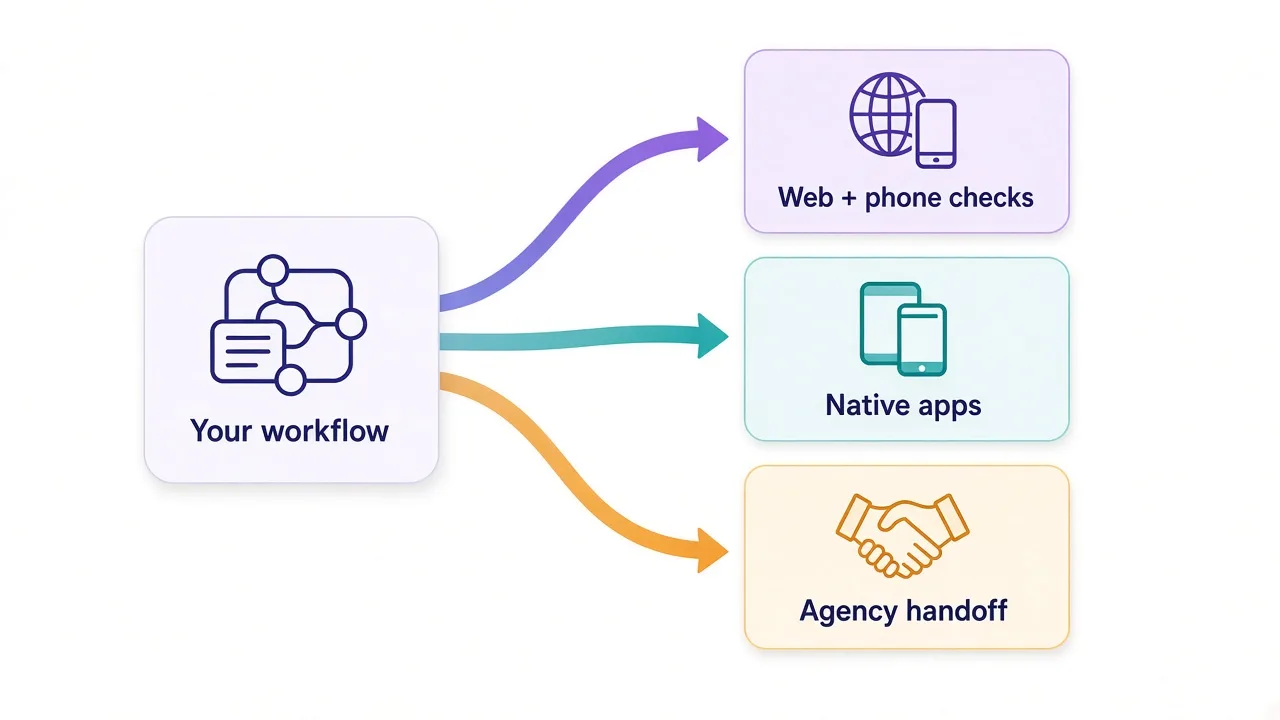
Its mobile story is different: cloud phones. Those are real Android devices hosted in the cloud.
You can run native apps (think Instagram or TikTok style workflows) instead of only a mobile browser skin.
Those sessions bill in mobile minutes. Unused minutes and proxy traffic can roll under Multilogin's published rules.
So which mobile path do you need?
- Need to check and manage browser profiles from your phone while traveling? GoLogin's Android app is the practical answer.
- Need the account to live inside a real Android environment with app installs and device-level identity? Multilogin's cloud phones are built for that.
Don't buy "mobile support" as a checkbox. Buy the kind of mobile you actually run.
Automation and API: enough for production?
If you only click by hand, skip this section. If you script profile creation, cookie warm-ups, or scheduled checks, stay here.
GoLogin exposes a REST API with plan-based rate limits. The docs show a few hundred RPM on Professional, up to about 1,200 RPM on Custom.
Selenium and Puppeteer show up in its integration story. Each tier caps cloud launches by concurrent sessions and monthly hours. Read that line before you assume infinite headless farms.
Multilogin markets API access on Pro and Business (not Free), CLI access, and hardened automation for Selenium, Puppeteer, and Playwright. For teams already deep into browser automation, that Playwright mention matters. Multilogin also leans into agent-style control on cloud phones via ADB in its feature matrix.
Neither tool turns a bad script into stealth. Automate the boring parts. Keep human-like pacing where platforms are strict.
Want a broader shortlist beyond these two? Browse other antidetect options in the browser directory, including tools like AdsPower if budget is the main constraint.
The honest catch for each
Every polished landing page hides a trade-off. Here are the ones that matter.
GoLogin's catches
- Team seats aren't a Professional-plan free-for-all. Plan for Business if humans need shared ownership.
- Cloud convenience means you depend on GoLogin's cloud path and connectivity. Offline-only diehards will feel that.
- Built-in proxy GBs are a starter pack, not a full production budget.
- Fingerprint depth is solid for many workflows, but Multilogin's premium reputation still wins some risk-averse buyers who refuse to experiment.
Multilogin's catches
- The platform can get expensive once you need more profiles, seats, proxy GBs, and mobile minutes together.
- Cloud phones are powerful and also a new billing surface. Idle discipline matters, use auto-stop features when available.
- Heavier feature sets mean a steeper first week than a minimalist single-engine browser.
- Directory notes still call out higher resource use when many local profiles run at once. Spec the machine accordingly.
Neither catch is a dealbreaker. Ignoring them is.
Who should pick GoLogin?
Pick GoLogin if most of these sound like you:
- You want a forever-free tier (3 profiles) to learn the workflow before paying.
- You care about cloud profiles you can open from more than one device.
- You want a native Android app for quick checks and light management on the go.
- Your team is small, or you are still solo, and you want a lower paid entry before Business-level seats.
- Your accounts are mostly web workflows, not native Android app farms.
GoLogin also fits agencies that already solved mobile separately and just need a clean cloud browser ops layer.
Still torn on price? Check the live listing, then compare adjacent tools only after you know your profile count.
Affordable antidetect with cloud profiles.
Who should pick Multilogin?
Pick Multilogin if most of these sound like you:
- Account survival pays the bills, and you want the more mature premium reputation.
- You need native Android cloud phones for app-based social or marketplace work.
- Your team needs folders, roles, transfers, and clearer handoff than "share the login."
- You automate with Playwright / Puppeteer / Selenium and want that path first-class.
- You are fine paying for usage (proxy traffic + mobile minutes) when the operation grows.
Multilogin is less compelling if you only need three browser profiles for weekend tests. Use the free tier to poke around, then decide with real account risk in mind, not a feature checklist.
The original enterprise antidetect browser.
So, which antidetect browser should you actually buy?
Start with the workflow, not the brand story.
If you need laptop-plus-phone cloud access, a gentle free tier, and lower paid entry for web accounts, buy GoLogin.
If you need cloud phones, deeper team ops, and the premium fingerprint reputation for stricter targets, buy Multilogin.
You don't need both on day one. Pick one stack and pair it with a residential proxy you can measure.
Only switch when a real limit (seats, mobile apps, or detection) forces the change.
Next step: open both listings, confirm today's plan numbers, and choose the tier that matches your real profile count. Then compare neighboring antidetect browsers only if neither fit.
Frequently asked questions
GoLogin is usually better for cloud profiles, an Android app, and cheaper entry. Multilogin is usually better for cloud phones, deeper team controls, and premium fingerprint reputation. Pick from your workflow, not brand hype.
Yes. GoLogin's forever-free plan includes 3 browser profiles with limits on sharing, teams, cloud launches, and API access. Paid tiers add profile volume, shares, and higher API limits.
Yes. Multilogin's free forever plan includes a small set of cloud profiles plus one-time proxy and mobile-minute bonuses, with no card required. Paid Pro and Business tiers unlock more profiles, seats, and automation.
GoLogin usually offers a lower paid entry on annual billing for browser-profile work. Multilogin's total cost can climb once you add profiles, seats, proxy traffic, and cloud-phone minutes. Compare the tier that matches your real usage.
Yes. Both let you attach per-profile HTTP or SOCKS proxies, and both also offer built-in or bundled proxy traffic. Serious production traffic still belongs on a measurable proxy provider.
GoLogin's native Android app helps manage browser profiles on a phone. Multilogin's cloud phones run real Android devices in the cloud for native apps. Choose based on whether you need phone access or a real Android environment.