











Whether you're a brand running regional pages, an agency managing clients, or a creator testing niches, sooner or later you'll want more than one TikTok account. The problem: TikTok is exceptionally good at spotting when many "different" accounts are really one operator — and when it does, it links them and can ban the whole cluster at once. This guide explains exactly how that detection works and walks through the tools, setup, and habits that let you run multiple TikTok accounts safely, without waking up to a wall of bans.
Who this is for
This is a guide for managing your own legitimate accounts — brand pages, client accounts, and niche channels. Use it to keep genuine accounts healthy and separate, not to spam or evade enforcement for prohibited activity.
Why TikTok links and bans multiple accounts
TikTok runs one of the most sophisticated anti-fraud systems in social media, and it looks at far more than your login. To connect accounts that are supposed to be unrelated, it leans on three signals in particular:
- IP address. The strongest link. If several accounts all post and browse from the same IP, TikTok assumes one operator — and a ban on one can cascade to all of them.
- Device and browser fingerprint. Screen size, operating system, fonts, GPU, time zone, language, and dozens of other attributes combine into a fingerprint that ties sessions together even across different IPs and logins.
- Behavioral patterns. Posting on a robotic schedule, following hundreds of accounts in minutes, identical bios, or logging in from impossible locations all flag activity as automated or coordinated.
Beating this isn't about a single trick. It's about giving every account a genuinely separate identity — a distinct fingerprint, a distinct IP, and human-like behavior — so that to TikTok, your ten accounts look like ten unrelated people. Everything below serves that one goal.
The golden rule: one identity per account
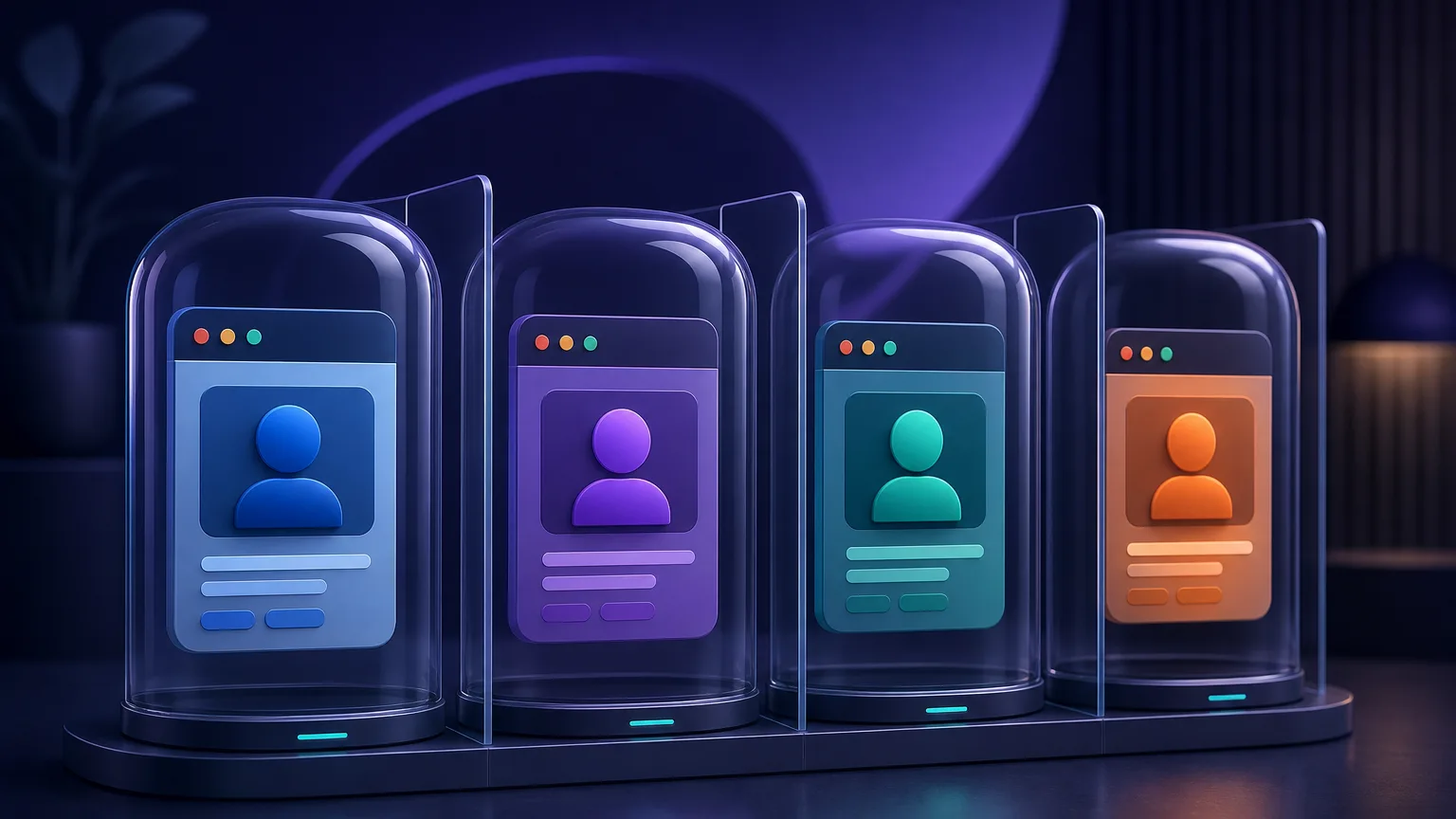
If you remember nothing else, remember this: one account, one browser profile, one proxy, one consistent location. The moment two accounts share an IP or a fingerprint, you've handed TikTok the link it needs. Everything in a safe multi-account setup exists to keep those identities from ever touching each other.
That's harder than it sounds with ordinary tools. Your normal browser has one fingerprint; incognito windows still share it. Switching accounts in the same browser leaves cookies and local storage that betray the connection. To truly separate identities you need two pieces of infrastructure: an antidetect browser and proxies.
How many TikTok accounts can you have?
In the app itself, TikTok lets you switch between up to three accounts tied to one login on a single device — fine for a person with a personal and a side page, but far short of what a brand or agency needs. There's no official cap on how many accounts a business can operate overall; what TikTok cares about is that each one behaves like a real, independent user.
That's the crucial distinction: the risk isn't the number of accounts, it's whether they're properly separated. Ten well-isolated accounts, each with its own fingerprint and IP, are far safer than three sloppy ones sharing a connection. The rest of this guide is about that separation — which is what makes scaling beyond the in-app limit possible at all.
Tool 1: an antidetect browser
An antidetect browser creates isolated profiles, each with its own fingerprint, cookies, cache, and storage. Profile A looks like a Windows laptop in Chicago; Profile B looks like a Mac in Berlin — and neither can see the other. This is the single most important tool for running multiple accounts, because it solves the fingerprint-linking problem that no proxy alone can fix. Browse our full antidetect browser directory for the complete field; two popular choices for TikTok work are below.
AdsPower
AdsPower is a favorite for social-media account management thanks to its balance of powerful profile isolation, team features, and approachable pricing. It handles bulk profile creation, automation, and a generous free tier, making it a common starting point for creators and small agencies running TikTok at scale.

Profiles at scale with strong automation.
GoLogin
GoLogin offers robust fingerprint management with cloud profiles you can access from anywhere and share across a team, plus native apps for desktop and mobile. Its cloud-based approach and reasonable pricing make it a strong pick for distributed teams managing many TikTok identities.

Affordable antidetect with cloud profiles.
Tool 2: proxies (mobile or residential)
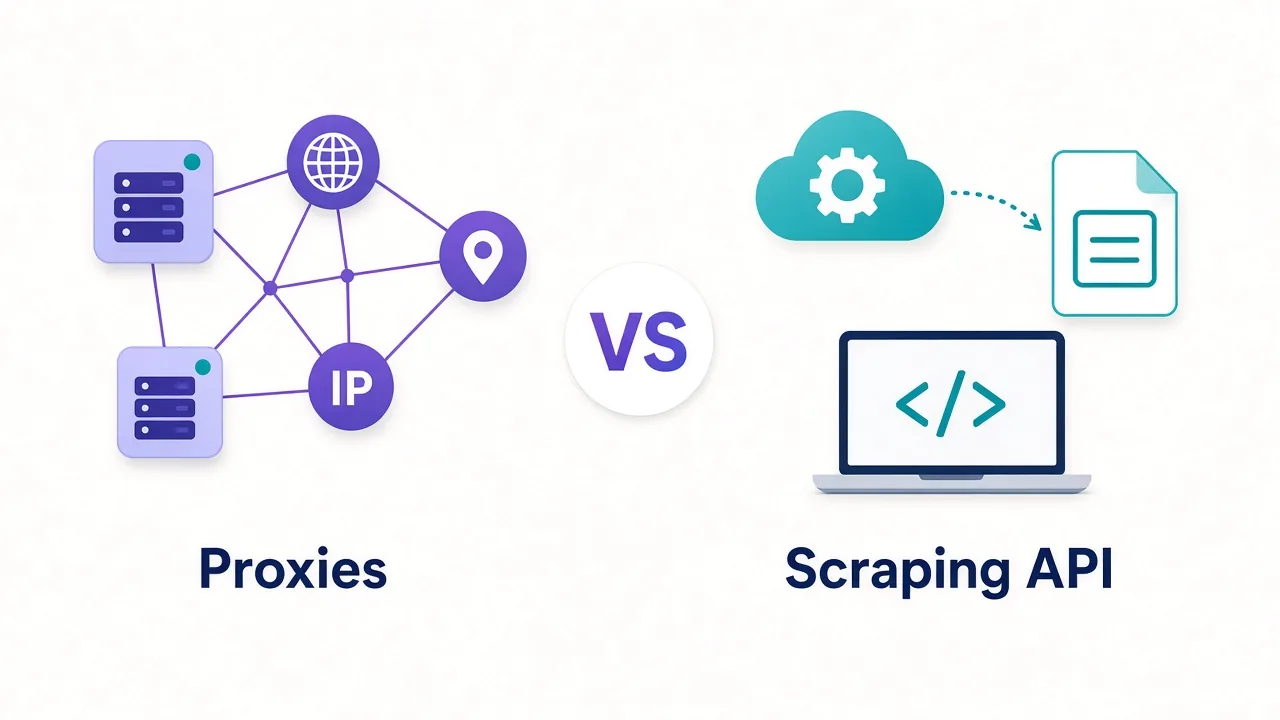
An antidetect browser hides your fingerprint, but every profile still needs its own IP address — otherwise all your "separate" identities exit through your home connection and get linked instantly. This is where proxies come in, and for TikTok the type matters more than almost anywhere else.
Mobile proxies are the gold standard for TikTok
TikTok is a mobile-first app, and carriers share each mobile IP among many real subscribers — so TikTok is very reluctant to ban them. Mobile proxies are the most resilient choice for high-value accounts. Clean residential proxies are the next-best option and more affordable for larger sets of accounts.
Whichever you choose, give each account its own dedicated, sticky IP in a consistent location, and prefer providers with clean, ethically-sourced pools. Two networks we rate highly for social work are below; see the full proxy directory for more, and our guide to the best proxies for social media automation for deeper picks.
SOAX
SOAX pairs a clean, regularly refreshed pool with best-in-class targeting down to city, ISP, and carrier — plus a strong mobile network, which is exactly what mobile-first TikTok rewards. Its sticky sessions and precise geo-control make it easy to give each account a stable, believable location.

Clean, ethically-sourced residential & mobile IPs.
NodeMaven
NodeMaven focuses on clean, filtered residential and mobile IPs with strong sticky-session support, screening out flagged addresses before they reach you. That quality-first approach suits account work, where inheriting a burned IP can sink a profile before it posts a single video.

Sticky residential and mobile IPs with strong filtering and clean pools.
Setting up a TikTok account safely, step by step
With both tools in hand, the setup for each account follows the same disciplined sequence:

- Create a fresh browser profile in your antidetect browser for the account, letting it generate a realistic, unique fingerprint.
- Bind a dedicated proxy to that profile — one clean IP, in the location you want the account to live, on a sticky session.
- Verify the setup before you log in: open the profile and confirm the exit IP with an IP lookup, and check the fingerprint looks ordinary with our browser fingerprint tool. Nothing should point back to your real connection.
- Create or log in to the TikTok account inside that isolated, proxied profile — and only ever access this account from this profile.
- Record the pairing (account ↔ profile ↔ proxy ↔ location) so you never accidentally cross identities later.
Repeat this for every account. The discipline of never reusing a profile or IP is what keeps the whole operation safe.
Warming up new accounts
A brand-new account that immediately starts posting ten videos and following hundreds of people looks exactly like a bot. Real users don't behave that way, and neither should your accounts. Warming up — easing an account into activity like a genuine new user — dramatically lowers the risk of an early ban.
- Days 1–3: just browse. Watch videos in your niche, like a few, follow a handful of accounts. No posting.
- Days 4–7: engage more — comments, more follows, maybe save some videos — and complete the profile (photo, bio, links).
- Week 2 onward: begin posting gradually, one video at a time, building up frequency naturally.
The exact pace matters less than the principle: behave like a curious human discovering the app, not a machine executing a plan.
Behavioral best practices that keep accounts alive
Tools get you separate identities; behavior keeps them healthy. The operators who run accounts for years follow a few disciplines:
- Pace like a person. Cap daily follows, likes, and posts, and randomize the timing. No human follows 300 accounts in ten minutes or posts at exactly 9:00 every day.
- Keep each identity consistent. Same proxy, same location, same profile, every session. Sudden country hops look like a hijacked account.
- Vary your content. Identical videos, captions, or bios across accounts are an easy pattern for TikTok to cluster. Give each account its own voice.
- Don't cross-contaminate. Never log into one account from another's profile "just this once" — that single slip can link them permanently.
- Watch for warnings. If you see CAPTCHAs, verification prompts, or reach drops, slow down and review that account's IP and behavior before pushing further.
Common mistakes that get accounts banned
Most multi-account disasters trace back to a handful of avoidable errors:
| Mistake | Why it's dangerous | Do this instead |
|---|---|---|
| Same IP for many accounts | The #1 linking signal; one ban hits all | One dedicated proxy per account |
| Free or shared proxies | Often already flagged; inherit bad reputation | Clean mobile/residential, ideally dedicated |
| Rotating IP mid-session | Looks like account hijacking | Sticky sessions per account |
| One browser, many logins | Shared fingerprint + leftover cookies link accounts | Isolated antidetect profile each |
| Instant heavy activity | Screams automation to new-account checks | Warm up gradually over 1–2 weeks |
| Datacenter proxies | Easily detected on mobile-first TikTok | Mobile or residential IPs |
Mobile, desktop, and emulators
Because TikTok is mobile-first, some operators run accounts on real phones or Android emulators for the most authentic footprint. That works but scales poorly — a shelf of phones is expensive and hard to manage. The antidetect-browser-plus-proxy approach runs TikTok's web version (or an emulator inside a proxied environment) and scales to dozens of accounts from one computer, which is why it's the standard for agencies. If you do use phones, the same rules apply: one account per device identity, one SIM/proxy per account, no cross-logins.
Respect the rules
TikTok's terms allow legitimate multiple accounts (brands, businesses, creators routinely run several), but prohibit spam, fake engagement, and ban evasion. Keep your accounts genuine, avoid automation that violates the terms, and treat this guide as a way to keep real accounts safely separated — not to abuse the platform.
What to do if an account gets flagged or banned
Even careful operators lose an account occasionally. How you react determines whether the damage spreads:
- Don't panic-log-in elsewhere. Resist opening the account from another profile or your real device to "check on it" — that's exactly how a single ban links to your others.
- Appeal from the same identity. If the ban looks like a mistake, submit TikTok's in-app appeal from the original isolated profile and proxy, not a new environment.
- Retire the burned IP. If an account is permanently banned, treat its proxy IP as compromised for TikTok and don't reassign it to another account.
- Diagnose before rebuilding. Work out what went wrong — shared IP, aggressive pacing, a flagged proxy — and fix the root cause before spinning up a replacement, or you'll just repeat it.
Treating each loss as isolated, and learning from it, is what keeps one banned account from becoming ten.
Managing multiple accounts at scale
Once you're past a handful of accounts, organization becomes the real challenge. A few practices keep a growing operation manageable:
- Use team features. Antidetect browsers like AdsPower and GoLogin let you share profiles with teammates without exposing passwords or breaking isolation — essential for agencies.
- Keep a master sheet. Track every account's profile, proxy, location, and login schedule so nothing overlaps and handovers are clean.
- Budget for proxies properly. One dedicated IP per account is the baseline; running out of clean IPs mid-campaign tempts the sharing mistakes that cause bans.
- Stagger activity. Don't run every account at once from one machine at one time; spread sessions out to avoid a coordinated-looking footprint.
The bottom line
Running multiple TikTok accounts safely comes down to one idea executed consistently: give every account a genuinely separate identity. An antidetect browser isolates the fingerprint, a clean mobile or residential proxy gives each account its own trusted IP, and disciplined, human-like behavior keeps them healthy over time. Pair AdsPower or GoLogin with SOAX or NodeMaven, warm each account up like a real new user, never cross identities, and you can manage a whole portfolio of TikTok accounts without the bans that catch out operators who cut corners.
Frequently asked questions
The TikTok app lets you switch between up to three accounts on one login, but there is no hard cap on how many a business can operate overall. What matters is that each account is properly separated with its own device fingerprint and IP. Well-isolated accounts are far safer than a few that share a connection.
Almost always because they share a signal TikTok uses to connect them — the same IP address, the same browser or device fingerprint, or coordinated, bot-like behavior. When TikTok links accounts to one operator, a ban on one can cascade to all of them. Giving each account a distinct identity is what breaks that link.
For running several accounts safely from one computer, yes. Regular browsers share one fingerprint and leak cookies between logins, which links your accounts. An antidetect browser gives each account an isolated profile with its own fingerprint, cookies, and storage so they look like separate users.
Mobile proxies are the gold standard because TikTok is mobile-first and carriers share each mobile IP among many real users, making them very hard to ban. Clean residential proxies are the next-best and more affordable at scale. Give each account its own dedicated, sticky IP in a consistent location, and avoid datacenter or shared proxies.
No — brands, agencies, and creators routinely run multiple legitimate accounts, and that is allowed. What TikTok prohibits is spam, fake engagement, and ban evasion. Keep your accounts genuine and avoid rule-breaking automation, and multiple accounts are fine.
Ease it in like a real new user instead of posting heavily on day one. Spend the first few days just browsing, liking, and following a handful of accounts, complete the profile in the first week, then start posting gradually from around week two. This gentle ramp-up greatly lowers the risk of an early ban.