













BitBrowser
Ten free profiles, then cheap scaling.
$10.00
from $10.00 /mo
- Profiles
- 10 free / plan-based
- Team features
- Yes
- Free plan
- Yes
- Founded
- 2021
Our verdict
BitBrowser is the clearest example of how cheap this category has become. A free tier of roughly ten profiles, paid plans from around $10/mo, and a feature list — synchroniser, RPA-style automation, team roles, bulk tooling — that mid-market rivals charge several times more for.
Where it excels
Value, unambiguously. The free tier is enough to run a small operation, and the paid steps are gentle, so growing from ten to a hundred profiles does not force a painful upgrade. The workflow tooling is genuinely good: bulk creation, grouping, cookie import, profile transfer and window synchronisation are all present.
Where it falls short
Stealth is where the savings show. Fingerprints are credible on mainstream platforms but the gap to Octo Browser or Multilogin is visible against aggressive detection. Documentation and support are thinner than Western-facing vendors, and as a China-origin product some compliance-cautious buyers will rule it out on procurement grounds alone.
Bottom line
An excellent first antidetect browser and a sensible home for high-volume, low-value accounts. Keep the accounts you cannot afford to lose on something stronger.
Benchmarks & scoring
Built-in RPA-style automation plus a Selenium/Puppeteer API, if less polished than AdsPower.
Feature-dense with uneven translation, but the core workflow is quick.
Handles high profile counts and synchronised windows acceptably.
A free tier of roughly ten profiles and paid plans from about $10/mo lead the category on value.
Credible per-profile fingerprints with overrides; visibly behind premium engines on strict targets.
Members, roles and shared profiles cover small agencies.
Pros & cons
Pros
- Free tier of around ten profiles, enough to run a small operation
- Paid plans from roughly $10/mo with gentle scaling steps
- Window synchroniser, bulk creation, grouping and cookie import included
- Built-in RPA-style automation plus a Selenium/Puppeteer API
- Team members, roles and shared profiles
- Windows and macOS clients
- Feature depth that usually costs several times more
Cons
- Stealth trails premium engines against aggressive detection
- Documentation and support are thinner than Western-facing vendors
- China-origin product, which some compliance-cautious buyers exclude
- No Linux client
- Interface is dense and translation is uneven in places
Compatibility
Operating systems
Overview
What BitBrowser is
BitBrowser is a budget antidetect browser that has grown quickly on the strength of a free tier and aggressive per-profile pricing. Launched around 2021, it is widely used by cross-border e-commerce sellers and social-media operators who need a lot of profiles for very little money.
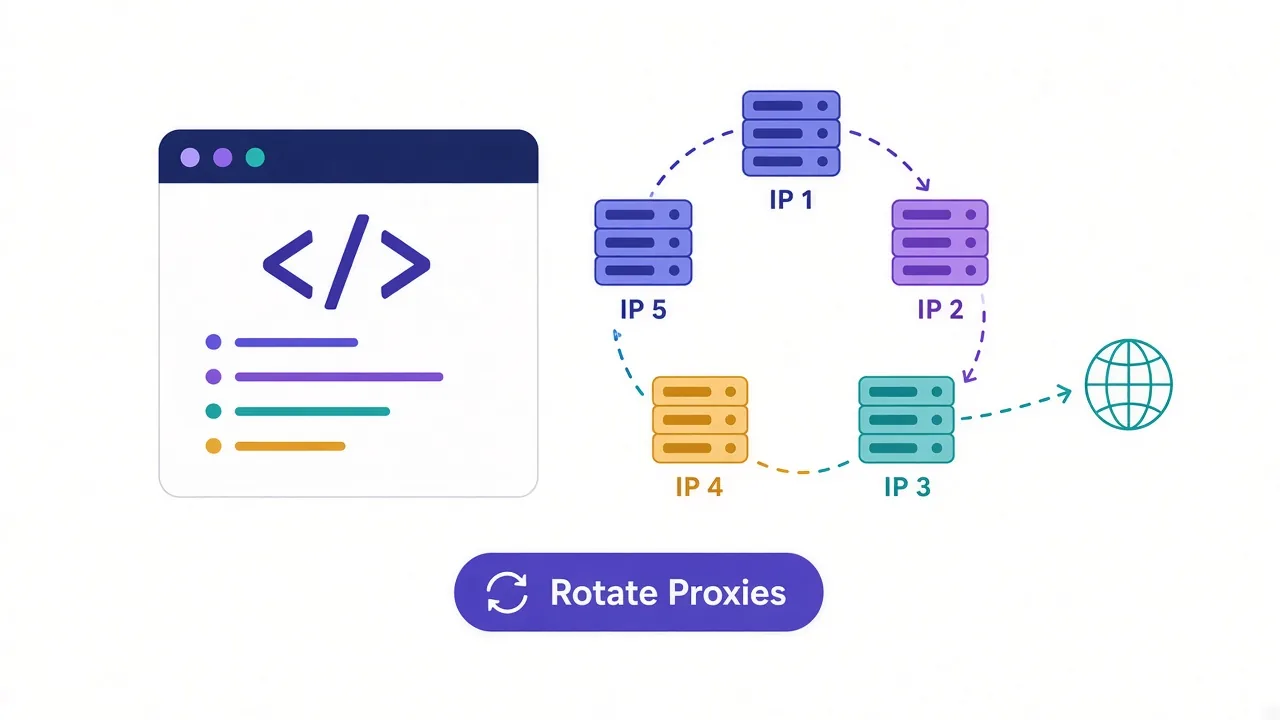
The mechanics are standard: isolated storage per profile, a generated fingerprint covering the usual attributes, and a bound proxy so accounts do not share an exit IP.
Who it is for
BitBrowser fits high-volume, low-value account work where the profile count matters more than surviving the strictest detection. The free tier makes it an easy first antidetect browser, and the paid steps are gentle enough that scaling does not sting.
Fingerprinting and stealth
Coverage spans Canvas, WebGL, WebRTC, audio, fonts, timezone, language, screen and hardware, generated per profile with manual overrides. It is credible on mainstream platforms. Against aggressive detection the gap to premium engines is visible, which is the expected trade at this price.
Profiles and workflow
Bulk creation, grouping, tagging, cookie import, profile transfer and a window synchroniser are all included. For a free-to-start tool the workflow depth is notable — much of what mid-market rivals charge for is present here.
Automation and API
A local API supports Selenium and Puppeteer, and there is built-in RPA-style automation for repetitive sequences. It is not as polished as AdsPower's, but it exists and works.
Team features
Team members, roles and shared profiles are supported, so small agencies can operate from a common inventory.
Pricing and plans
The free tier covers around ten profiles, with paid plans starting in the region of USD 10/mo. That combination — free to start, cheap to grow — is the entire pitch, and it is an effective one.
Bottom line
BitBrowser gives you most of the mid-market feature set at budget prices, with a free tier that removes the risk of trying it. Stealth is where the savings show, so keep valuable accounts on a premium tool and use BitBrowser for volume.
Features & capabilities
Free tier
Around ten profiles at no cost, enough for a small operation.
Window synchroniser
Mirror actions across many profiles at once.
RPA-style automation
Built-in sequences for repetitive account tasks.
Bulk profile tools
Mass creation, grouping, tagging and cookie import.
Team roles
Shared inventory with member permissions.
Premium-grade stealth
Trails the leading engines on the strictest platforms.
Integrations & supported tools
Privacy & compliance
Frequently asked questions
High-volume multi-account work — cross-border e-commerce, marketplace listings and social media — where profile count matters more than surviving the strictest detection.
Around ten on the free tier, which is enough to run a small operation at no cost and to evaluate the tool properly before paying.
Paid tiers start in the region of $10/mo and scale in small increments, so growing from ten profiles to a hundred does not force a large jump in spend.
Credible on mainstream platforms, with per-profile generation and manual overrides across Canvas, WebGL, WebRTC, audio, fonts, timezone and hardware. Against aggressive detection, premium tools hold up better.
Yes. There is built-in RPA-style automation for repetitive sequences plus a local API with Selenium and Puppeteer support. It is less polished than AdsPower but functional.
Yes, with team members, roles and shared profiles, so a small agency can work from a common inventory.
Windows and macOS. There is no Linux client — Dolphin Anty or GoLogin are the alternatives.
They compete directly on value. AdsPower has more polished automation, better documentation and a larger community; BitBrowser offers a slightly more generous free tier. AdsPower is the safer default; BitBrowser is worth it if the free profiles decide the matter.
User reviews (0)
No reviews yet. Be the first to share your experience.