










J
Jonah W.
May 29, 2026
4.04.0 out of 5
Easy to learn
Cleanest UI of the ones I tried. Good for getting started.
8 found this helpful

Simple, reliable multi-account browsing.
$29.99
from $29.99 /mo
Incogniton is a competent, honest mid-tier antidetect browser that does the fundamentals well. Its manual fingerprint control will please users who like to understand and tune exactly what each profile presents, the 10 free profiles make it an easy place to start, and the Selenium/Puppeteer API covers developers who script their own workflows. The interface is clean and the learning curve is gentle.
Where it falls short is collaboration and breadth. Incogniton offers no real team features — no shared-profile, role and permission system for agencies — so it is best understood as a single-operator tool. It also skips Linux and lacks the no-code automation depth of AdsPower. Pick Incogniton if you are a solo user or small code-driven shop on Windows or macOS who wants reliable manual control. If you need a team, choose GoLogin or Multilogin; if you want maximum value and automation, AdsPower or Dolphin Anty will serve you better.
Selenium and Puppeteer API covers code-driven automation well, but there is no no-code RPA or multi-window synchronization.
Clean, approachable interface with a gentle learning curve while still exposing granular fingerprint settings for power users.
Runs profiles reliably on Windows and macOS; no Linux client, and performance scales with local hardware.
A free 10-profile tier is generous, but entry pricing from $29.99/mo is higher than budget rivals without the team features that justify a premium.
Strong manual fingerprint control over Canvas, WebGL, WebRTC, fonts and audio with consistency locking; capable and appealing to hands-on users.
No genuine team collaboration: it lacks the shared-profile roles and permissions agencies need, making it a single-operator tool.
Incogniton is a solid mid-tier antidetect browser aimed at users who want dependable multi-account management with hands-on fingerprint control. Founded in 2020, it has carved out a reputation as a straightforward, no-nonsense option — particularly appealing to people who like to configure their fingerprints manually and run a moderate number of accounts.
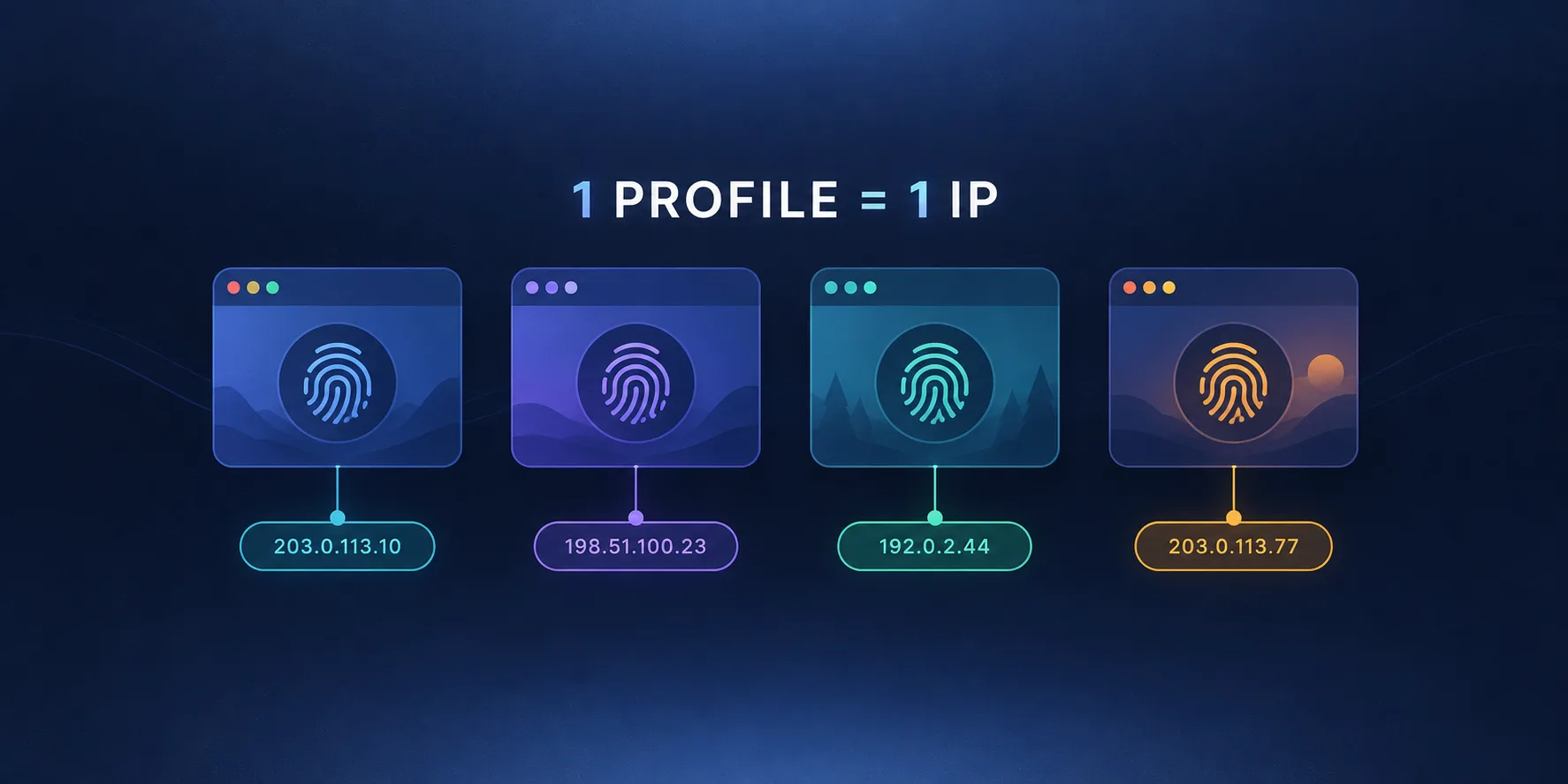
The fundamentals are the same as any antidetect browser: rather than risking multiple accounts inside one Chrome window (where shared cookies and a shared device fingerprint can link them), Incogniton creates isolated browser profiles. Each profile has its own cookies, cache and storage, a configurable fingerprint (Canvas, WebGL, WebRTC, fonts, time zone, screen, hardware) and a dedicated proxy, so accounts look like separate users on separate machines.
Incogniton suits solo operators, freelancers and small businesses that manage a moderate set of accounts and want clear, manual control over each profile's fingerprint. Its 10 free profiles make it a comfortable starting point, and its Selenium/Puppeteer API appeals to developers automating individual workflows. It is less suited to large agencies that need deep team collaboration.
Incogniton emphasizes manual fingerprint control: you can adjust Canvas, WebGL, WebRTC, audio, fonts, hardware concurrency, geolocation and more, and lock a profile's identity so it stays consistent. This appeals to users who want to understand and tune exactly what each profile presents to a website. Proxy support covers HTTP/HTTPS/SOCKS5 with built-in testing, and cookie import helps onboard existing accounts.
Profiles can be organized with groups and notes, duplicated, imported and exported, and bulk-created on paid plans. The workflow is clean and approachable, making Incogniton easy to learn for someone new to antidetect browsers while still offering depth for power users who like granular settings.
Incogniton ships a Selenium and Puppeteer API, so developers can script profile launches and automate browsing tasks. This is genuinely useful for custom automation, though it lacks the no-code RPA tooling and multi-window synchronization that automation-first platforms like AdsPower provide. For code-driven workflows it is more than adequate; for no-code mass automation it is thinner.
This is Incogniton's weakest area: it does not offer team collaboration in the way rivals do. There are no robust shared-profile, role and permission systems built for multi-user agencies, so it is best treated as a single-operator tool. Teams that need to share account inventories and assign roles should look at GoLogin or Multilogin instead.
Incogniton starts around $29.99/mo, with a free plan that includes 10 profiles — a generous on-ramp that lets you run a small operation at no cost. Paid tiers add more profiles and features. Pricing is mid-range: higher than budget options like AdsPower and Dolphin Anty, and without the team features that justify GoLogin's premium.
Incogniton is a dependable, approachable antidetect browser for solo users and developers who value manual fingerprint control and a clean workflow. The 10 free profiles and Selenium/Puppeteer API are real strengths. Its limitations are clear, though: no Linux support, weaker automation than AdsPower and no genuine team collaboration. If you work alone or in a tiny code-driven setup, it fits well; if you need a team platform, look elsewhere.
Hands-on tuning of Canvas, WebGL, WebRTC, fonts and audio.
Script profile launches and automate browsing.
Groups, notes, duplication, import/export.
HTTP/HTTPS/SOCKS5 with built-in testing.
Onboard existing accounts quickly.
No shared-profile roles and permissions for agencies.
Incogniton is an antidetect browser for managing multiple online accounts without them being linked together. It is a good fit for solo operators, freelancers and small businesses that want clear, manual control over each profile's fingerprint.
Incognito only clears your session, and Chrome profiles still share the same device fingerprint, so platforms can connect them. Incogniton gives each profile isolated storage, a distinct configurable fingerprint and its own proxy, so accounts look like separate users on separate machines.
No. You bring your own proxies and bind one to each profile. Incogniton supports HTTP, HTTPS and SOCKS5 and includes a proxy tester to verify connections before launching a profile.
Yes, via a Selenium and Puppeteer API that lets developers script profile launches and automate browsing tasks. It does not, however, include the no-code RPA robot or multi-window synchronization that automation-first tools like AdsPower offer.
Incogniton's free plan includes 10 profiles, which is enough to run a small operation at no cost and a generous way to evaluate the tool. Paid plans, starting around $29.99/mo, add more profiles and features.
Not really. Incogniton does not offer the robust team collaboration features — shared profiles, roles and permissions — that rivals provide, so it is best treated as a single-operator tool. Teams that need to share account inventories should look at GoLogin or Multilogin.
Incogniton runs on Windows and macOS. There is no Linux client, so Linux-based users should consider Dolphin Anty or GoLogin instead.
Yes, Incogniton is a legitimate privacy and account-management tool. Legality depends on how you use it: managing accounts in ways that breach a platform's terms of service can still result in bans, so understand the rules of the sites you operate on.
Multilogin is the premium, enterprise-grade option with deep fingerprinting heritage and strong team features, at a higher price. Incogniton is a simpler, more affordable solo-focused tool with manual fingerprint control but no real team collaboration. Multilogin wins for agencies and enterprises; Incogniton suits individual operators and developers.
AdsPower is cheaper, supports team sub-accounts and offers a much deeper automation stack including a no-code RPA robot and multi-window Synchronizer. Incogniton counters with strong manual fingerprint control and a clean, approachable experience for solo users. For automation and value, AdsPower leads; for hands-on individual control, Incogniton is appealing.
Jonah W.
May 29, 2026
Cleanest UI of the ones I tried. Good for getting started.
8 found this helpful