












ixBrowser
Free profiles with proxies built in.
$10.00
from $10.00 /mo
- Profiles
- Free tier / plan-based
- Team features
- Yes
- Free plan
- Yes
- Founded
- 2022
Our verdict
ixBrowser''s angle is consolidation. A free profile allowance gets you in, cheap paid tiers keep you there, and proxies can be bought inside the product instead of from a separate vendor — which removes the single most confusing step for anyone new to multi-accounting.
Where it excels
Simplicity and price. One vendor, one bill, profiles and proxies in the same interface, and a free tier that lets you learn the workflow before spending. The day-to-day tooling — grouping, bulk creation, cookie import, window synchronisation — covers what most operators actually use.
Where it falls short
Stealth is mid-tier: fine on mainstream platforms, outclassed by Octo Browser or Multilogin where detection is aggressive. Automation is functional but unremarkable. And the built-in proxy convenience is a double-edged sword — it is easier, but you are buying traffic from your browser vendor rather than choosing the best network for the job.
Bottom line
A good first antidetect browser for people who want fewer moving parts. Experienced operators with a proxy provider they trust will find the main differentiator less compelling.
Benchmarks & scoring
Local API with Selenium and Puppeteer; functional rather than distinctive.
Simpler than the power-user tools, and proxies live in the same place as profiles.
Solid at moderate profile counts; Windows-focused client.
Free tier plus plans from around $10/mo, with proxies purchasable in-app.
Standard coverage with manual adjustment; mid-tier against aggressive detection.
Shared profiles and member roles are adequate for small groups.
Pros & cons
Pros
- Free tier covering a useful number of profiles
- Proxies can be bought inside the product, removing a separate vendor
- Paid plans from around $10/mo
- Window synchroniser for repetitive multi-account work
- Grouping, bulk creation, tagging, cookie import and profile transfer
- Simpler interface than dense power-user rivals
- Team accounts with shared profiles and member roles
Cons
- Mid-tier stealth that trails premium engines on strict platforms
- Automation is functional but not a differentiator
- Bundled proxies mean buying traffic from your browser vendor rather than the best network
- Windows-focused client
- Founded in 2022, so a short track record
Compatibility
Operating systems
Overview
What ixBrowser is
ixBrowser is a budget antidetect browser launched around 2022 that pairs a free profile allowance with an unusual convenience: proxies you can buy inside the product. For operators who would otherwise be juggling a browser subscription and a separate proxy vendor, that consolidation is the pitch.
Profiles are isolated in the usual way, each with its own fingerprint, storage and proxy binding.
Who it is for
ixBrowser suits newcomers and cost-sensitive operators who want the fewest moving parts: one vendor, one bill, profiles and proxies together. Experienced users who already have a preferred proxy provider will value the integration less.
Fingerprinting and stealth
Fingerprint generation covers the standard attribute set with manual adjustment available. It performs acceptably on mainstream platforms; as with its budget peers, the strictest targets are where premium engines pull ahead.
Profiles and workflow
Grouping, bulk creation, cookie import, tagging and profile transfer are present, along with a window synchroniser for repetitive work. The interface is simpler than the dense power-user tools, which suits its audience.
Automation and API
A local API with Selenium and Puppeteer support covers scripted launches. Automation is functional rather than a differentiator.
Team features
Team accounts with shared profiles and member roles are available, adequate for small groups.
Pricing and plans
There is a free tier covering a useful number of profiles, with paid plans starting in the region of USD 10/mo. Proxies are sold separately inside the product, so the total cost depends on your traffic rather than on the browser alone.
Bottom line
ixBrowser is a sensible starting point: free to try, cheap to keep, and simpler than rivals because proxies live in the same place as profiles. Treat the bundled proxy convenience as a starting option rather than a reason to abandon a provider you already trust, and keep high-value accounts on a stronger engine.
Features & capabilities
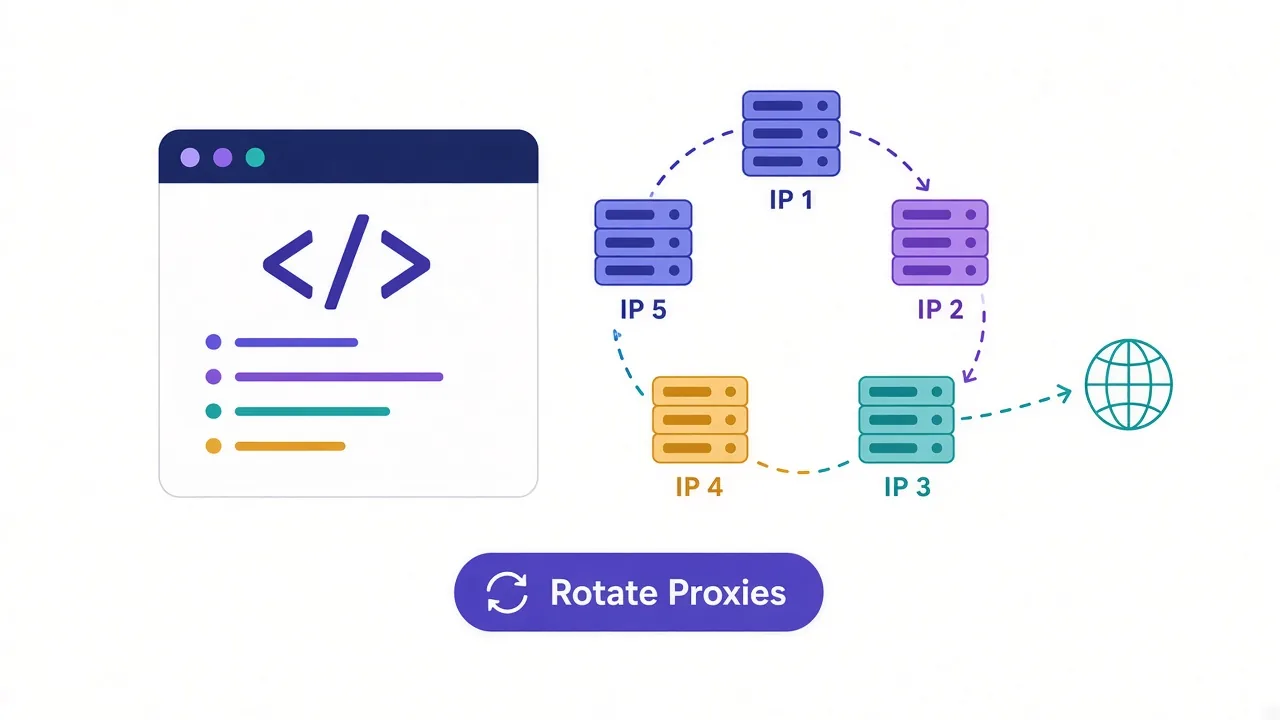
Built-in proxies
Buy traffic in the same product that runs your profiles.
Free tier
Learn the workflow before spending anything.
Window synchroniser
Repeat one action across many profiles.
Profile organisation
Groups, tags, bulk creation and cookie import.
Local API
Selenium and Puppeteer profile control.
Premium-grade stealth
Mid-tier fingerprinting; not for the hardest targets.
Integrations & supported tools
Privacy & compliance
Frequently asked questions
Multi-account browsing on a budget, with profiles and proxies managed in one place. It suits newcomers and cost-sensitive operators who want as few moving parts as possible.
Proxies can be purchased inside the product, which removes the need for a separate vendor. You can still bind your own HTTP, HTTPS or SOCKS5 proxies if you prefer.
Yes. A free tier covers a useful number of profiles, enough to learn the workflow and run a small operation before paying.
Paid plans start in the region of $10/mo. Proxy traffic is billed separately if you buy it in-app, so total cost depends on usage.
Standard attribute coverage with manual adjustment, acceptable on mainstream platforms. Against aggressive detection, Octo Browser and Multilogin are noticeably stronger.
Yes, via a local API with Selenium and Puppeteer support for scripted profile launches. It is functional rather than a reason to choose the product.
Yes. Team accounts support shared profiles and member roles, which is adequate for small groups.
Both are budget tools with free tiers. BitBrowser has deeper workflow tooling and macOS support; ixBrowser counters with in-app proxy purchasing and a simpler interface. Choose ixBrowser for fewer moving parts, BitBrowser for more capability.
User reviews (0)
No reviews yet. Be the first to share your experience.