












You bought a pool of proxies, pointed your scraper (or sneaker bot, or ad-verification job) at the target, and within an hour half your requests were coming back as 403s, CAPTCHAs, or silent empty pages. Nothing kills a proxy budget faster than bans — and the frustrating part is that the proxy itself is rarely the only culprit. Bans are the result of a detection chain: the IP's reputation, the way your traffic looks on the wire, and the way your sessions behave all get scored together. Fix only one link and the other two will still give you away.
This guide walks through the full chain: how websites actually detect proxy traffic, the specific mistakes that trigger bans, and a practical playbook — from rotation strategy to fingerprint hygiene — that keeps your IPs alive for weeks instead of hours.
How websites detect proxies in the first place
Anti-bot systems don't "see" a proxy directly. They score every request across three layers and ban when the combined score crosses a threshold. Understanding the layers tells you exactly where your setup is leaking.

Layer 1: IP reputation
Before your request body is even parsed, the target looks up the source IP against commercial reputation databases (IPQualityScore, MaxMind, Spur, and the sites' own internal blocklists). These databases record:
- ASN and ownership — an IP registered to a hosting company (AWS, Hetzner, OVH) is flagged as a datacenter address instantly. Residential ISP ASNs score far lower risk.
- Abuse history — if the previous "tenant" of your rotating IP hammered the same site last week, you inherit their reputation.
- Known proxy lists — public proxies and many commercial pool exit nodes are enumerated and republished daily.
Layer 2: Network and TLS fingerprints
Even with a pristine IP, the connection itself can scream "automation". The big three signals:
| Signal | What it reveals | Who checks it |
|---|---|---|
| TLS fingerprint (JA3/JA4) | Your HTTP library's TLS handshake doesn't match the browser your User-Agent claims to be | Cloudflare, Akamai, DataDome |
| HTTP/2 fingerprint | Header ordering, pseudo-header sequence and frame settings differ per client — curl and Chrome look nothing alike | Akamai, Kasada |
| TCP/IP characteristics | TTL values and window sizes inconsistent with the claimed OS; latency that doesn't match the IP's geolocation | Advanced WAFs, fraud systems |
| WebRTC / DNS leaks | Your real IP or resolver leaks around the proxy entirely | Any page running JavaScript checks |
Layer 3: Behavior
The final layer is the one most people get banned on. Real users browse a few pages a minute, follow links, load images and CSS, and keep cookies. Bots request 600 product pages in 10 minutes, in perfect alphabetical order, with no static assets, from an IP that switched countries mid-session. Behavioral scoring catches exactly that pattern — and it's the layer where no amount of money spent on proxies can save sloppy crawling logic.
The chain rule
A ban almost never has a single cause. A mediocre IP with perfect behavior often survives; a perfect IP with bot-like behavior never does. Audit all three layers before blaming your provider.
The seven most common ban triggers
Across scraping, sneaker, social-media and ad-verification workloads, the same handful of mistakes account for nearly every ban. In rough order of frequency:
- Dirty or recycled IP pools. Budget providers resell the same exits to hundreds of customers. If someone else burned the IP on your target, you start banned. This is why ethically sourced pools aren't just a compliance nicety — consented, well-managed IPs have measurably cleaner histories.
- Datacenter IPs on protected targets. Sites behind Cloudflare or DataDome treat hosting-ASN traffic as guilty until proven innocent. Datacenter proxies are great for speed-sensitive, low-protection work — not for sneaker drops or social platforms.
- Too-fast, too-regular request patterns. Fixed 2-second intervals are as detectable as no interval. Real traffic is bursty and irregular.
- Subnet bans. Targets rarely ban one IP; they ban the /24. If your provider's pool is concentrated in a few subnets, one noisy customer poisons the whole range.
- Fingerprint mismatch. A Chrome User-Agent with a Python-requests TLS handshake is an instant flag. Header order, Accept-Language and the claimed OS must all tell the same story.
- Session schizophrenia. Rotating the IP on every request while carrying the same cookies — or keeping the IP but resetting cookies — breaks the "one human, one session" assumption sites verify.
- Geo-impossible behavior. Logging into an account from Berlin, then 40 seconds later from Ho Chi Minh City. Account-based platforms compute travel feasibility.
Residential, mobile, ISP or datacenter: ban-resistance compared

Proxy type is the single biggest lever on ban rate, because it decides your Layer-1 score before you send a byte. The trade-off is always cost and speed versus trust:
| Proxy type | Ban resistance | Typical cost | Best for | Weakness |
|---|---|---|---|---|
| Residential (rotating) | High | $$–$$$ per GB | Protected e-commerce, search, travel | Variable speed; quality depends on sourcing |
| Mobile (4G/5G) | Highest — carriers share IPs across thousands of real users, so blocking is costly | $$$$ | Social media, account management | Expensive, limited bandwidth |
| Static residential / ISP | High, with stable sessions | $$$ per IP | Long-lived logins, marketplace seller accounts | Fewer IPs, so pacing matters more |
| Datacenter | Low on protected sites | $ per IP | Unprotected targets, internal tools, speed-critical jobs | Hosting ASN is flagged on sight |
If you're not sure which side of this table your workload sits on, our use-case guides map common jobs to the right proxy type, and the provider directory scores pools on exactly the sourcing and hygiene factors that drive the "ban resistance" column.
The anti-ban playbook

Here is the playbook we'd apply to any banned-too-often setup, in the order of impact.
1. Match rotation to the target's session model
- Stateless scraping (product pages, search results): rotate per request or per small batch, and randomize the order you crawl URLs.
- Stateful flows (logins, carts, checkout): use sticky sessions — one IP held for the 10–30 minutes the flow takes. Mid-session IP changes are a top-three ban trigger.
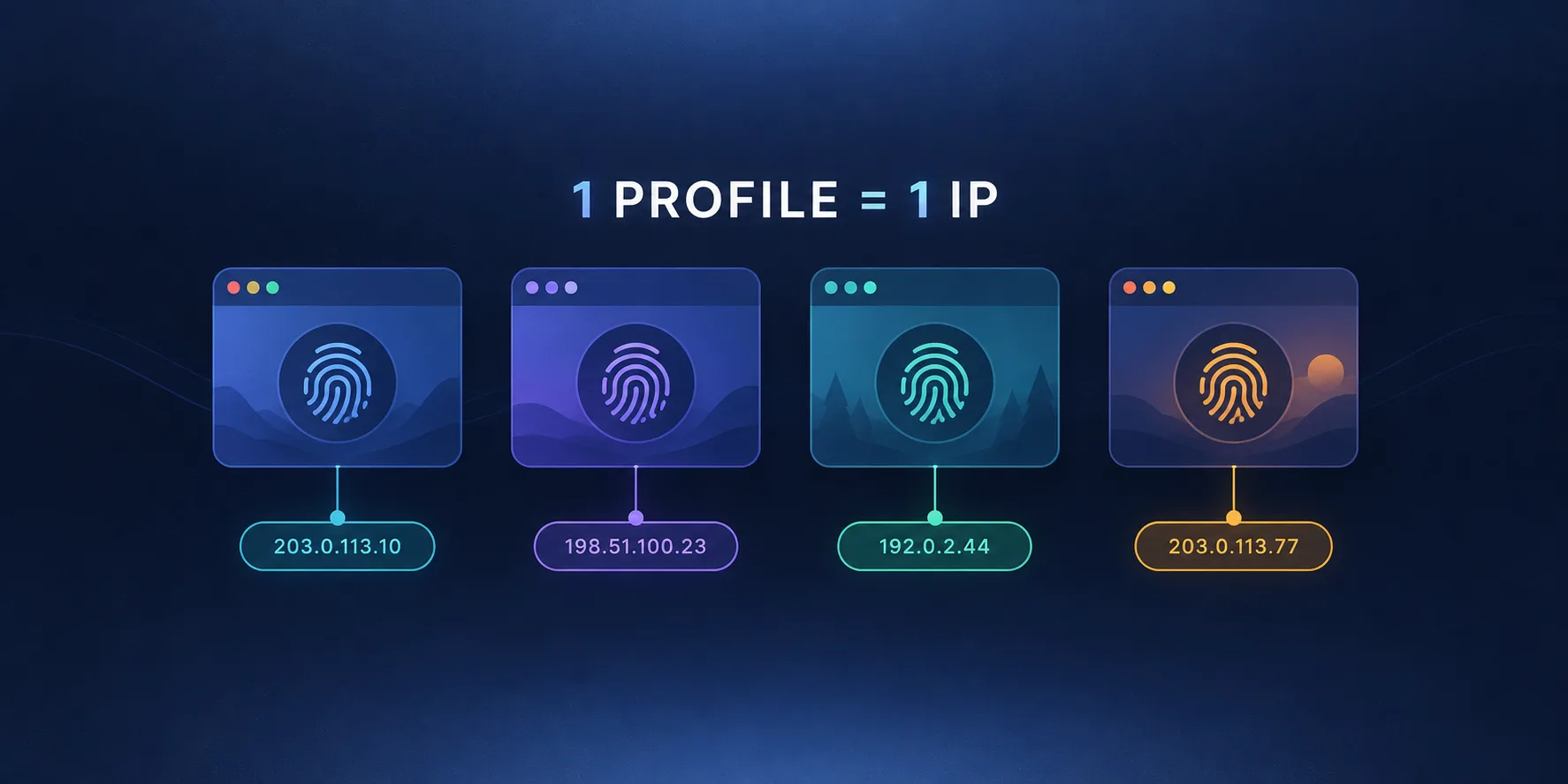
- Account farming / management: pin one static residential or mobile IP per account, permanently. Accounts that hop IPs daily get review-flagged even when each individual IP is clean.
2. Slow down to human speed — irregularly
Throttle per-IP concurrency to what one enthusiastic human could plausibly do (a few requests per minute on protected sites), add jittered delays rather than fixed intervals, and respect the site's natural rhythm — browse category pages between product hits instead of carpet-bombing a URL list.
3. Make every layer tell the same story
Use a TLS-impersonating client or a real browser engine so your JA3 matches your User-Agent; keep header order native; set Accept-Language to match the IP's country; disable WebRTC or verify it doesn't leak; resolve DNS through the proxy. One inconsistency unravels the whole disguise.
4. Manage IP health like inventory
Track response codes per IP. When an IP starts drawing CAPTCHAs or 403s, bench it for that target for 24–72 hours instead of burning it to zero. Spread load across subnets, and prefer providers that publish pool size and sourcing method — a large, consented, well-rotated pool is the raw material every other tactic depends on. Our clean-pool rankings show how dramatically providers differ here.
5. Handle the soft signals
Bans are increasingly preceded by "soft" responses: CAPTCHAs, 429s, shadow-banned content, or subtly degraded results. Treat those as the early-warning system — back off the moment they appear. Pushing through soft blocks is how single-IP timeouts escalate into subnet bans.
Don't do this
Retrying a blocked request immediately from the next IP in the pool teaches the site your entire pool's membership, one ban at a time. Failed request → cool down, change fingerprint context, then retry from a different subnet.
A 10-point pre-flight checklist
- Proxy type matches target protection level (residential/mobile for protected sites).
- Provider discloses sourcing and pool hygiene; IPs aren't on public proxy lists.
- Rotation mode matches the session model (rotate vs sticky vs pinned).
- Per-IP request rate capped at plausible human levels with jitter.
- TLS/HTTP2 fingerprint matches the claimed browser.
- Headers, language and timezone consistent with IP geolocation.
- Cookies and IP rotate together, never independently.
- WebRTC and DNS verified leak-free through the proxy.
- Soft-block detection (CAPTCHA/429) triggers automatic backoff.
- Per-IP health tracking with cool-down benching, not burn-to-zero.
The payoff
Teams that adopt session-aware rotation plus fingerprint consistency routinely report ban rates dropping from 30–50% of requests to low single digits — on the same proxy pool. The pool wasn't the problem; the pattern was.
When it's genuinely the provider's fault
Sometimes you do everything right and still get banned — that's a pool-quality problem. The tell-tale signs: brand-new sessions blocked on the first request across many targets, IPs that geolocate to the wrong country, or whole subnets that arrive pre-flagged. At that point, switch providers rather than tune further. Compare pools by sourcing ethics, exclusivity and abuse-management on our proxy directory before you commit another monthly budget to a pool you can't see inside.
Frequently asked questions
New to you isn't new to the internet. Rotating proxy IPs are shared and recycled, so you inherit the previous user's reputation on every target they touched. If a pool is oversold, the IP may already sit on the site's blocklist before your first request. Prefer providers that disclose pool sourcing and exclusivity.
Yes — residential IPs lower your baseline risk score, but they don't excuse bot-like behavior. Hammering a site at machine speed or mismatching your TLS fingerprint with your claimed browser will get a residential IP banned almost as fast as a datacenter one.
Match rotation to the session model. Stateless page scraping: rotate per request or small batch. Logged-in flows: hold one sticky IP for the whole session (10–30 minutes). Long-lived accounts: pin one static residential or mobile IP per account permanently. Rotating mid-session is one of the most common ban triggers.
Often, yes. Most site-level blocks are temporary (hours to days) and decay if the abusive pattern stops, which is why benching an IP for 24–72 hours usually restores it. Entries on commercial reputation blocklists take longer and depend on the provider managing abuse reports properly.
If brand-new sessions are blocked on the very first request across multiple unrelated targets, IPs geolocate incorrectly, or whole subnets arrive pre-flagged, the pool itself is burned. No amount of pacing or fingerprint tuning fixes a dirty pool — switch to a provider with transparent, ethical sourcing.
Generally no. Commercial VPN exit IPs are publicly enumerated and shared by thousands of users, so reputation databases flag them readily. A quality residential or mobile proxy pool with per-session control gives you far more ban resistance than a consumer VPN.