











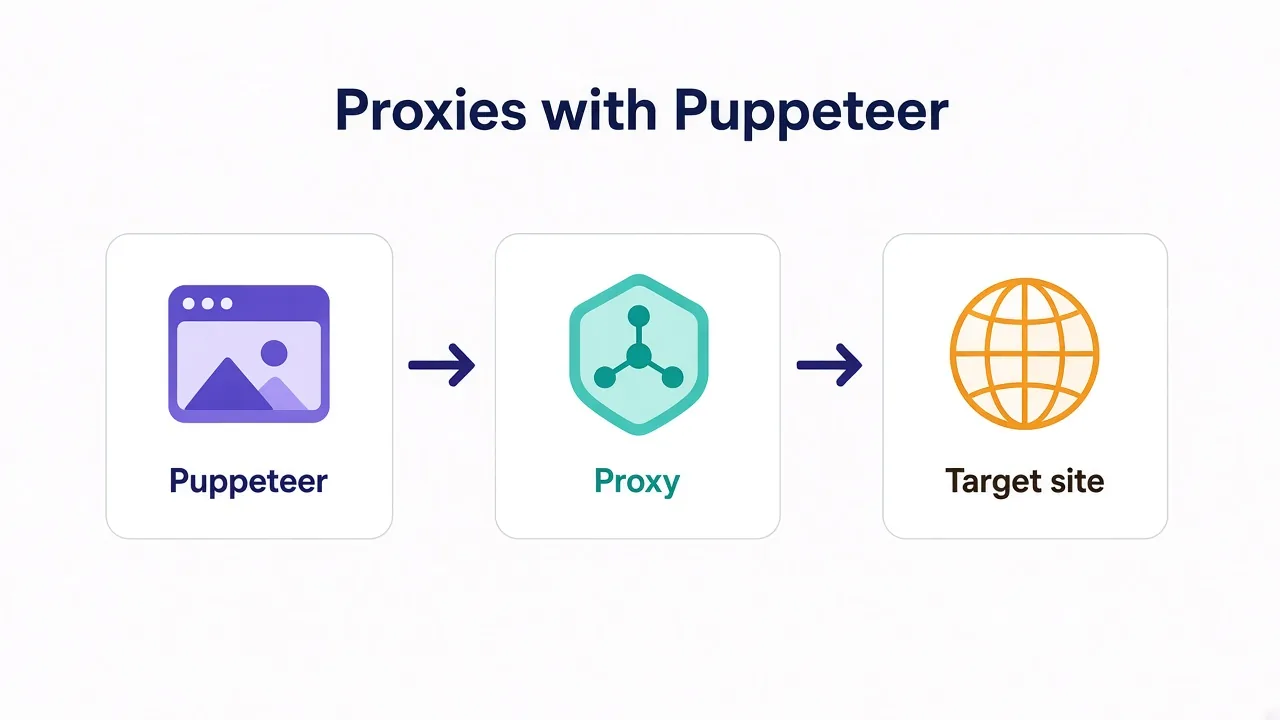
Your Puppeteer script launches Chrome without a hitch.
Then the first goto hangs, returns a blank page, or every request comes back 403. Same selectors. Same wait. The site just finally notices you're coming from one IP.
Sound familiar? You don't need a new scraper. You need a proxy with Puppeteer wired the way Chromium actually accepts it.
Puppeteer can send every request through an HTTP or SOCKS proxy. The hard part isn't the flag. It's auth shape, session type, and the silent failures Chromium never explains.
We'll set that up in Node.js first, then cover the traps that waste a weekend. One of them fails with credentials in the URL and no error you'll notice. We'll name it before you hit it.
Why put a proxy in front of Puppeteer at all?
Puppeteer drives a real Chrome. That's great for JavaScript-heavy pages. It also means every tab shares one exit IP unless you change it.
Sites notice patterns: logins from one address, product pages hammered in a minute, or many accounts from the same ASN.
A proxy gives you a different exit. Residential IPs look like home connections, while datacenter IPs are cheaper and faster but easier to spot. SOCKS5 tunnels TCP without rewriting HTTP headers the same way an HTTP proxy does.
Do you always need one? Honestly, no. Forcing a proxy onto every script just adds failure modes.
Testing your own app on localhost? Skip it. Hitting a soft target once an hour? A single clean IP may be enough. Scraping at scale, logging into multiple accounts, or checking geo-specific pages is when a proxy stops being optional.
Rule of thumb
Start from the target, not the price. Soft sites tolerate datacenter. Hard sites (marketplaces, social logins, ticket drops) push you toward residential with sticky sessions.
We compared those types in depth in our residential vs datacenter guide. Here we focus on wiring them into Puppeteer without 407 loops.
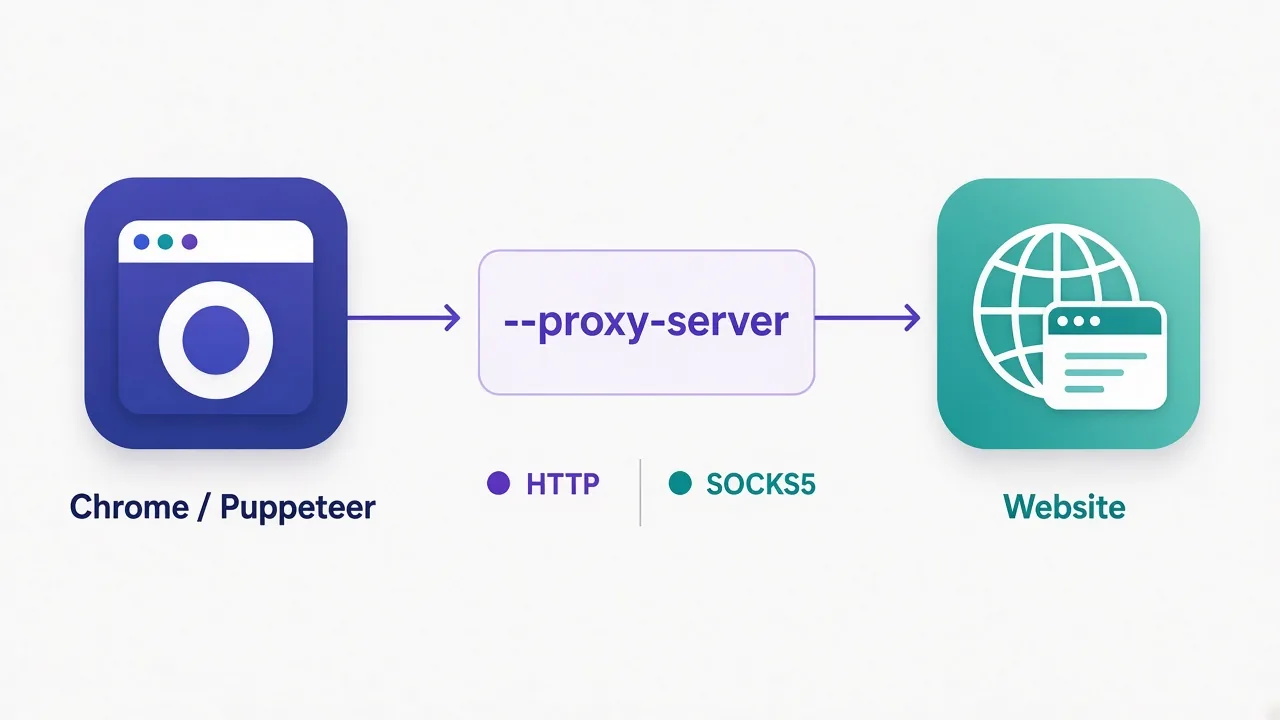
The one launch flag that routes everything
Puppeteer doesn't have a first-class proxy option on launch the way Playwright does.
You pass Chromium a flag:
import puppeteer from 'puppeteer';

const browser = await puppeteer.launch({
  args: ['--proxy-server=http://proxy.example.com:8000'],
});

const page = await browser.newPage();
await page.goto('https://httpbin.org/ip');
console.log(await page.content());
await browser.close();
That routes the whole browser through the proxy: pages, popups, and every request Chrome makes for that process.
Want SOCKS5 instead? Change the scheme:
args: ['--proxy-server=socks5://proxy.example.com:1080']
Chrome supports HTTP, HTTPS, SOCKS4, and SOCKS5 in --proxy-server. Most paid plans give you an HTTP endpoint for browsers. Use that when you can.
Why? Because of the catch we're about to open.
Why credentials in the URL silently fail
Almost every "quick start" pastes this:
// This does NOT work the way you expect
args: ['--proxy-server=http://user:pass@proxy.example.com:8000']
Chromium's --proxy-server flag doesn't take a username and password in the URL.
What happens instead? Often nothing obvious. The browser may ignore the credentials, fail the CONNECT, or leave you staring at a blank page or auth challenge. You won't always get a clean exception that says "bad proxy auth."
Remember that silent fail from the intro? This is it.
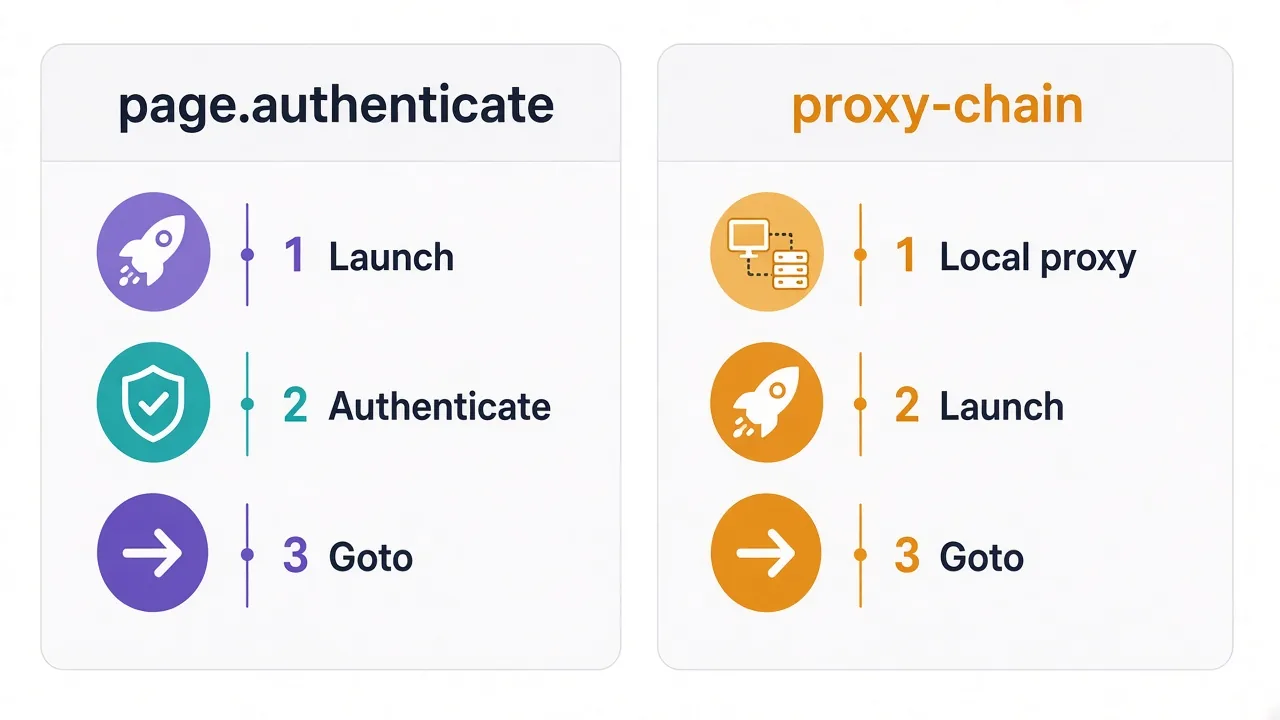
Credentials belong on the HTTP 407 challenge, not in the launch string. Puppeteer's official answer is page.authenticate().
page.authenticate: the official fix (and its catches)
Puppeteer's docs are clear: page.authenticate() provides credentials for HTTP authentication. That includes proxy 407 challenges.
Call it on the page before the first navigation that needs the proxy:
import puppeteer from 'puppeteer';

const browser = await puppeteer.launch({
  args: ['--proxy-server=http://proxy.example.com:8000'],
});

const page = await browser.newPage();

await page.authenticate({
  username: 'user',
  password: 'pass',
});

await page.goto('https://httpbin.org/ip', { waitUntil: 'domcontentloaded' });
console.log(await page.evaluate(() => document.body.innerText));
await browser.close();
That works on current Puppeteer, and it's the built-in path for authenticated HTTP proxies.
The catches?
- Per page. Open a new tab or a popup? Authenticate again on that page.
- Timing. Call it before
goto. After a failed navigation you're playing catch-up. - Request interception. Auth turns interception on behind the scenes. That can affect performance and interact oddly with your own interception handlers.
- One credential pair. If the website also wants basic auth, one
authenticatecall can't express two different pairs.
Blank page checklist
Blank page or hung navigation with an authenticated proxy? Put host:port alone in --proxy-server. Call authenticate before goto. Verify the exit IP below before you debug selectors.
For one page and a short script, authenticate is enough. For many tabs, rotation, or SOCKS upstreams with credentials, reach for a local forwarder.
proxy-chain when you need it across pages
proxy-chain (from Apify) starts a local proxy that holds your upstream credentials.
Chromium only ever sees http://127.0.0.1:PORT with no auth. The local process attaches credentials when it forwards.
import puppeteer from 'puppeteer';
import { anonymizeProxy, closeAnonymizedProxy } from 'proxy-chain';

const upstream = 'http://user:pass@proxy.example.com:8000';
const local = await anonymizeProxy(upstream);
// e.g. http://127.0.0.1:45678

const browser = await puppeteer.launch({
  args: [`--proxy-server=${local}`],
});

const page = await browser.newPage();
await page.goto('https://httpbin.org/ip');
console.log(await page.evaluate(() => document.body.innerText));

await browser.close();
await closeAnonymizedProxy(local, true);
Why bother?
- Auth once at the local proxy, not on every page.
- Leaves
page.authenticate()free for site basic auth if you need it. - Works well when you open many pages in one browser.
- Helps with upstreams Chrome can't auth natively (more on SOCKS below).
Always close the anonymized proxy when you're done; the second argument true forces pending connections closed so ports do not linger.
Is it required for every script? No. For a single page, authenticate is simpler. Reach for proxy-chain when the per-page path starts fighting you.
Per-context proxies without a new browser each time
Launching a fresh Chrome for every IP is slow. Puppeteer can create an isolated browser context with its own proxy:
const browser = await puppeteer.launch();

const context = await browser.createBrowserContext({
  proxyServer: 'proxy.example.com:8000',
});

const page = await context.newPage();
await page.authenticate({ username: 'user', password: 'pass' });
await page.goto('https://example.com');

await context.close();
await browser.close();
Official docs describe proxyServer as the proxy host (with optional port). Username and password still go through Page.authenticate.
Contexts don't share cookies or cache with each other. That's useful when you want separate identities without paying the full browser-start cost every time.
Watch the format. Some versions are picky about whether you pass a bare host:port versus a full URL. If a context proxy "does nothing," try the host:port form the API documents and re-verify the exit IP.
SOCKS5 with Puppeteer: what Chrome actually supports
Chrome accepts:
args: ['--proxy-server=socks5://host:1080']
What it does not do well is SOCKS5 authentication.
SOCKS5 itself supports username/password. Chrome's SOCKS client historically does not. Putting credentials in the SOCKS URL can yield errors like ERR_NO_SUPPORTED_PROXIES. And page.authenticate() answers HTTP proxy challenges, not SOCKS auth.
So what works in practice?
- Unauthenticated SOCKS5 (IP whitelist on the provider side).
- HTTP endpoint from the same provider for browser work.
- Local relay (proxy-chain or similar) that speaks HTTP locally and authenticates to the upstream.
If your provider offers both HTTP and SOCKS5, use HTTP for Puppeteer. Keep SOCKS5 for tools that speak authenticated SOCKS natively. We broke down when SOCKS beats a VPN elsewhere in SOCKS5 vs VPN.
Don't paste user:pass into socks5://
That string often fails in Chromium even when the same credentials work in curl. Prefer HTTP + authenticate, whitelist, or a local anonymizing proxy.
Rotating IPs without restarting forever
The proxy on --proxy-server is process-wide or context-wide, so Chrome doesn't flip exits mid-page because you changed a variable in Node.
Common patterns:
1. New context (or browser) per identity. Cleanest isolation. Heavier on CPU and RAM.
2. Gateway that keys the exit to your username. Many residential providers let you encode session or country in the username, for example user-session-abc123. Same host:port. Different credentials → different sticky exit. You still authenticate per page (or use proxy-chain).
3. Rotating endpoint. Each new connection gets a new IP. Fine for one-shot page loads. Painful for logins that need the same IP for ten minutes.
Which should you pick?
| Job | Session style | Why |
|---|---|---|
| Crawl product pages | Rotating | Spread load; no login state |
| Log in and click around | Sticky (10–30 min) | Same IP for the session |
| One account per browser | Sticky + dedicated context | Identity stays consistent |
| Geo check once | Rotating or country-targeted | You only need one clean view |
Sticky vs rotating is the setting most people never touch. Get it wrong and even residential traffic looks like a bot farm.
Sticky vs rotating for browser sessions
A sticky session keeps the same exit IP for a set time. A rotating pool hands you a new IP on each request or each connection.
Browsers are sticky by nature, because cookies, local storage, and "new device" checks all assume one network path for a while.
Picture this: you log in on IP A. Mid-checkout the next request exits on IP B in another city. Some sites shrug. Others force a re-login, a CAPTCHA, or a ban.
For Puppeteer flows that click through a funnel, prefer sticky. For firehose crawling with no cookies, rotate.
Provider dashboards usually expose this as session type, sticky TTL, or a session ID in the username. Read their docs once. Guessing burns budget.
Verify the exit IP before you scrape
Never trust a proxy flag you haven't verified against a live echo endpoint.
Hit a simple echo endpoint and print what the world sees:
await page.goto('https://httpbin.org/ip', { waitUntil: 'networkidle2' });
const body = await page.evaluate(() => document.body.innerText);
console.log(body);
// Expect {"origin":"x.x.x.x"} matching the proxy, not your home IP
Also compare against your machine's real IP outside the browser; if they match, the proxy never took effect.
Other useful checks:
- Open a geo-IP page and confirm country.
- Watch DevTools Network for CONNECT failures.
- Log status codes on the first navigation.
Spend two minutes here and you save an afternoon of "why is the DOM empty."
Headless detection: the catch a proxy won't fix
Remember the third trap? A perfect proxy still loses if the browser fingerprint screams automation.
Sites look at more than IP:
navigator.webdriver- Headless Chrome quirks
- Missing fonts and plugins
- Canvas / WebGL fingerprints
- Timing and mouse patterns
A residential IP with a naked headless Chrome can still get blocked. A datacenter IP with a careful browser profile can sometimes pass soft checks.
So what should you actually do?
- Confirm the proxy works (exit IP).
- Use a current Puppeteer / Chrome build.
- Avoid obvious bot tells when the target is strict.
- Match session type to the flow (sticky for logins).
- If fingerprinting is the real wall, look at antidetect browsers or Playwright's broader tooling — a proxy alone won't save you.
Honest take
Proxies solve network identity. They do not solve "this looks like a robot." Fix IP first, then fingerprint. Mixing those two problems wastes money on bigger proxy plans.
Puppeteer vs Playwright for proxies
Already on Playwright? Our Playwright proxy guide covers launch vs context options there.
Quick contrast for people choosing a stack:
| Puppeteer | Playwright | |
|---|---|---|
| How you set proxy | Chromium --proxy-server or context proxyServer | First-class proxy on launch / context |
| Auth | page.authenticate or proxy-chain | Username/password on the proxy object |
| Browsers | Chrome-focused (Firefox possible) | Chromium, Firefox, WebKit |
| SOCKS auth | Weak in Chrome; prefer HTTP or relay | Generally smoother API surface |
Neither stack is "more anonymous" on its own, because both drive real browsers. Pick the API you already ship, then wire the proxy correctly.
Staying on Puppeteer? Fine. Just don't copy a Playwright snippet into launch and expect it to work unchanged.
Common errors and what they usually mean
When something breaks, map the symptom to a network cause before you rewrite the scraper.
- Blank page / hung
goto: auth missing or credentials were stuffed into--proxy-server. - HTTP 407: proxy wants auth; call
authenticateor use proxy-chain. ERR_NO_SUPPORTED_PROXIES: bad scheme, or credentials inside a SOCKS URL Chrome rejects.ERR_PROXY_CONNECTION_FAILED/ERR_TUNNEL_CONNECTION_FAILED: dead host, wrong port, or upstream blocked your server IP.- Your home IP on httpbin: flag never applied (typo, wrong browser instance, or bypass list).
- Works once, then blocks: rotating when you needed sticky, or fingerprint after the IP looked fine.
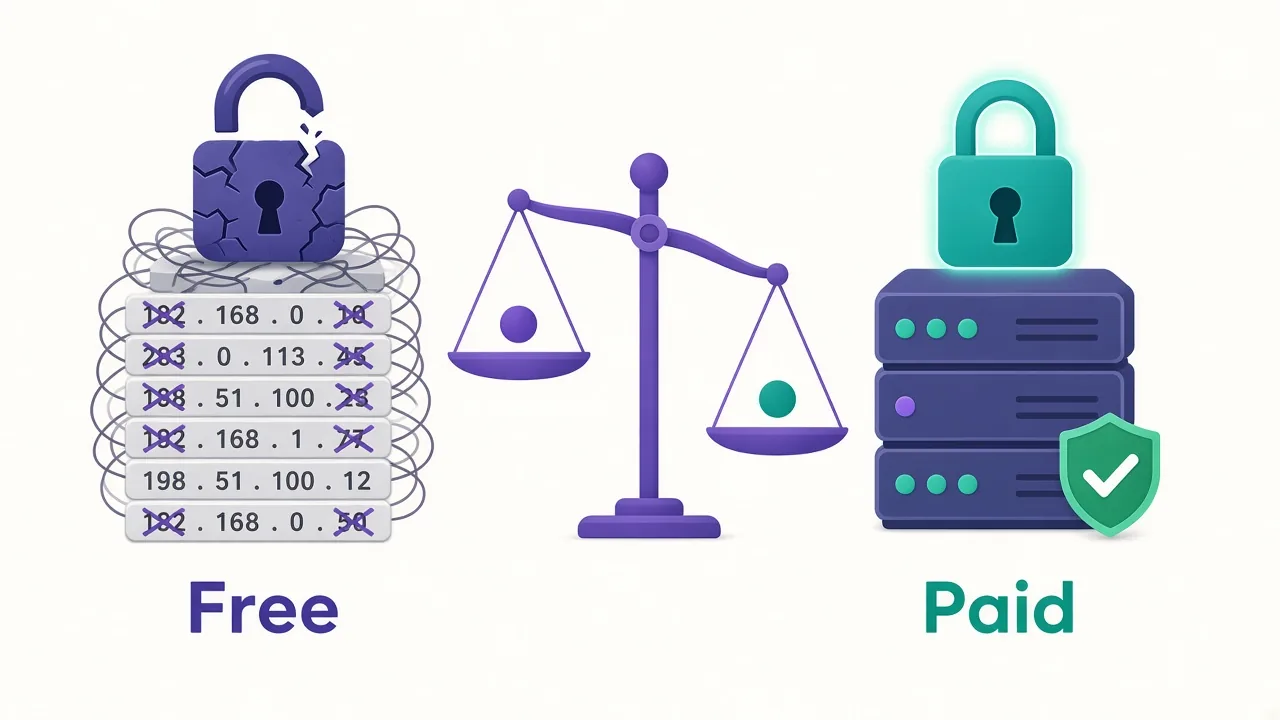
Free open proxies make these worse.
As of October 2026, 33 of the 44 proxy providers in our directory list a free trial. That's far safer than random public lists for smoke-testing Puppeteer.
We covered why free lists fail in free vs paid proxies.
A minimal checklist before you scale
Run through this once on a throwaway script:
- Launch with
--proxy-server=http://host:portonly (no user:pass in the flag). - Authenticate on the page, or anonymize with proxy-chain.
- Confirm exit IP ≠ your home IP.
- Pick sticky or rotating for the real flow.
- Close contexts, browsers, and anonymized proxies cleanly.
- Only then add concurrency.
Concurrency without a verified proxy multiplies failure modes, and one broken auth path times fifty workers is a noisy afternoon.
So, how should you wire Puppeteer today?
Keep the wiring boring and correct.
Most scripts only need an HTTP proxy in --proxy-server, page.authenticate before goto, a verified IP, and sticky sessions when you log in.
Many tabs or awkward upstreams? Run proxy-chain locally and point Chrome at 127.0.0.1.
Separate identities call for createBrowserContext({ proxyServer }) plus per-page auth.
Skip SOCKS5 auth fantasies in Chrome and use HTTP or a local relay instead.
And remember: a proxy fixes where you appear from, but it doesn't fix how the browser looks.
Ready to pick a provider? Browse the proxy directory, filter by type, and start with a trial that supports sticky sessions. Wire it with the pattern above, confirm the exit IP once, and only then scale the workers.
Frequently asked questions
Pass Chromium --proxy-server with host and port in puppeteer.launch args. Do not put username and password in that flag; authenticate separately.
Call page authenticate with username and password before the first goto. For many pages, use proxy-chain to anonymize the upstream instead.
Yes for unauthenticated socks5 host and port. Chrome does not handle SOCKS5 username and password well; prefer an HTTP endpoint or a local relay.
Usually bad auth: credentials stuffed into the launch flag, or authenticate called too late. Verify host and port alone, authenticate first, then check the exit IP.
Not on one shared browser flag. Create a browser context with proxyServer, launch a new browser, or use a gateway that keys exits to credentials.
Use sticky sessions for logins and multi-step flows. Rotate for one-shot crawls with no cookies. Mismatching session type causes re-logins and blocks.