











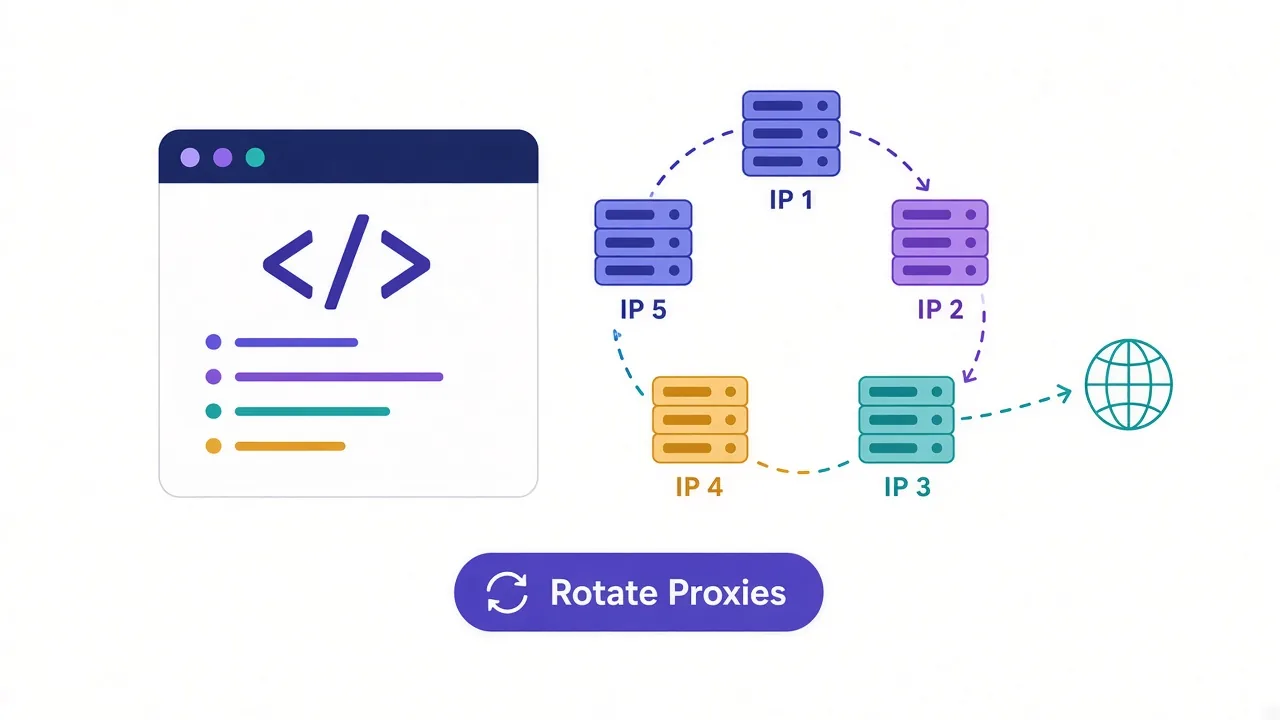
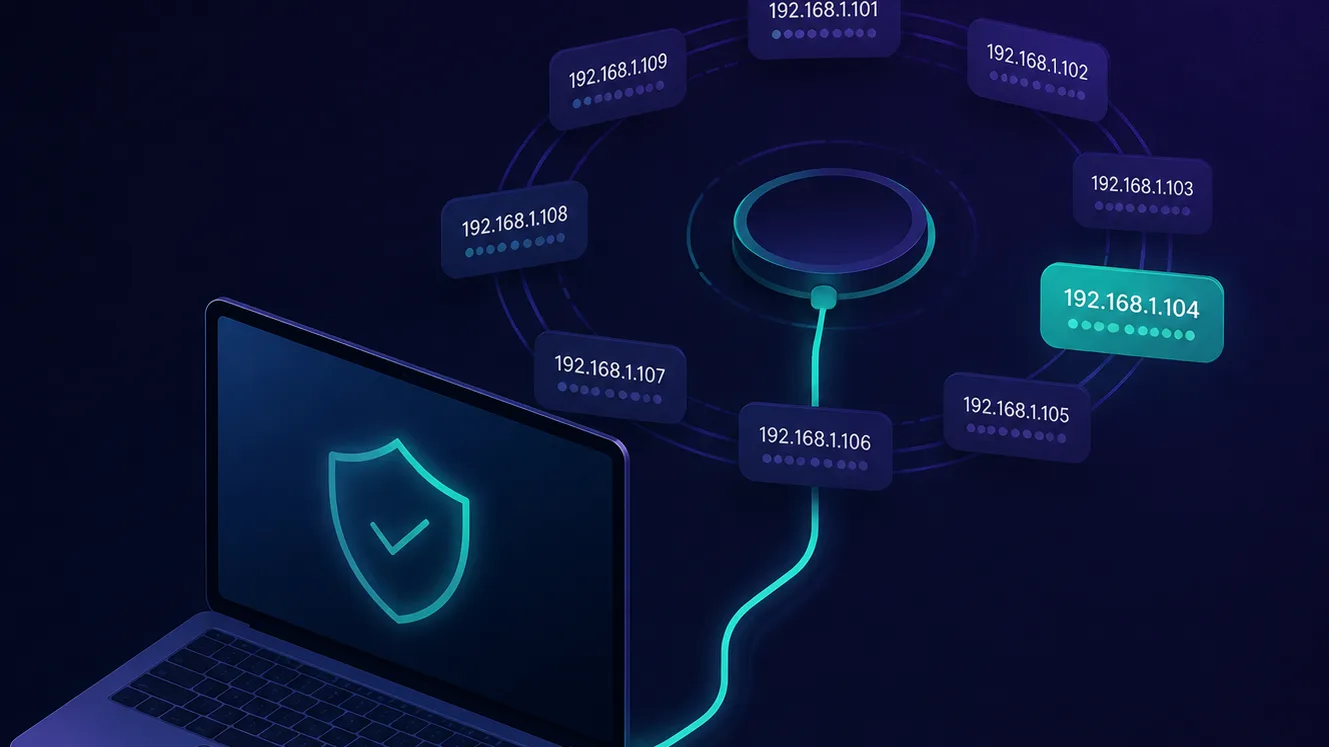
Send too many requests to a website from a single IP address and you'll hit a wall — rate limits, CAPTCHAs, or an outright ban. The technique that gets around this, and that quietly powers most large-scale web data collection, is proxy rotation: automatically cycling your traffic through many different IP addresses so no single one draws attention. This guide explains what proxy rotation is, exactly how it works under the hood, when to rotate versus stay on one IP, and how to set it up.
What is proxy rotation?
Proxy rotation is the practice of distributing your requests across a pool of many IP addresses instead of routing everything through one. Rather than every request appearing to come from the same address, each request — or each session — leaves from a different IP, so to the target website your traffic looks like lots of separate visitors rather than one machine hammering the site.
A rotating proxy is a proxy service built to do this automatically. You connect to a single entry point (a gateway), and the provider handles assigning a fresh IP from its pool behind the scenes. You never manage the individual addresses yourself; you just send traffic and the rotation happens for you. This is the opposite of a static proxy, where you keep the same IP for as long as you like.
How proxy rotation works
Under the hood, a rotating proxy service sits between you and the websites you visit and manages a large collection of IP addresses on your behalf. The flow looks like this:
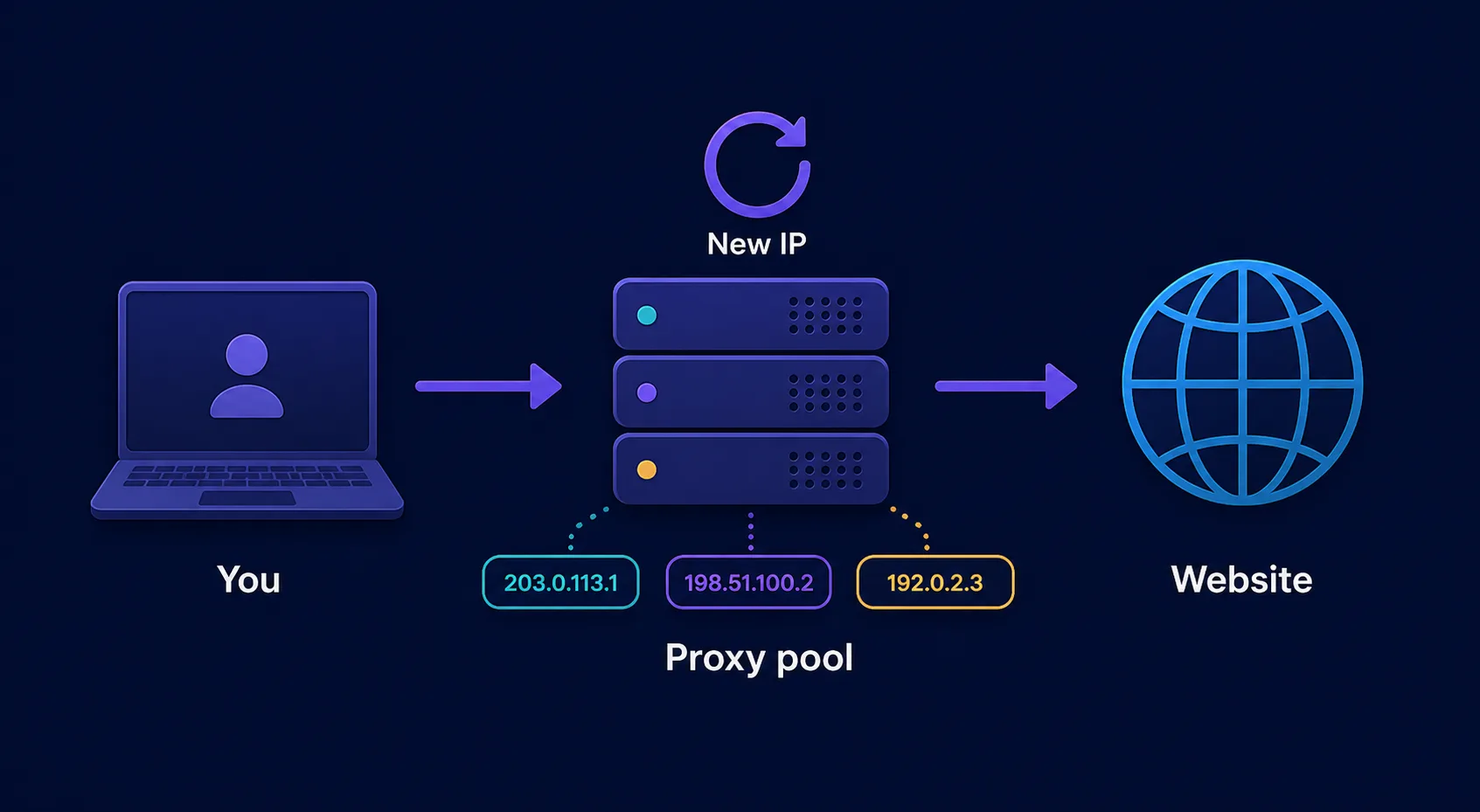
- You send a request to the provider's gateway endpoint instead of directly to the target site, authenticating with a username and password.
- The gateway picks an IP from its pool — often matching any targeting rules you set, like a specific country — and assigns it to your request.
- The request goes out from that IP, so the website sees it coming from that address, not from you or from any previous request.
- The response returns through the gateway back to you, and on your next request the process repeats with a different IP.
The result is that a scraping job making thousands of requests spreads them across hundreds or thousands of addresses, so no single IP racks up the suspicious volume that triggers blocks. Crucially, the rotation logic lives on the provider's side — you interact with one stable endpoint while the pool churns beneath it.
A concrete example makes it click. Say you need to collect prices from 5,000 product pages on a retailer that blocks any IP exceeding 50 requests an hour. Sent from one address, you'd be blocked after the first 50 pages. Routed through a rotating pool, those 5,000 requests are spread across, say, a few hundred IPs — a few dozen requests each — and every one stays comfortably under the limit. The job finishes in one pass instead of grinding to a halt, and if any single IP does get flagged mid-run, the next request simply continues on a fresh one.
Why rotate proxies at all?
Rotation exists to solve one core problem: websites defend themselves by watching IP behavior. A handful of reasons make it essential for serious work:
- Avoiding rate limits and bans. Most sites cap how many requests one IP can make in a window. Spreading requests across many IPs keeps each one comfortably under the limit.
- Evading IP-based blocks. If one address does get flagged, rotation simply moves on to the next, so a single ban doesn't stop your job.
- Distributing load naturally. Many independent-looking visitors are far less suspicious than one address making a request every second.
- Geo-diversity. A large pool spans many locations, letting you collect region-specific data or appear local in multiple markets.
Rotating vs. static (sticky) proxies
Rotation isn't always what you want. The key decision is whether a task needs a fresh identity per request or a consistent one over time.
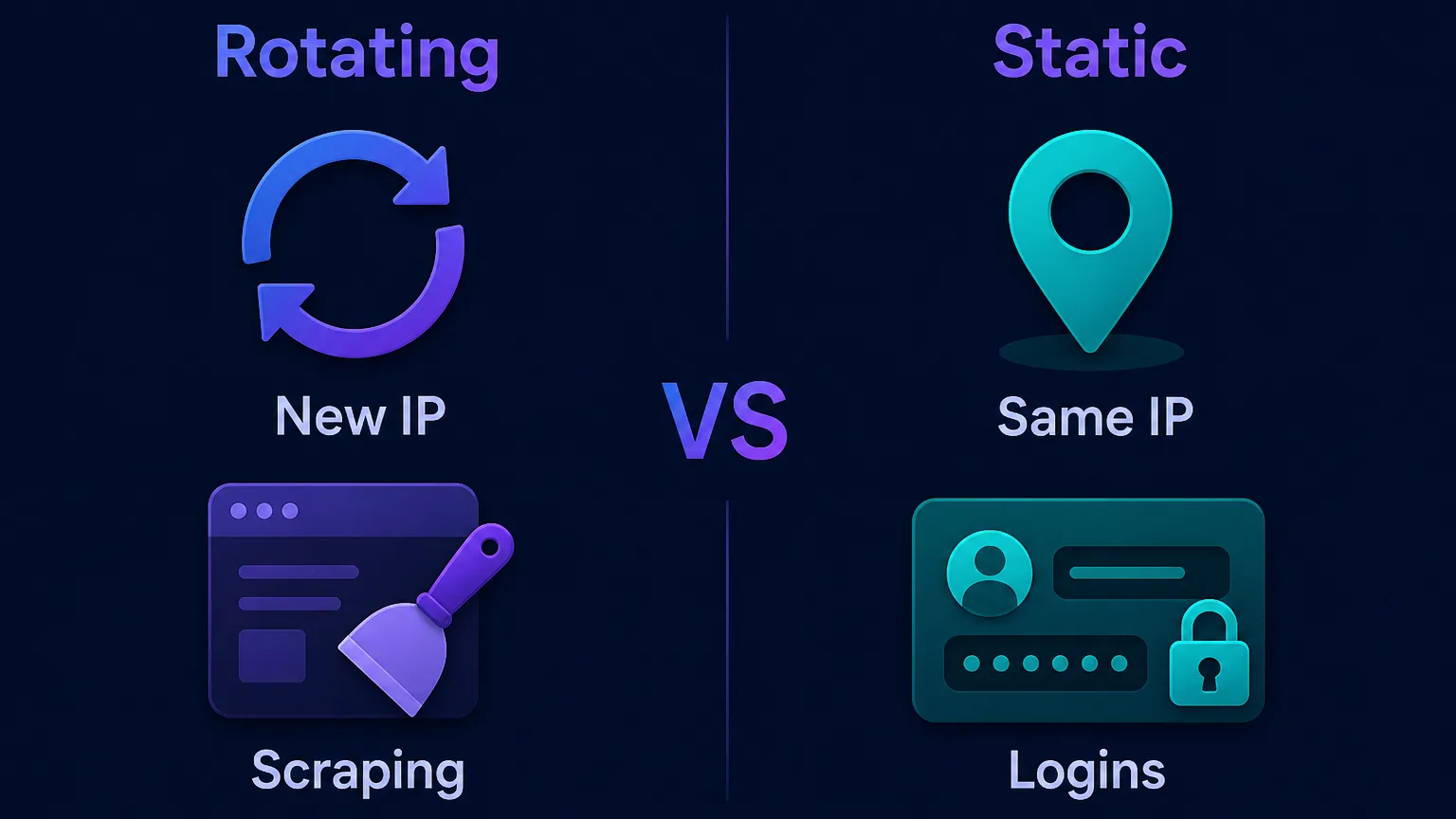
- Rotating proxies give a fresh IP on every request (or every few minutes). They're ideal for large-scale data collection where each request should look independent and no single IP should accumulate volume.
- Static or sticky proxies keep the same IP for a longer session — minutes to hours. These suit tasks that need continuity: staying logged into an account, completing a multi-step checkout, or holding a shopping cart, where a sudden IP change looks like account hijacking.
Rule of thumb
Use rotating IPs when you want volume and anonymity per request; use sticky sessions when a task must look like one consistent person over time. Most providers let you choose either mode on the same plan.
How rotation is triggered
"Rotation" can mean a few different things depending on how the change is timed. Providers typically offer some mix of these modes:
- Per-request rotation. Every single request gets a new IP. This is the most aggressive form and the default for high-volume scraping.
- Timed rotation. The IP stays fixed for a set interval — say, every 1, 10, or 30 minutes — then changes. A middle ground between full rotation and a static session.
- Sticky sessions. You request that a specific IP be held for the duration of a session, usually by adding a session identifier to your credentials, so all requests in that session share one address.
In practice you control which mode you get through the connection details — often a different gateway port or a parameter in the username, such as a session token that tells the provider to keep the same IP.
Where the rotating IPs come from
Rotating proxies draw from different kinds of pools, and the source shapes how trustworthy the rotation looks:
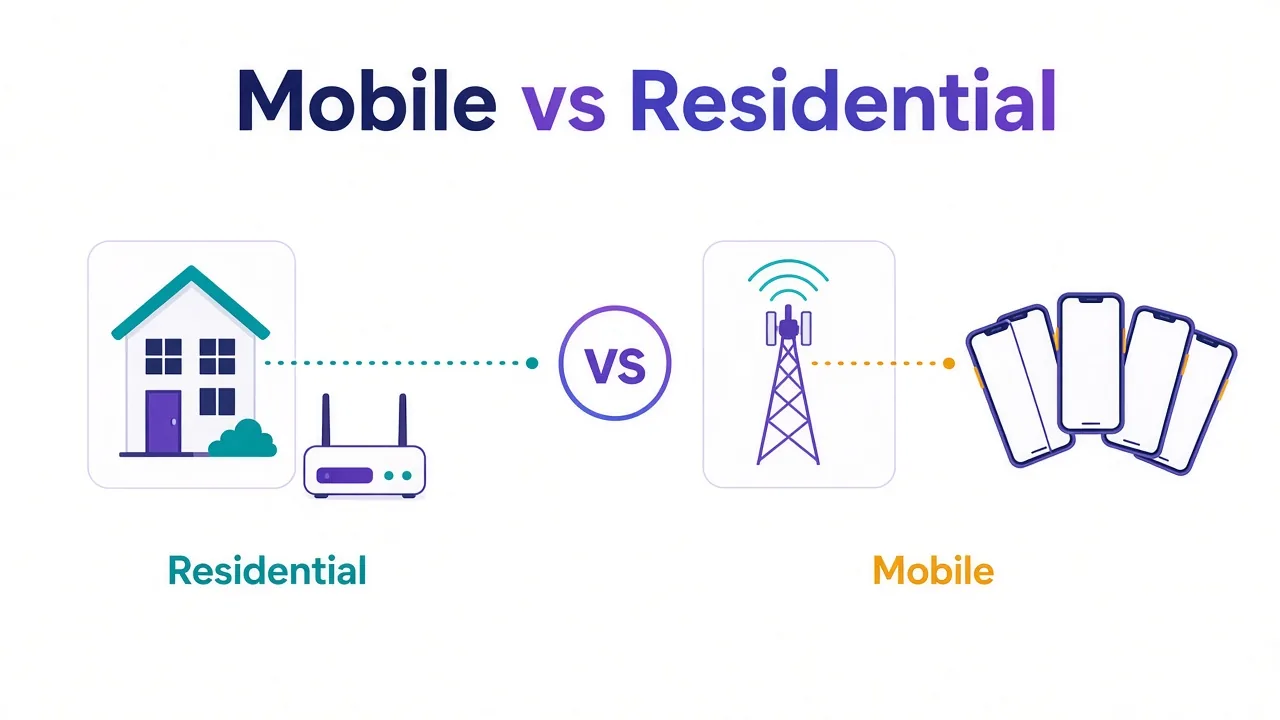
- Residential rotating proxies cycle through real home IP addresses from consumer ISPs. Because each address looks like an ordinary person, they're the hardest to detect and the default for defended targets. See our guide to residential proxies for how these pools are built.
- Datacenter rotating proxies cycle through hosted server IPs. They're faster and cheaper, and fine for lenient targets, but their addresses are easier to identify as non-residential.
- Mobile rotating proxies use cellular IPs shared among many real subscribers, making them extremely hard to block — at the highest cost.
A rotating residential pool is the most common choice for serious data work, combining a huge, geographically diverse set of trusted IPs with automatic rotation. For the underlying mechanics of how any proxy relays your traffic, see our explainer on how proxy servers work.
How big should the proxy pool be?
A common question is how many IPs you actually need. The honest answer is that it depends on your request volume and how strict your targets are, but the guiding principle is simple: the pool should be large enough that no single IP has to make suspicious volume. If you're scraping 100,000 pages a day from a defended site, a pool of a few hundred IPs means each address handles hundreds of requests — potentially enough to get flagged. A pool of many thousands spreads that load thin.
That said, raw pool size is a weak metric on its own. A provider advertising "millions of IPs" is worthless if most are stale or already blocked on your targets. What matters is the number of clean, available IPs in the locations you need, which is why success rate on a real trial beats headline numbers every time. Big, well-maintained residential pools give you both diversity and freshness; small or recycled pools force the same addresses to reappear too often.
Common use cases for rotating proxies
Because they blend in and scale, rotating proxies underpin most large web-data operations:
- Web scraping & data collection at volume without instant blocks — the single biggest use case.
- Price and market intelligence, tracking competitor pricing and stock across regions.
- SEO & SERP monitoring, checking localized search rankings from many locations.
- Ad verification, confirming how ads render to real users in different regions.
- Market research at scale — see our guide to the best proxies for market research.
- Brand protection, spotting counterfeits and unauthorized sellers by region.
How to set up and control rotation
Configuring a rotating proxy is simpler than it looks. After signing up you receive a gateway host, a port, and credentials, which combine into a proxy string:
- Point your client at the gateway. Drop the proxy string — typically
username:password@gateway.provider.com:port— into your scraper, browser, or HTTP client. - Choose your rotation mode. Use the standard endpoint for per-request rotation, or add a session identifier (e.g.
username-session-abc123) to hold a sticky IP. - Set targeting if needed. Add country or city parameters to the username to draw IPs from a specific region.
- Verify it's working. Make a few requests and confirm the exit IP changes as expected with a quick IP lookup — you should see a different address each time in rotating mode, or a stable one in a sticky session.
From there, your scraper simply sends traffic to the one endpoint and the provider handles the rest. Most of the complexity — maintaining the pool, retiring dead IPs, matching locations — happens on their side.
Best practices and common mistakes
Rotation is powerful but easy to misuse. A few disciplines separate reliable jobs from blocked ones:
- Match the mode to the task. Rotate for stateless scraping; switch to sticky sessions for anything that involves a login, cart, or multi-step flow.
- Don't rotate mid-session. Changing IP in the middle of a logged-in flow looks like a hijacked account and triggers security checks.
- Throttle anyway. Rotation reduces per-IP volume, but firing thousands of requests per second still stresses the target and can get your whole pool flagged. Pace and randomize timing.
- Prefer clean, residential pools for hard targets. A big pool of stale or flagged IPs performs worse than a smaller, well-maintained one. Judge providers on success rate, not headline pool size.
- Handle retries gracefully. When a request fails, retry on a new IP rather than hammering the same one.
Rotate responsibly
Rotating proxies are a legitimate tool, but use them within each site's terms of service, collect only public data, respect applicable laws, and choose a provider that sources its IPs ethically and transparently.
Does rotation guarantee you won't get blocked?
No — and it's important to understand why. Rotating your IP defeats the single strongest blocking signal, but it isn't the only one websites watch. Sophisticated anti-bot systems also examine your browser fingerprint, request headers, cookies, and behavioral patterns like how fast and how regularly you click. If every "different" visitor shares an identical fingerprint or fires requests on a robotic schedule, a site can still cluster and block them despite the changing IPs.
So rotation is necessary but not sufficient for the hardest targets. Pair it with realistic headers, sensible pacing, and — for account-based work — proper fingerprint isolation. Think of a clean rotating pool as the foundation, with behavior and fingerprint as the walls you build on top; skip either and the structure still falls down.
The bottom line
Proxy rotation is the simple but powerful idea of spreading your requests across many IP addresses so no single one gets flagged. A rotating proxy service does this automatically: you connect to one gateway, and it assigns a fresh IP from a large pool on each request or session, letting you collect data at scale without the blocks that stop single-IP traffic cold. Rotate for high-volume, independent requests; stay sticky when a task needs one consistent identity; lean on clean residential pools for defended targets; and always pace your requests and stay within each site's rules. Get those choices right and rotation turns web data collection from a constant fight against bans into a smooth, reliable pipeline. To see which providers offer the cleanest rotating pools, browse our independent proxy reviews.
Frequently asked questions
Proxy rotation is the practice of spreading your requests across a pool of many IP addresses instead of sending them all from one. Each request or session leaves from a different IP, so to a website your traffic looks like many separate visitors rather than one machine. A rotating proxy service does this automatically behind a single gateway.
You connect to one gateway endpoint with a username and password, and the provider assigns a fresh IP from its pool to each request. The website sees that IP rather than your real address, and your next request goes out from a different one. All the rotation logic lives on the provider's side, so you just send traffic to a single stable endpoint.
Rotating proxies give you a new IP on every request or every few minutes, which is ideal for high-volume scraping where each request should look independent. Static or sticky proxies keep the same IP for a longer session, which suits logins, checkouts, and any multi-step flow that needs continuity. Most providers let you choose either mode.
Websites limit how many requests a single IP can make and block addresses that behave like bots. Rotation spreads your requests across many IPs so no single one exceeds the limit or gets flagged, and if one address is blocked the job simply continues on the next. It also lets you collect region-specific data from many locations.
It defeats the strongest blocking signal — the IP — but not every one. Sites also examine your browser fingerprint, headers, cookies, and behavior, so identical fingerprints or robotic timing can still get you clustered and blocked. Rotation is necessary but works best paired with realistic pacing and, for account work, fingerprint isolation.
Enough that no single IP has to make suspicious volume for your job. High-volume scraping of defended sites benefits from pools of many thousands of clean IPs, while small jobs need far fewer. Judge a pool by the number of clean, available IPs and your real success rate, not by headline totals that may be full of stale addresses.