









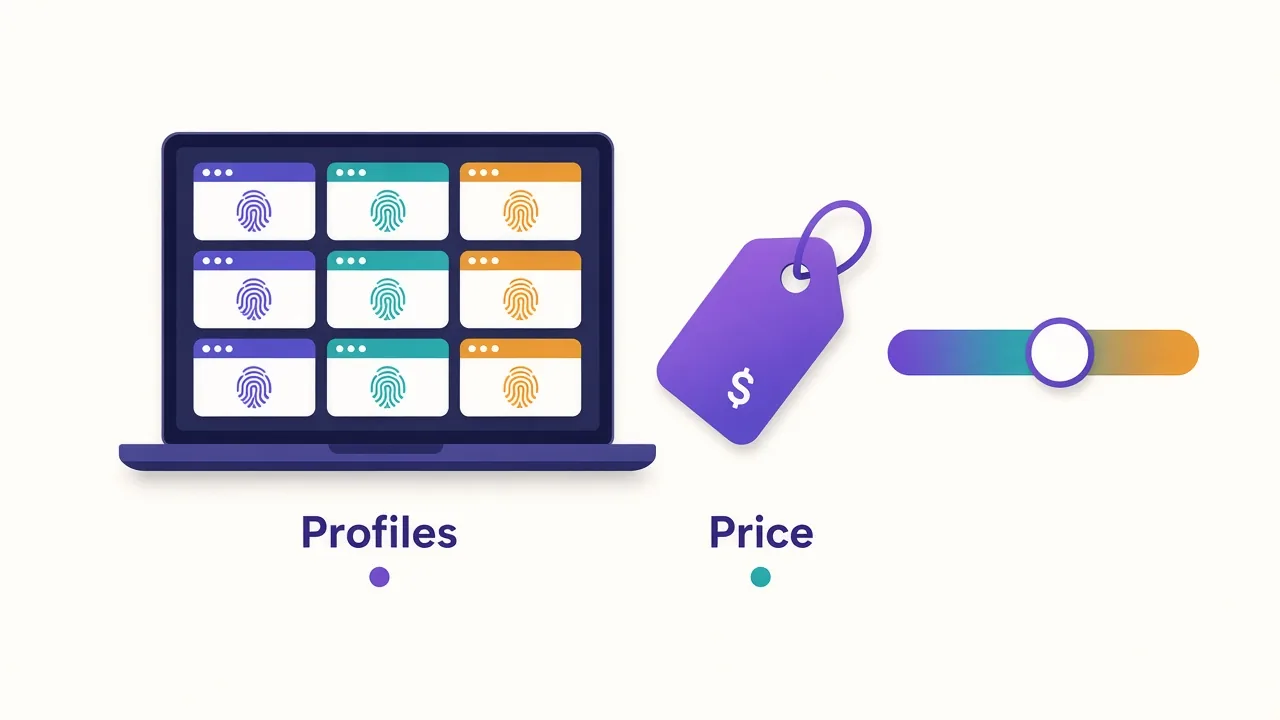
You've got 30 store accounts, one laptop, and a pricing page built around a profile slider.
That's AdsPower. It's one of the cheapest antidetect browsers around, but the bill depends on choices the page doesn't spell out.
So what does AdsPower pricing look like in 2026? There's a free plan with 2 profiles. Paid plans start at $9 a month for 10 profiles, and 200 profiles cost $61 a month on monthly billing.
Those are the easy numbers. The harder part is the one line most buyers forget to budget. Then there's a free-plan catch that bites after setup. We'll get to both.
First, let's look at what you're actually paying for.

Profiles at scale with strong automation.
What does AdsPower actually charge you for?
AdsPower doesn't sell a flat subscription. It sells browser profiles, and it sells seats for the people who use them.
A profile is one isolated browser with its own fingerprint, cookies and proxy. To a website, each profile looks like a separate device. That's the whole point of an antidetect browser.
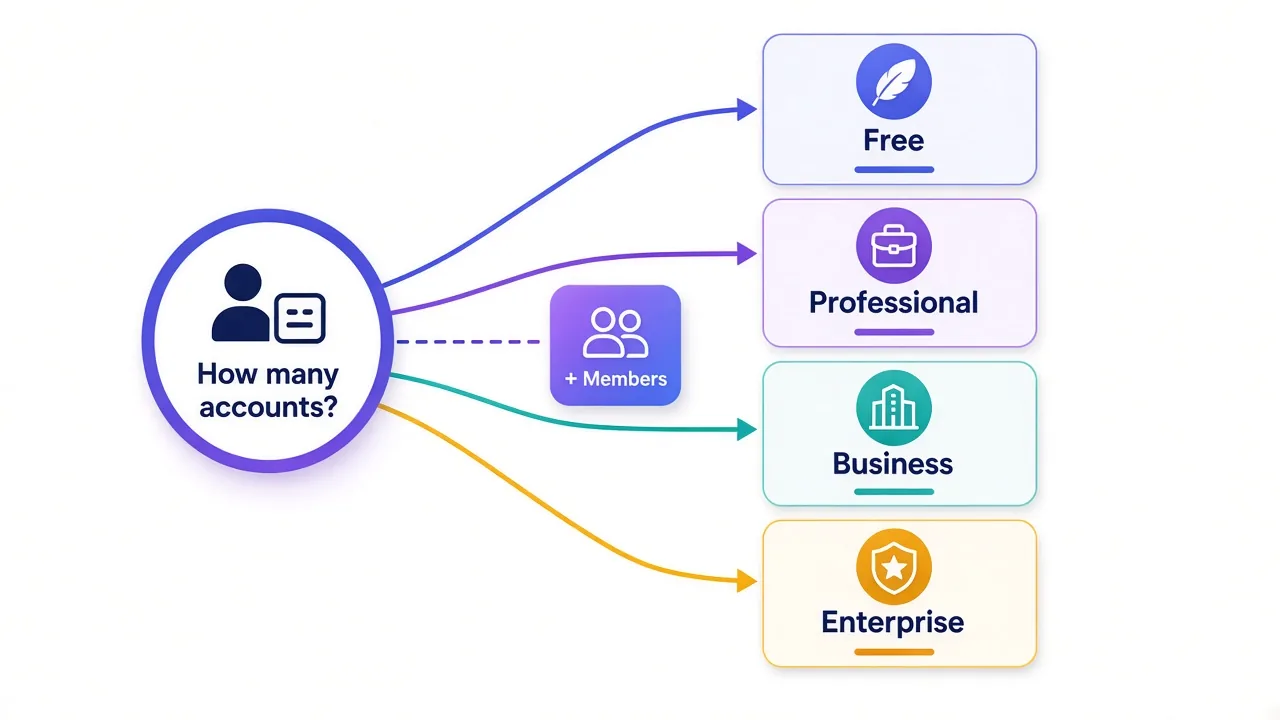
Your bill comes from three dials:
- How many profiles you keep in your plan.
- How many team members log in besides the main account owner.
- Whether you pay monthly, quarterly or yearly.
Every plan includes one super-administrator for free. That's the account owner. Anyone else who needs their own login costs extra, and that's where small teams get surprised.
Notice what's missing from that list? Features. AdsPower keeps almost the same toolset on every paid plan, so you're mostly paying for capacity.
About the numbers in this post
Prices come from AdsPower's public pricing page and help center as of October 2026, on monthly billing. AdsPower runs frequent promotions, so confirm the total at checkout.
How AdsPower's per-profile tiers add up
Here's the part the slider hides. AdsPower prices profiles in bands, and each band has its own unit price.
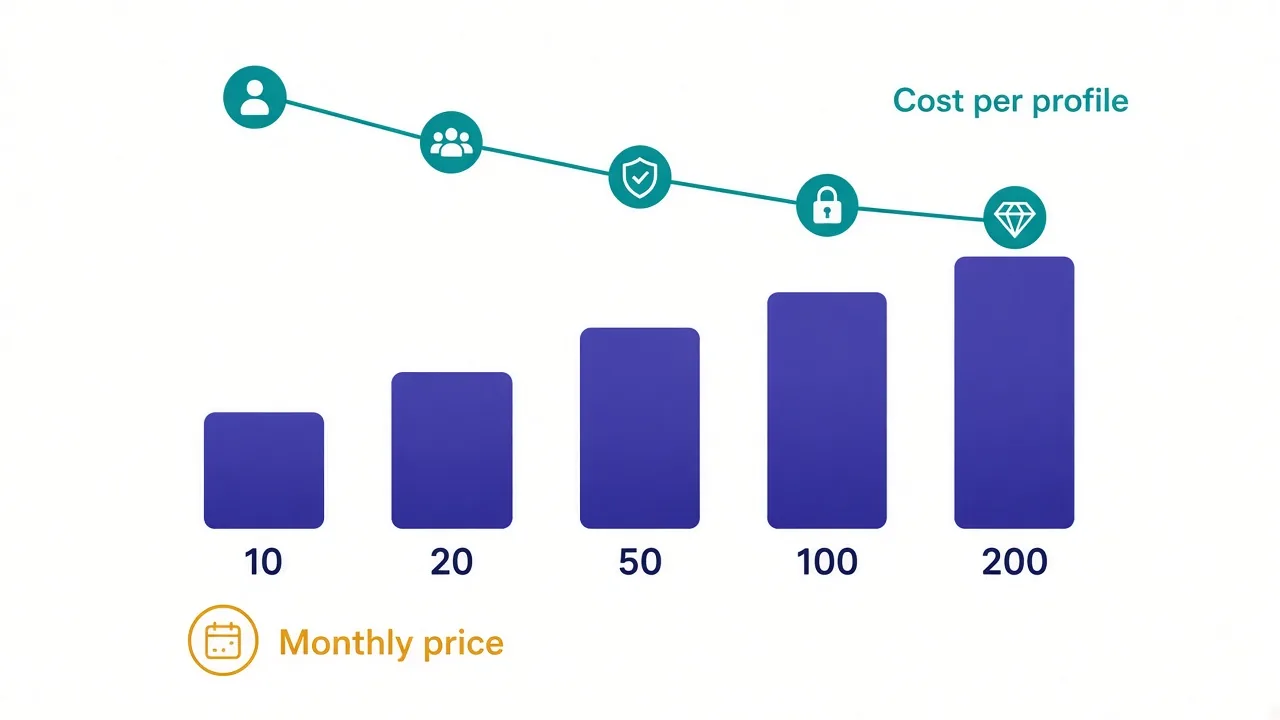
AdsPower's own example spells it out. For 200 profiles, you pay 10 profiles at $0.90, then 90 at $0.30, then 100 at $0.25. That adds up to $61.00 a month.
So your first 10 profiles are the expensive ones. Every profile after that gets cheaper.
| Profiles | Plan | Monthly price | Cost per profile |
|---|---|---|---|
| 2 | Free | $0 | $0 |
| 10 | Professional | $9.00 | $0.90 |
| 20 | Professional | $12.00 | $0.60 |
| 50 | Professional | $21.00 | $0.42 |
| 100 | Professional | $36.00 | $0.36 |
| 200 | Business | $61.00 | $0.31 |
| 5,000+ | Enterprise | On request | Custom |
You can check the middle rows yourself. Twenty profiles is $9 for the first 10, plus 10 more at $0.30. That's $12, which matches the Professional tier.
Why does this matter? Because jumping from 10 to 20 profiles costs only $3 more. Doubling capacity for a third more money is a common sweet spot.
Is the AdsPower free plan enough to run real accounts?
For testing, yes. For anything you'd be upset to lose, no.
The free plan gives you 2 profiles, free forever, with one super-administrator. New accounts also get a 7-day trial of every feature, after which you drop back to the free version.
Two profiles is enough to see whether your target site accepts AdsPower's fingerprints. Log in, run your normal routine, and watch for checkpoints over a few days.
Now for the catch we promised.
AdsPower's help center says the free package doesn't support Data Sync or batch operations. And once you delete a profile on the free plan, you can't restore it from Trash.
That last one hurts. Say you clean up your profile list on a tired evening and remove the wrong account.
On a paid plan, you'd pull it back. On free, the cookies and fingerprint are gone. The account has to log in again from what looks like a brand-new device.
Before you trust the free plan
Keep it for experiments only. Never park an aged or revenue-earning account in a profile you can't recover.
Professional or Business: where's the line?
Less of a line than you'd think. AdsPower's help center says the only difference between the two is the number of profiles.
Professional comes in fixed sizes: 10, 20, 50 or 100 profiles. You pick one and can upgrade later.
Business starts at 200 profiles, and you set the exact count. AdsPower says it scales past 10,000, with the unit price dropping as you add more.
So who belongs where?
If you run fewer than 100 accounts, Professional covers you. A dropshipper with 12 stores, or a media buyer with 40 ad accounts, fits comfortably.
Business makes sense once you cross 100 and keep growing. An agency rotating client accounts, or an airdrop farmer running hundreds of wallets, will want the flexible count.
Past 5,000 profiles, there's an Enterprise tier with custom pricing. You'll talk to sales for that one.
What do you get on every paid AdsPower plan?
This is where AdsPower earns its value reputation. The paid tiers share one toolset instead of locking basics behind higher plans.
According to the pricing page, paid plans include:
- Chrome-based and Firefox-based stealth browsers.
- Custom fingerprints for multiple operating systems.
- Per-profile proxy settings.
- Encrypted profile data, synced across computers.
- Batch profile management and Trash recovery.
- The Synchronizer, which mirrors your clicks across many windows.
- The RPA robot, a no-code way to automate repetitive tasks.
- A Local API for scripts in Selenium, Puppeteer or Playwright.
Two of those deserve a closer look. The RPA robot lets you record steps like "open the store, check orders, log out" and replay them across profiles. For repetitive account chores, it saves real hours.
The Local API is the other. If you script your own workflows, our guide to using a proxy with Playwright shows the pattern you'd plug AdsPower profiles into.
Curious what all that fingerprint control is protecting? Our explainer on how browser fingerprinting works covers the signals sites read.
The costs that never show on the pricing card
Remember the line most buyers forget? It's actually two lines.
Team members cost $5 a month each. The main account owner is free. Every extra person with their own login adds $5, on Professional and Business alike.
That sounds small until you do the math. A 4-person team on the 50-profile plan pays $21 for profiles plus $15 for three members. That's $36 a month, the same as the 100-profile plan for one person.
Should everyone share one login instead? No. Separate members let you set permissions, so a freelancer can't touch accounts they don't manage.
Proxies aren't included. AdsPower gives each profile a clean fingerprint, but the IP address comes from a provider you pay separately.
That's often the bigger bill. Ten profiles at $9 a month is cheap. Ten static residential IPs to go with them can easily cost as much or more, depending on the provider.
A good fingerprint behind a flagged IP still gets linked. If you're choosing a provider, start with our list of the best proxies for antidetect browsers. For accounts that log in daily, a fixed IP per profile usually works best, which is why many people pick ISP proxies.
Budget it as a pair
Add your proxy cost per profile to AdsPower's cost per profile. That combined number is what each account really costs you.
One more limit sits in the fine print. The Local API is rate-limited, and the cap rises with the plan, from 300 to 1,500 requests a minute. Heavy automation users should check which tier they need.
Monthly, quarterly or annual: how much does committing save?
Paying for longer cuts the monthly rate. The tricky part is how much.
AdsPower's discounts move around with promotions. In September 2026, its annual sale page advertised savings of up to 50%. Third-party breakdowns from this year quote standard annual discounts anywhere from 20% to 40%.
Our own directory lists AdsPower from $5.40 a month. That's what the 10-profile plan works out to with a 40% annual discount.
So which billing cycle should you choose?
Pay monthly for your first month or two. Profile counts are hard to guess before you've run the accounts for real.
Switch to annual once your count has been stable for a while. If a sale is running, that's the moment to lock it in.
The trap is buying a year of 100 profiles because the discount looked good, then using 30. A 40% discount on capacity you never touch is still wasted money.
How many AdsPower profiles do you really need?
Count accounts, not ambitions. One profile per account is the rule, because sharing a profile links those accounts together.
Here's a quick way to size it:
- List every account you run today, on every platform.
- Add the accounts you'll realistically open in the next three months.
- Add a small buffer for spares and test profiles.
- Round up to the next plan size.
Say you run 14 Etsy and eBay shops and plan to open 4 more. That's 18, plus a couple of spares. The 20-profile plan at $12 fits with room to breathe.
Now count people. If two assistants need their own logins, add $10. Your real monthly cost is $22, before proxies.
One honest warning: deleting old profiles to stay under a cap is fine on paid plans. Just check Trash before you empty it, and export anything you might need again.
Three mistakes that quietly inflate an AdsPower bill
Most overspending on AdsPower doesn't come from the sticker price. It comes from how people set the plan up.
Mistake one: buying seats instead of permissions. Some teams add a member for every freelancer who touches one account a month. Each of those logins is $5.
Review your member list every quarter. Remove anyone who no longer needs access, and reassign their profiles to someone who does.
Mistake two: keeping dead profiles. Banned or abandoned accounts still take up a slot. Twenty dead profiles can be the difference between the 50-profile and 100-profile plan, which is $15 a month.
Mistake three: skipping the free test. People pay for a year, then learn their main platform flags the setup. Two free profiles and a week of normal use would have shown that first.
Which of those sounds like your team? Fix that one before you upgrade.
And if a platform keeps flagging you, check your setup before blaming the browser. Our guide on why proxies get banned covers the usual causes. You can also test what a profile leaks with our fingerprint checker.
How does AdsPower pricing compare to other antidetect browsers?
It's near the bottom of the market on price. Here's how starting prices look in our antidetect browser directory as of October 2026:
| Browser | Starting price (directory) | Free plan | Our editor rating |
|---|---|---|---|
| AdsPower | $5.40/mo | Yes | 4.4 |
| Dolphin Anty | Free | Yes | 4.4 |
| MoreLogin | $9/mo | Yes | 4.0 |
| Multilogin | $19/mo | No | 4.7 |
| GoLogin | $24/mo | Yes | 4.2 |
| Octo Browser | $29/mo | No | 4.4 |
Starting prices only tell part of the story, though. They cover different profile counts and billing cycles, so compare what you'd pay for your own account count.
AdsPower's honest drawbacks are worth weighing too. The interface is dense for first-timers. Profiles live in a local desktop app rather than a browser tab. And some compliance-minded teams look closely at vendor origin before buying.
If you want a bigger free tier to start, Dolphin Anty is the usual cross-shop:

If your accounts earn serious money and you'd pay more for a premium engine, Multilogin is the step up. Our Multilogin pricing breakdown and GoLogin vs Multilogin comparison go deeper.

The original enterprise antidetect browser.
For the full field, see our roundup of the best antidetect browsers.
So, which AdsPower plan should you buy?
Buy for the accounts you run, not the ones you might run someday.
Start on the free plan to test your target sites. Move to the smallest Professional plan that covers your real account count, and pay monthly until that number settles.
Then budget the two lines nobody shows you: $5 per extra team member, and a proxy for every profile.
Ready to pick the IPs? Compare the residential proxy providers we've reviewed before you click buy.
You'll spend less than you think.
Frequently asked questions
AdsPower's paid plans start at $9 a month for 10 profiles on monthly billing. 200 profiles on the Business plan cost $61 a month, and quarterly or annual billing lowers the monthly rate.
Yes, AdsPower has a free-forever plan with 2 browser profiles. It lacks Data Sync and batch operations, and deleted profiles can't be restored from Trash, so it's best for testing.
The only real difference is profile count. Professional comes in fixed sizes of 10, 20, 50 or 100 profiles, while Business starts at 200 and lets you set any count, with cheaper profiles at higher volume.
Yes, each extra team member costs $5 a month on Professional and Business. One super-administrator is included free on every plan.
No, AdsPower doesn't include proxies. You add your own HTTP or SOCKS5 proxy to each profile, so budget a proxy provider alongside the AdsPower plan.
Yes, new users get a 7-day trial of all features at no charge. After it ends, the account falls back to the free plan unless you upgrade.