









Your proxy plan said 25 GB. It lasted nine days.
Nothing broke. Your scraper just pulled bigger pages than you guessed, retried more than you noticed, and quietly ate the whole bundle. Now you're wondering if a per-IP plan or an "unlimited" deal would have been cheaper.
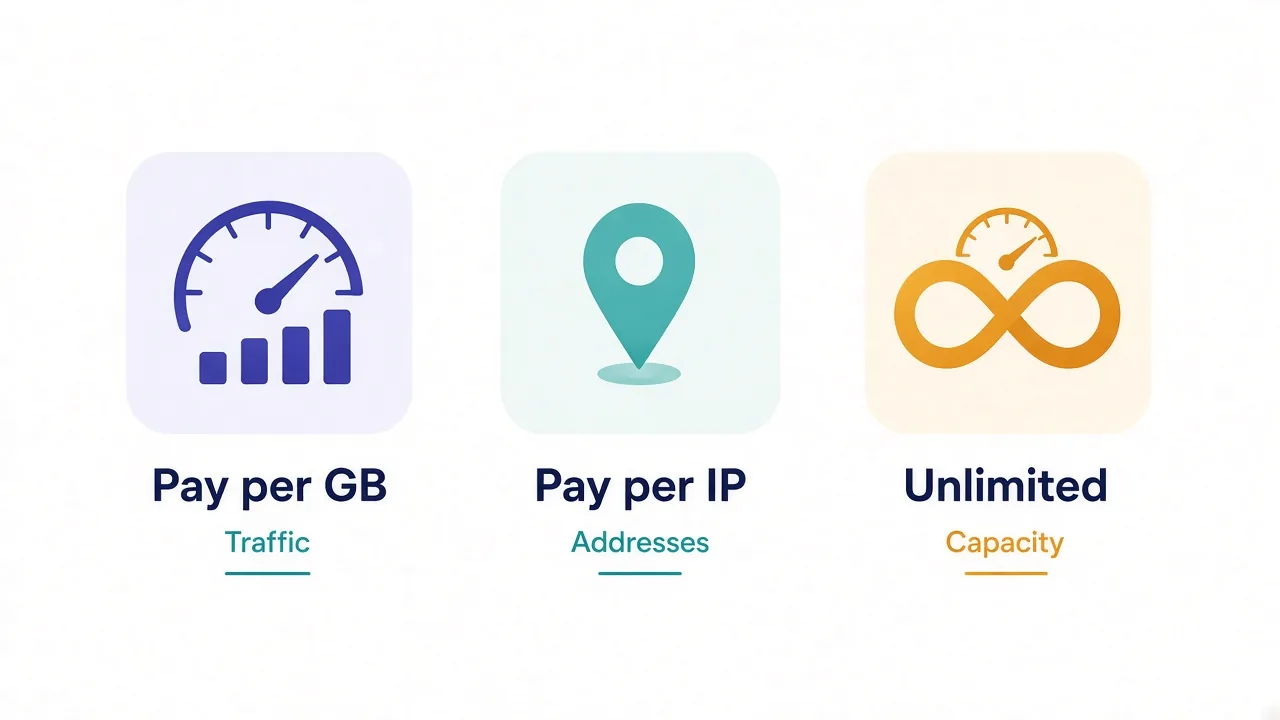
Here's the plain answer: residential proxy pricing comes in three models. You pay per GB of traffic, per IP address, or a flat fee for "unlimited" use. Each one is cheapest for a different kind of work.
Which one is yours? That depends on your traffic, and on one line most pricing pages bury. We'll get to that line. First, let's see what you're paying for.
What are you paying for with a residential proxy?
A residential proxy sends your requests through a real home internet connection. The site sees a normal household IP, not a server in a data center.
That connection belongs to somebody. Providers get access through apps where users opt in to share spare bandwidth. They pay for that access one way or another.
So the scarce thing isn't the IP address. It's the traffic flowing through someone's home router.
That one fact explains almost every pricing page you'll see. Providers charge for the resource that costs them money. For rotating residential pools, that's bandwidth.
Static residential IPs are different. There, the provider reserves one address just for you, so the address itself becomes the scarce thing. Hold that thought, because it decides when per-IP pricing wins.
Pay-per-GB: why it's the default for residential proxies
Pay-per-GB is the model you'll meet first. You buy a bundle of traffic, say 10 GB, and every byte you send or receive through the proxy counts against it.
It's by far the most common way to price rotating residential access. We checked our own directory: as of November 2026, 26 of the 27 residential listings we track start on a per-GB price. The odd one out starts on a monthly plan.
The entry prices spread wide. Our cheapest starting price is $0.85 per GB, and our most expensive is $8 per GB.
Most providers sit near the middle, around $2.50.
Read the starting price carefully
A "from" price usually needs the biggest bundle or a long commitment. Small top-ups often cost two or three times more per GB.
Why do people like it? You only pay for what you use, and you get the whole rotating pool. Thousands of IPs, every request on a fresh address if you want, with no extra charge per IP.
The catch is predictability. Your bill tracks your page weight, and page weight is hard to guess before you start.
A text-only API call might weigh a few kilobytes. A product page with scripts and images can weigh a few megabytes. Same number of requests, very different bills.
How fast will you burn through a GB bundle?
You can estimate it in two minutes. Take the average size of one page load, multiply by the number of pages, and add room for retries.
Say you check 50,000 product pages a month and each one weighs 1.5 MB once loaded. That's about 75 GB before a single retry.
Now say one request in five gets blocked or times out and you try again. Your real usage climbs to around 90 GB.
Cut the images and fonts, and that same job might drop to a third of the traffic. Blocking heavy assets is the cheapest discount you'll ever get on a per-GB plan.
| Workload | Typical page weight | Pages per GB (rough) |
|---|---|---|
| JSON or API endpoints | Tens of KB | Tens of thousands |
| Plain HTML, no assets | 100–300 KB | 3,000–10,000 |
| Full page in a headless browser | 1–3 MB | 300–1,000 |
| Video or image-heavy pages | 5 MB and up | Under 200 |
Those ranges are rules of thumb, not measurements of any one site. Measure your own target with a few test requests before you buy. Our guide on how many GB of proxy bandwidth you need walks through the math in more detail.
Pay-per-IP: when you're renting an address, not traffic
Per-IP pricing flips the logic. You pay a fixed fee for each address, usually per month, and traffic is often included or capped generously.
In residential land, you'll mostly see it on static residential and ISP proxies. These are addresses registered to consumer internet providers that stay the same for weeks or months.
Remember the scarce thing from earlier? With a static IP, the provider reserves an address just for you. That's why they charge for the address, not the gigabytes.
In our directory, static residential IPs start at about $3 per IP per month, and ISP proxies start lower on some providers. Those are entry prices, so expect more for premium locations.
Per-IP shines when identity matters more than volume:
- Running social or marketplace accounts that need the same IP every login
- Long checkout or booking sessions that break if the IP changes
- Heavy traffic through a small, fixed set of addresses
- Allowlisting an IP with a partner or an internal tool
Where does it hurt? Scale. If you need 5,000 different IPs for a crawl, paying for each one gets expensive fast. A rotating per-GB pool hands you the same variety for a fraction of the cost.
There's a second catch. A static IP can get "used up" on strict sites.
Once a platform flags it, you keep paying for an address that keeps getting blocked. Ask about replacement rules before you buy.
If you're unsure which type you need, our breakdown of static vs dynamic IP proxies helps.
Unlimited residential proxies: what does "unlimited" really cap?
Unlimited plans sound like the obvious winner. Pay one flat fee, send as much traffic as you like, never check a usage meter again.
In practice, "unlimited" almost always means unlimited bandwidth with a different limit somewhere else. The usual suspects:
- A cap on concurrent threads or ports
- A speed limit per connection
- A time window, such as per day or per month
- A fair-use clause that lets the provider throttle heavy users
- A smaller or lower-quality IP pool than the per-GB product
None of that makes unlimited plans bad. It just means you're buying capacity, not bandwidth. The real question is whether your job fits inside the hidden cap.
Say you stream media checks or download large files all day through a handful of threads. A flat plan can cost far less than paying for every gigabyte.
Now say you need 500 parallel threads to finish a crawl in an hour. A plan capped at 50 threads turns that hour into ten. Cheap per GB, expensive in time.
Check the pool before you check the price
Ask what IP pool the unlimited plan uses. If it's a separate, smaller pool, your block rate can climb and erase the savings.
Residential proxy pricing models side by side
Here's how the three models compare on the things that change your monthly bill.
| What matters | Pay-per-GB | Pay-per-IP | Unlimited |
|---|---|---|---|
| You pay for | Traffic | Each address | Time and capacity |
| IP variety | Whole rotating pool | Only the IPs you buy | Varies by plan |
| Same IP for weeks | No (sticky sessions only) | Yes | Rarely |
| Bill predictability | Low until you measure | High | High |
| Best for | Scraping and rotation | Accounts and long sessions | Heavy, steady traffic |
| Main risk | Surprise overage | Flagged IPs you still pay for | Thread caps and throttling |
Notice that per-GB doesn't give you weeks on one IP.
It gives you sticky sessions instead. The same IP holds for a set time, from minutes to hours depending on the provider. For many tasks that's enough. Our guide on sticky vs rotating proxies explains when it isn't.
The line on the pricing page that can double your bill
So what's the line we promised at the start? It's the one that says what counts as billable traffic.
On a per-GB plan, every blocked page, CAPTCHA page and timeout still moves bytes.
Some providers bill all of it. Others say they only charge for successful requests. That difference alone can swing your bill a long way on a tough target.
Think about it. If half your requests fail on a strict site, and failures count, you're paying for twice the data you can use.
A few other quiet costs sit next to it:
- Traffic that expires at the end of the month instead of rolling over
- Higher rates for city-level or ASN targeting
- Minimum spend or long commitments for the advertised price
- Separate charges for premium countries
- Pay-as-you-go rates far above the bundle price
None of these show up in the big number at the top of the page. All of them show up on your invoice.
Ask before you pay
Email support and ask one question: "Do failed or blocked requests count toward my GB?" Get the answer in writing.
Which residential proxy pricing model fits your workload?
Start with what your traffic looks like, not with the cheapest headline price. Here's the decision rule we'd use.
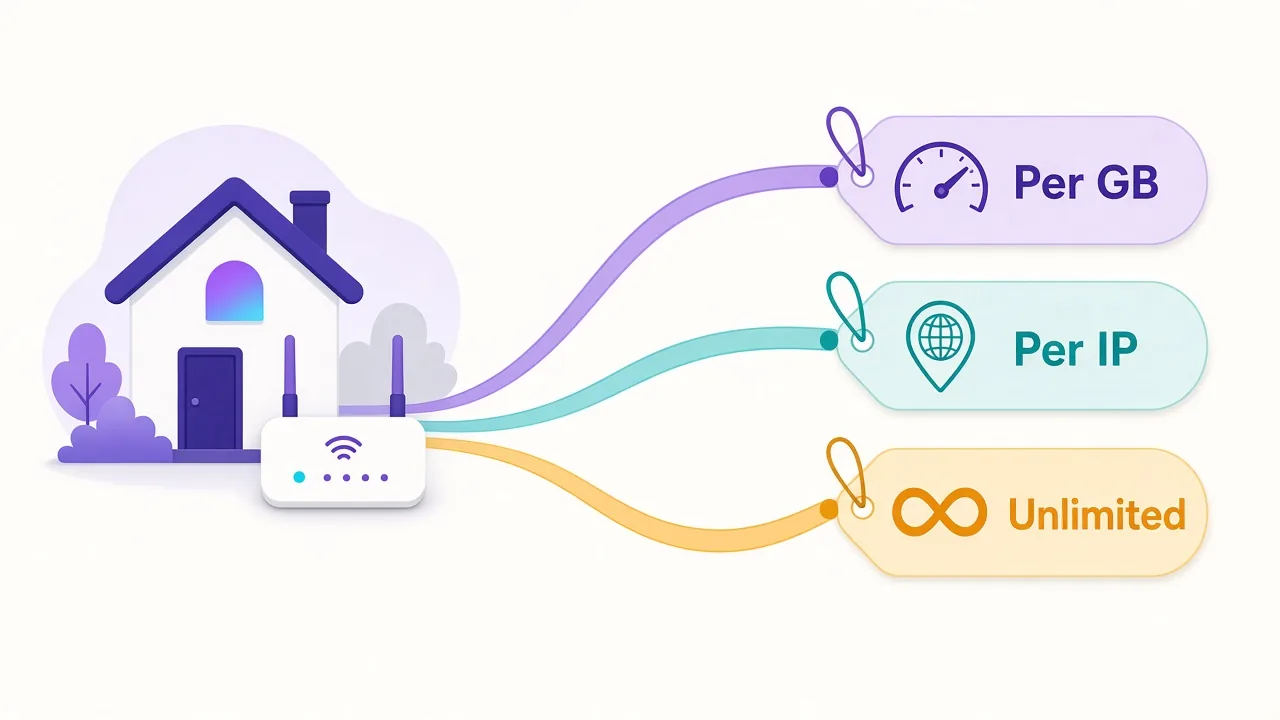
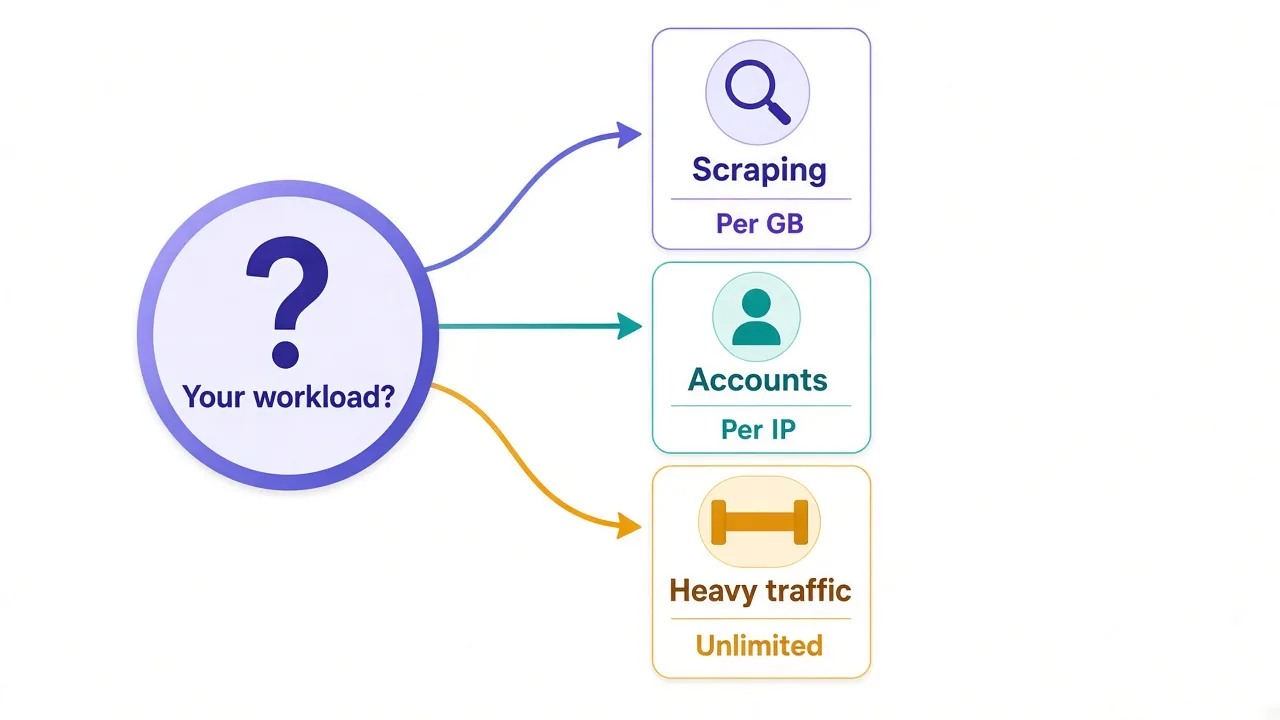
Scraping lots of pages across many IPs? Go per-GB. You get the full pool, and you can shrink the bill by trimming page weight.
Running accounts that should always log in from the same place? Go per-IP. Paying a few dollars a month per account beats a ban that wipes them out.
Moving huge, steady traffic through a few connections? An unlimited plan can win, as long as the thread cap and pool quality fit.
Mixed workload? Plenty of teams split it. They run per-IP addresses for logins and a per-GB pool for data collection. Two small plans often beat one big compromise.
And if you only need a few hundred requests a day? Check whether a scraping API would be simpler. We compare both in scraping API vs proxies.
Where each model shows up in our directory
Most big residential providers sell per-GB access as their main product. Many also sell static or ISP IPs per address on the side. A few lean hard into low per-GB prices.
DataImpulse is a good example of the budget per-GB approach, with a low starting rate and simple top-ups. The trade-off is fewer premium extras than the enterprise players. Our DataImpulse pricing breakdown covers the details.

Transparent pay-as-you-go residential proxies with no minimums
IPRoyal sells residential traffic per GB and also offers static IPs. That's handy if you want both models from one account. Pricing details live in our IPRoyal pricing guide.

Flexible proxies with true pay-as-you-go.
Decodo, formerly Smartproxy, sells per-GB residential plans with a polished dashboard and per-IP datacenter options. It costs more than the budget tier but is easy to run. See our Decodo (Smartproxy) pricing guide.

Powerful proxies without the enterprise price tag.
Live Proxies leans toward private, account-friendly IPs and lists static residential addresses per IP. It suits multi-account work more than giant crawls.

Curated, private residential pools for US, UK and EU targets
How to test a plan before you commit
Pricing pages can't tell you what your job will cost. A short test can. Here's a simple routine:
- Buy the smallest bundle or trial the provider offers.
- Run a few hundred real requests against your actual target.
- Note the data used, the success rate and the average response time.
- Work out cost per successful page, not cost per GB.
- Repeat with a second provider and compare.
Cost per successful page is the number that matters. Picture a $2 per GB pool with a 60% success rate.
It can cost more than a $5 pool that succeeds 95% of the time.
Why? Because the cheap pool burns data on every failure and forces retries. The pricier pool gets the page on the first try.
Pro tip
Run your test at the time of day you'll really scrape. Pool quality and speed can shift between quiet and busy hours.
Free proxies look tempting at this stage. They rarely survive a real test, and our look at free vs paid proxies explains why.
So, which pricing model should you pick?
Pick the model that charges for the thing you use least.
Light pages and lots of IPs? Pay per GB. A few identities that need to stay put? Pay per IP. Heavy, steady traffic through a few threads? Look at unlimited, then read the caps.
Whatever you choose, measure cost per successful page and ask whether failed requests count toward your bill.
Ready to compare real numbers? Browse the residential proxy providers in our directory or start with our list of the best residential proxy providers.
The right plan is the one you outgrow slowly.
Frequently asked questions
Most residential proxies are priced per GB of traffic you send and receive. Static residential and ISP IPs are usually priced per IP per month, and some providers sell flat-rate unlimited plans with thread or speed caps.
Pay-per-GB is usually cheaper when you need many different IPs, like for scraping. Pay-per-IP is cheaper when a few fixed addresses carry a lot of traffic or long logged-in sessions.
Usually only the bandwidth is unlimited. Most plans cap concurrent threads, speed or time, or apply a fair-use policy, so check those limits against your workload before buying.
As of November 2026, starting prices in our directory run from $0.85 to $8 per GB, with most providers around $2.50. The advertised low rate usually needs a large bundle or commitment.
It depends on the provider. Some bill every byte, including blocked pages and timeouts, while others say they charge only for successful requests, so ask support before you buy.
Compare cost per successful page, not cost per GB. Run a small test on your real target, record data used and success rate, then divide what you spent by the pages you actually got.